(c) Copyright by OpusXenta Pty Ltd. All rights reserved.
User Management
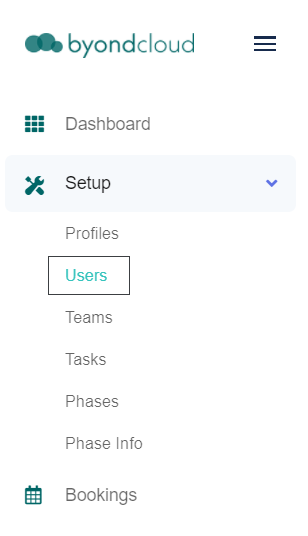
Click on the Users tab under the Setup drop-down menu in the sidebar to access the User Management page.
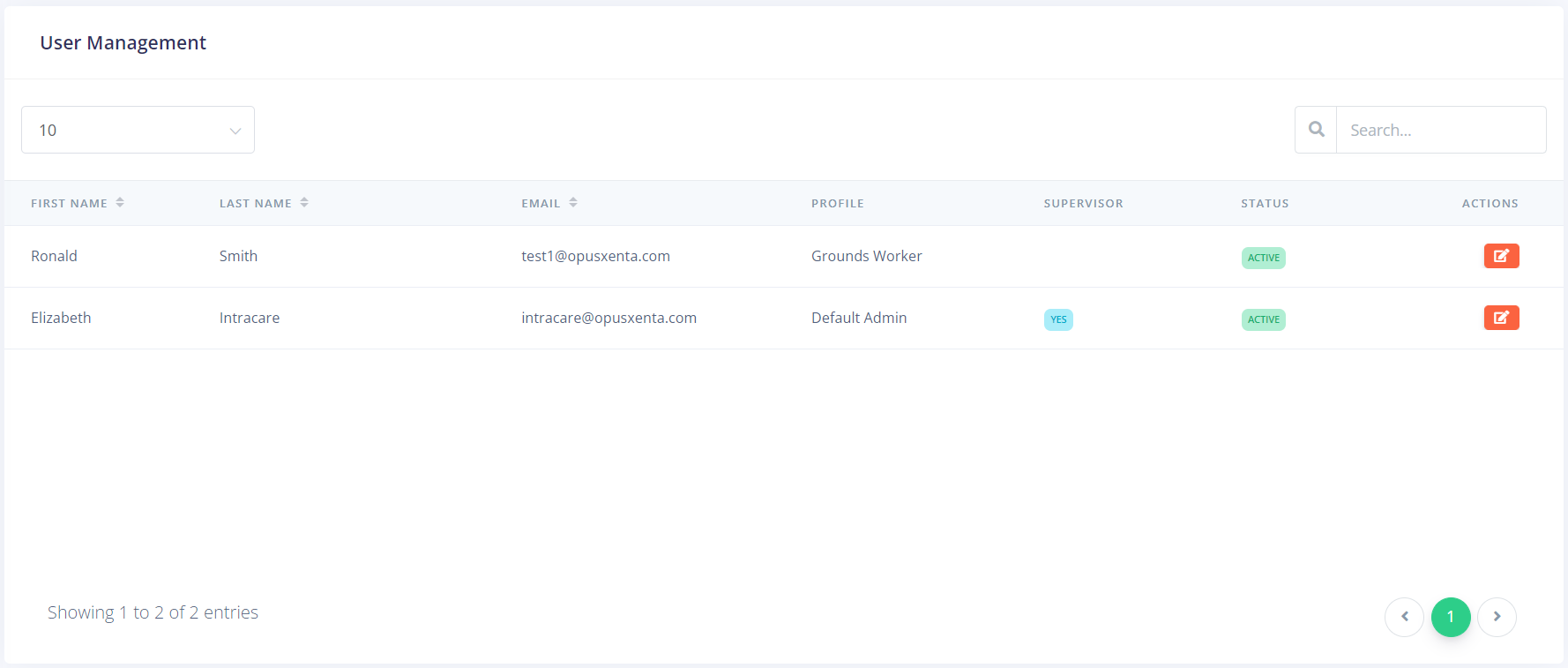
The User Management screen lists all current users.
These users are synced from the connected instance of byondcloud. To see how to create new users or change information such as the user's email or password, refer to the Manage Users section of the guide.
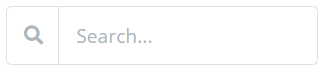
If you have manyusers, you can use the Search field in the topright to narrow your options by their first and / or last name, email, profile, or status; or you can type 'supervisor' to search forusers set as supervisors.
You can also change the number of entries viewable on each page by using the drop-down in the top, left.