(c) Copyright by OpusXenta Pty Ltd. All rights reserved.
Configuration
This section of the guide will focus on how to set up a cemetery account on Task Manager.
Tasks and phases are setup in Task Manager to ensure that they are completed in a logical order for the process.
Once configuration is complete, Task Manager will guide operational staff through the correct job sequence to complete their safety checks and tasks before the commencement of the service.
Setup and Preparation Required
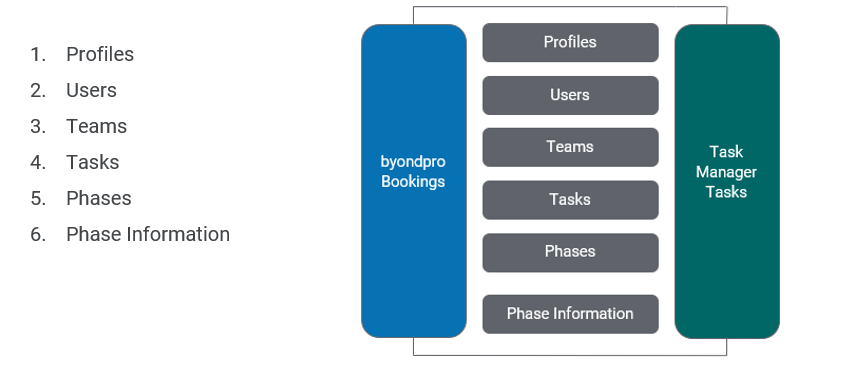
In preparing the Task Manager tool for operation, administrators need to configure the following areas of Task Manager:
Refer to the following topics for detailed instructions on setting up Task Manager:
Guides the administrators through the creation of profiles, users, and teams; and describes the process by which teams can be automatically assigned to jobs.
Guides the administrators through the creation of phases and tasks, and describes the process by which they are sequenced for logical, organised workflows.