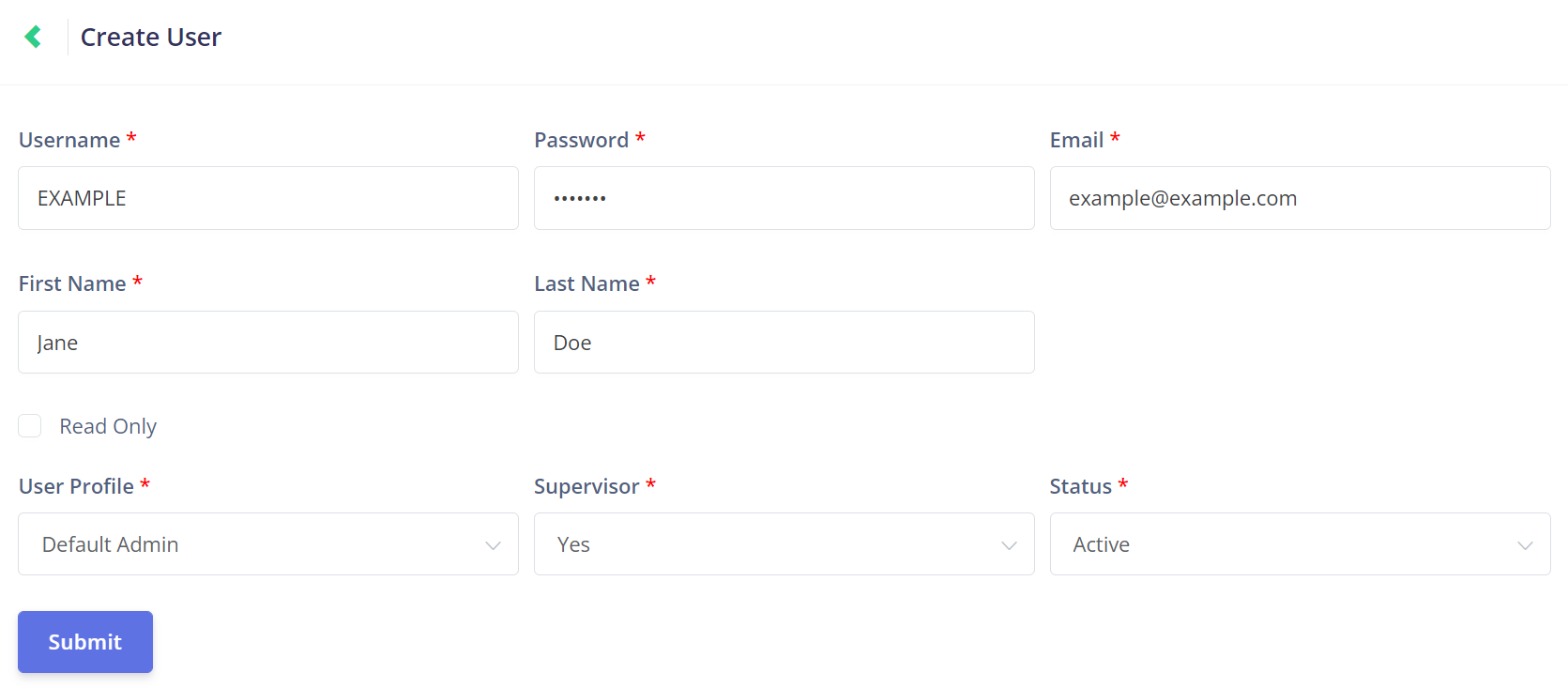
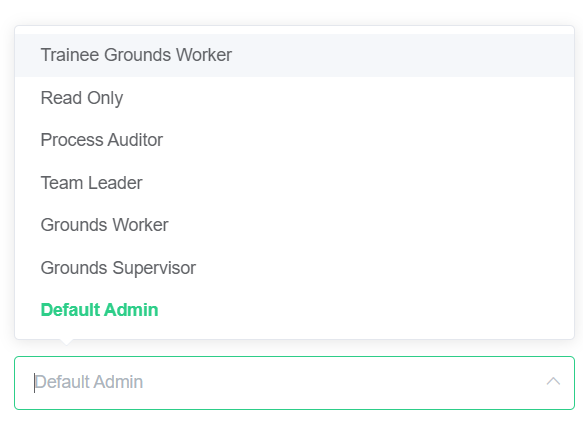
The profile selected above will likely indicate to you whether your new user is a supervisor.
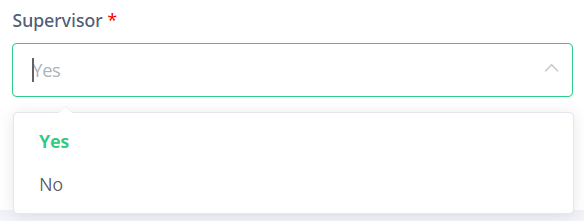
Simply select yes or no from the Supervisor drop-down.
This will determine whether the new user has supervisor access, which will determine whether they can complete phases, as shown in the Phase Completion topic inSupervisor Processes.
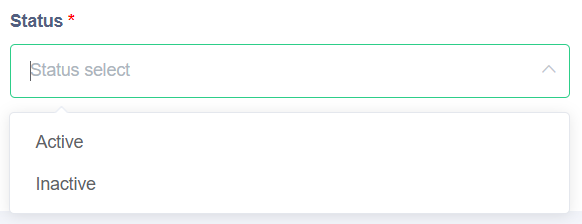
Finally, the Status field determines whether the account will be Activeor Inactive.
An Inactive account is inaccessible and cannot login to the software.
It may be preferable to use this function rather than deleting the user in some situations.
Once all the required fields have been completed, click the Submit button to save the new user setup save the new user setup.