(c) Copyright by OpusXenta Pty Ltd. All rights reserved.
Print Transaction
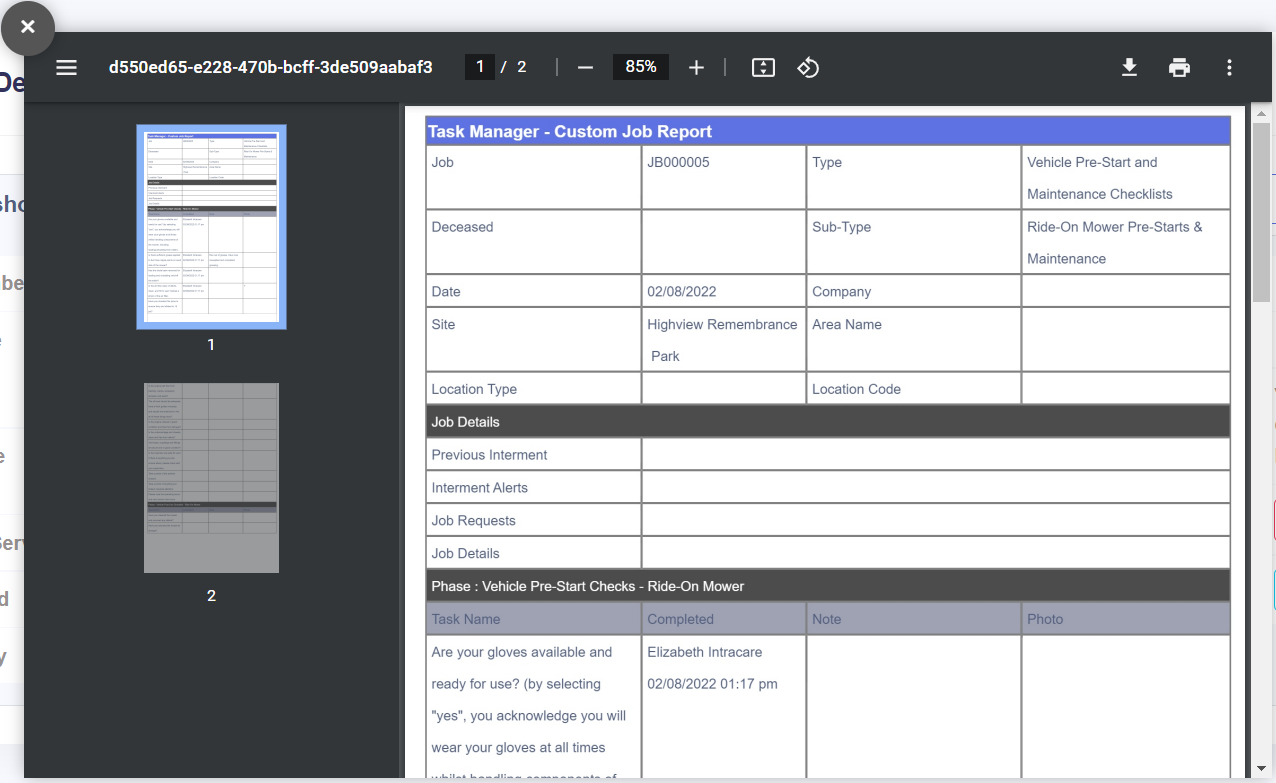
A printable job report can be generated on the Job Snapshot tab by clicking the Print Transaction button on the right-hand side of the screen.
This button will open a print preview screen where the document can be viewed, printed, and downloaded.
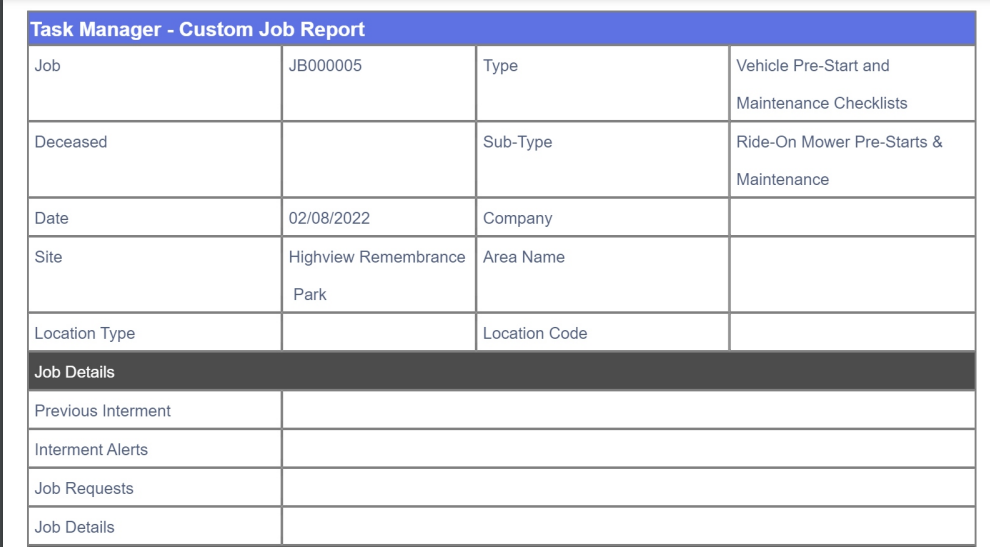
The document gives summary information about the job drawn from the Job Details and Job Snapshot tabs.
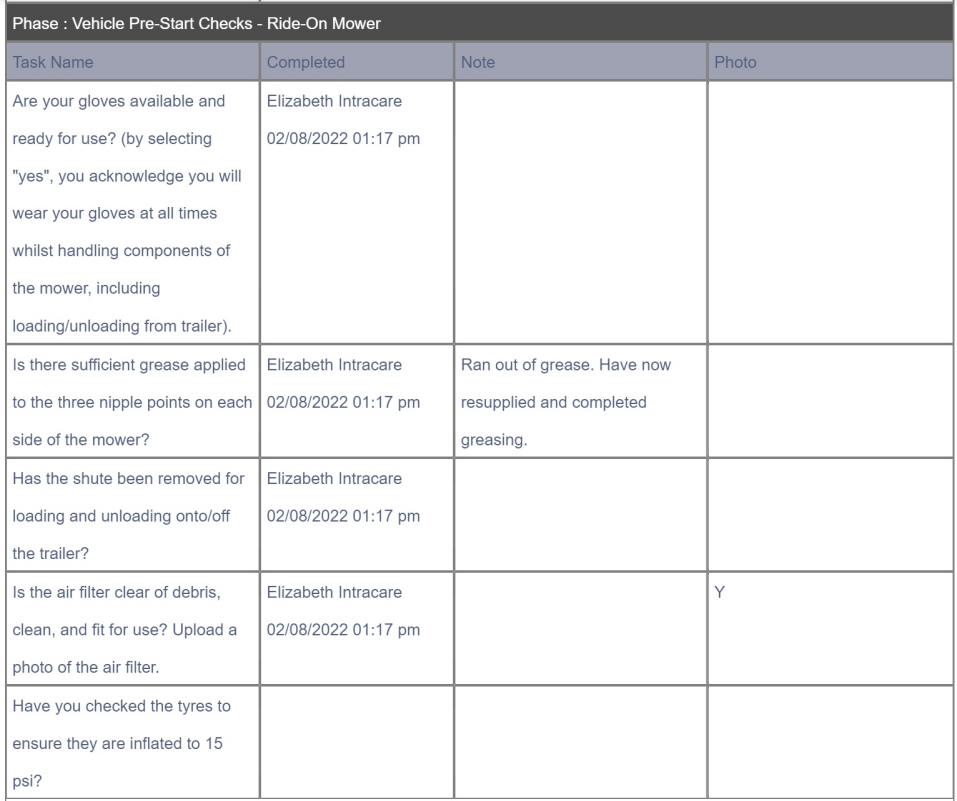
Below the job summary information about the job's phases and tasks are listed. From here, users can see the Task Name, see whether the task has been Completed and when/by whom, read any notes saved on the tasks, and see if any photos have been uploaded on the task.