(c) Copyright by OpusXenta Pty Ltd. All rights reserved.
Job Management
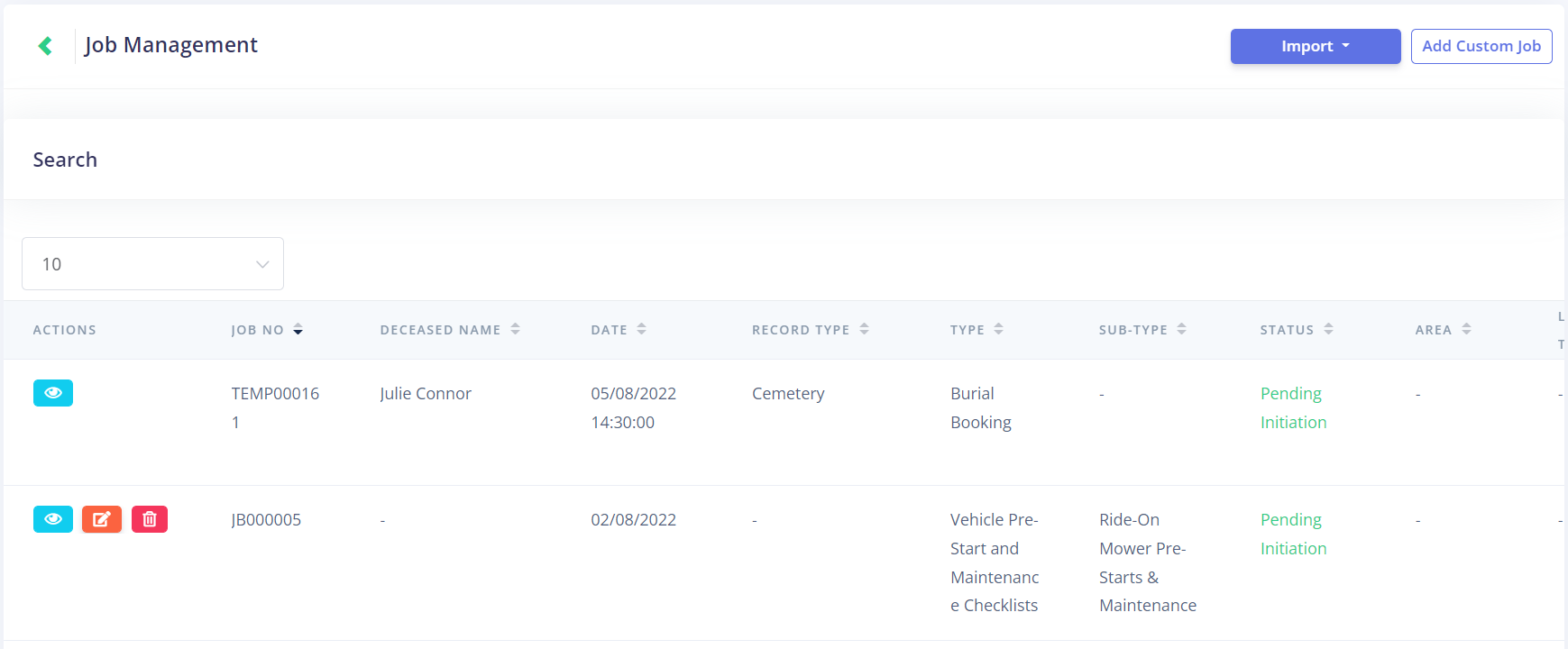
A supervisor will have certain additional functions on the Job Management screen. This includes the ability to import and add custom jobs, open jobs with supervisor pipeline views, and edit/delete custom jobs.
Most of these functions will be explained in the subsequent sub-topics.
To delete a custom job, click the Delete button under the Actions tab. This function is only available on custom jobs, as jobs coming from byondpro cannot be altered within Task Manager.