(c) Copyright by OpusXenta Pty Ltd. All rights reserved.
Phase Info Management
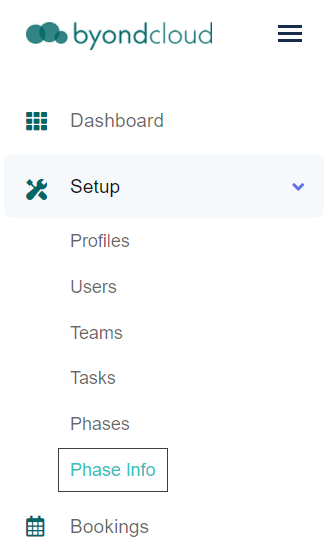
Click on the Phase Info tab under the Setup drop-down to access the Phase Info Management page.
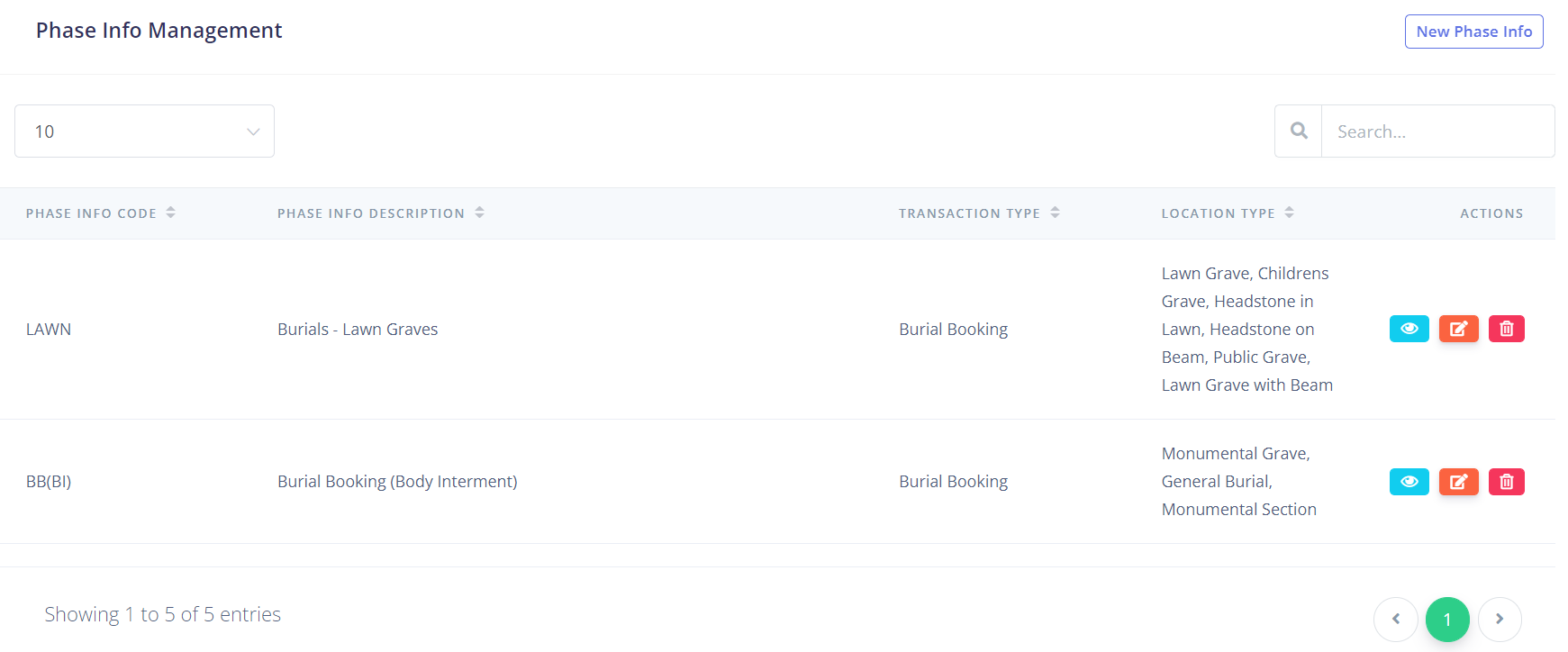
The Phase Info Management screen displays a list of all the phase info entries.
If you have many phase info entries, you can type the phase info code, description, transaction type, or location type into the Search field in the top right-hand side of the screen to narrow your options, or you can change the number of entries viewable on each page by using the drop-down in the top left-hand side of the screen.
There is also a function to delete aphase info entry by clicking the red delete button under the Actions column.