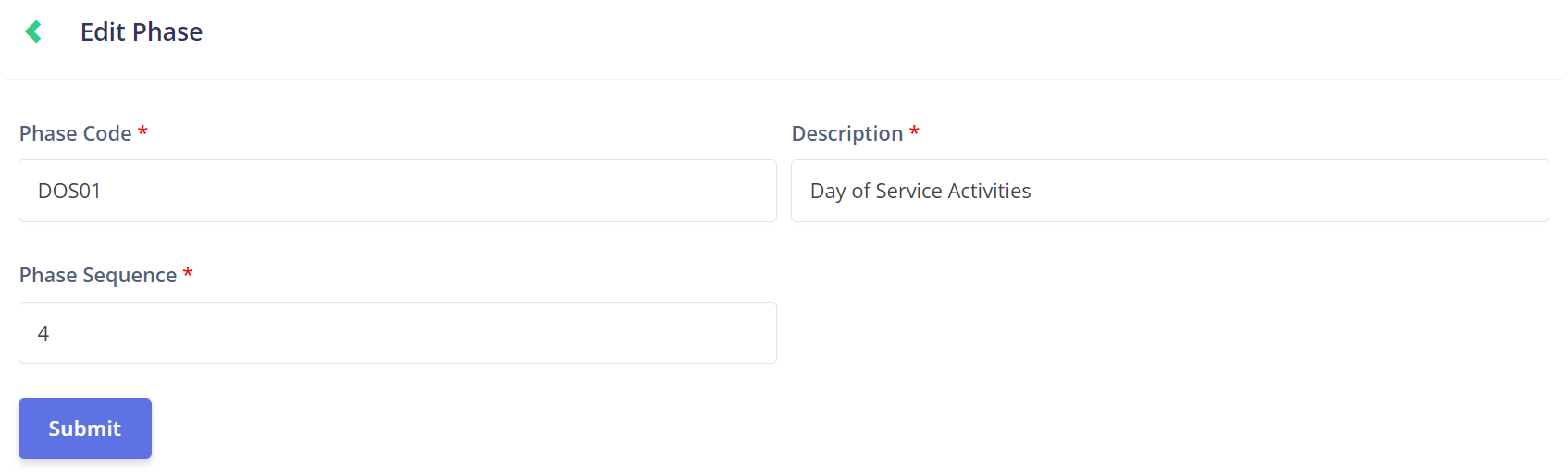
Click on the Edit button under the Actions column on the Phase Management page to open the Edit Phase page.
This page mirrors the Add Phase page.
This page allows the user to change the Phase Code, Description, and Phase Sequence of the Phase.
Changing the phase sequence won't change the sequence in any current job, however, will alter the sequence of future jobs.