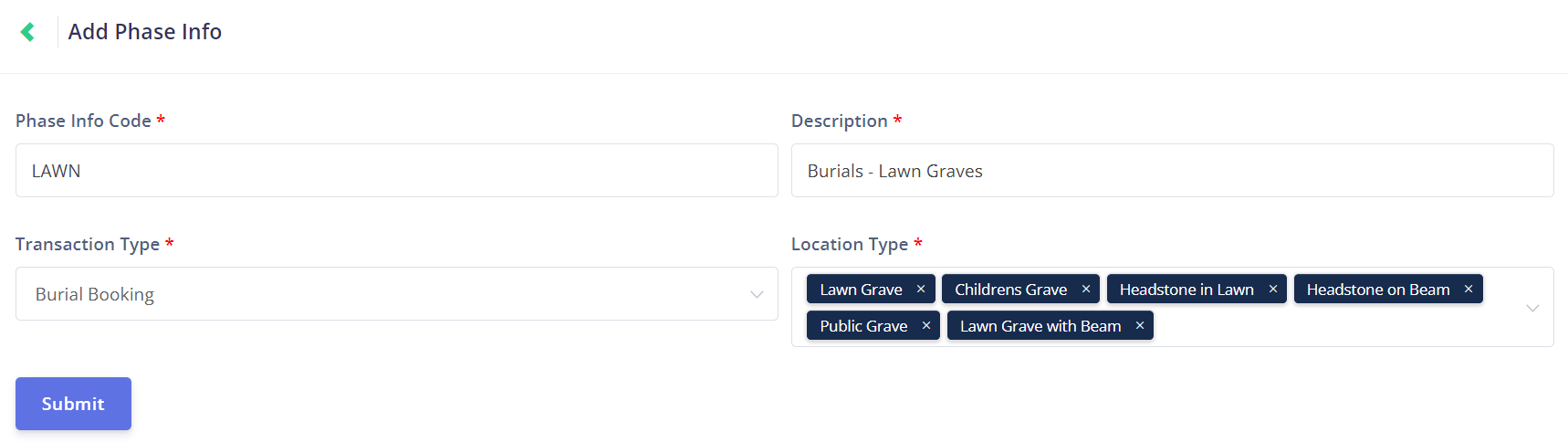
Click the New Phase Info button at the top of the Phase Info Management page to open the Add Phase Info page.
This page allows you to create new phase info entries.
When creating a new phase info entry, the Phase Info Code is a unique identifier that is used to organise and locate phase info entries.
If you have already used the phase info code in another entry, the following alert message will appear, and you must choose another code.
Create a Description that will indicate what kind of transaction and / or location type the phase info applies to.
Next, add the Job Type to which your new phase will apply.
The transaction types listed mirror those set up on your byondpro account.
If you set the job type to Burial Booking, then any time a burial booking is made in byondpro, this phase will be applied to the Task Manager workflow.
However, this is only true if the job occurs in one of the applied location types for this phase info entry, as explained below.
Select the location type (s) in the Location Type field with any byondpro location types that apply to your phase.
In the given example, any time a Lawn Grave location is used for a Burial Booking transaction in byondpro, this phase will apply to the job in Task Manager.
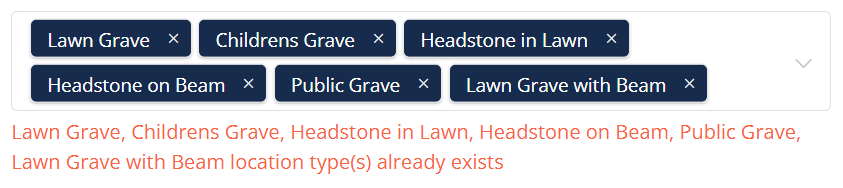
If any of the location types have already been added to another phase info entry, then the following message will appear.
The location type /s will need to be removed from either this entry, or the entry they already exist within.
Once all fields are complete, click the Submit button to save the new phase info.