Creating arrangements allows the funeral director to book appointment times within their resource calendar for their various internal resources. For example, they can create arrangements for their funeral directors, hearses, or chapel buildings. Then, each resource's arrangements for the day can be easily viewed using the
Resource Calendar function.
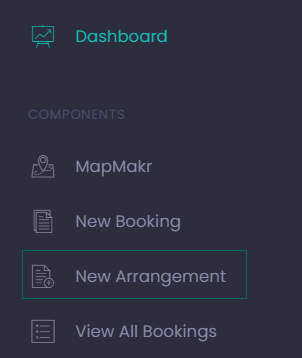
From the Dashboard choose the Create button under New Arrangement or from the side menu, choose New Arrangement.
New Arrangement
The process for creating arrangements mirrors the process for creating a new booking, with a couple of key differences.
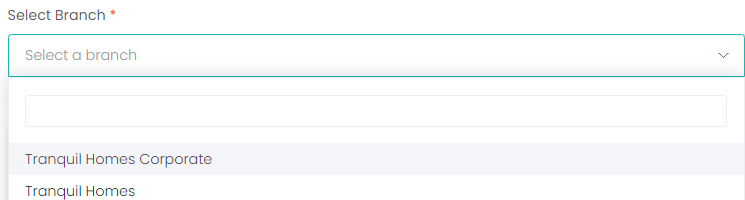
First, select the Branch of your company that is creating the arrangement.
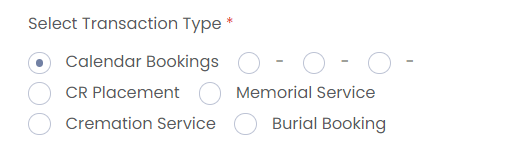
Select the Transaction Type. For an arrangement, the transaction type will usually be Calendar Bookings.
If this were a new booking, we would now need to search for a partnered cemetery site. As arrangements are an internal process and do not sync with external partners, this is not a consideration on this page.
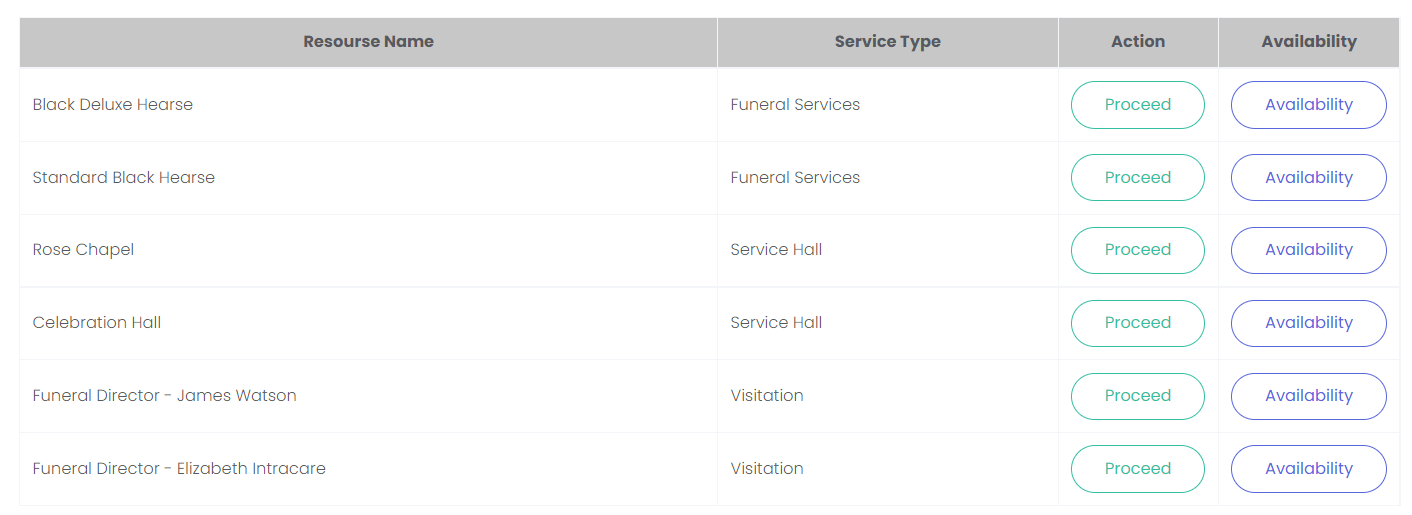
Instead, we have a different Search function. When we search using the provided branch and transaction type, we are presented with a list of resources.
For each resource, we can click Availability to see what appointment times they have open.
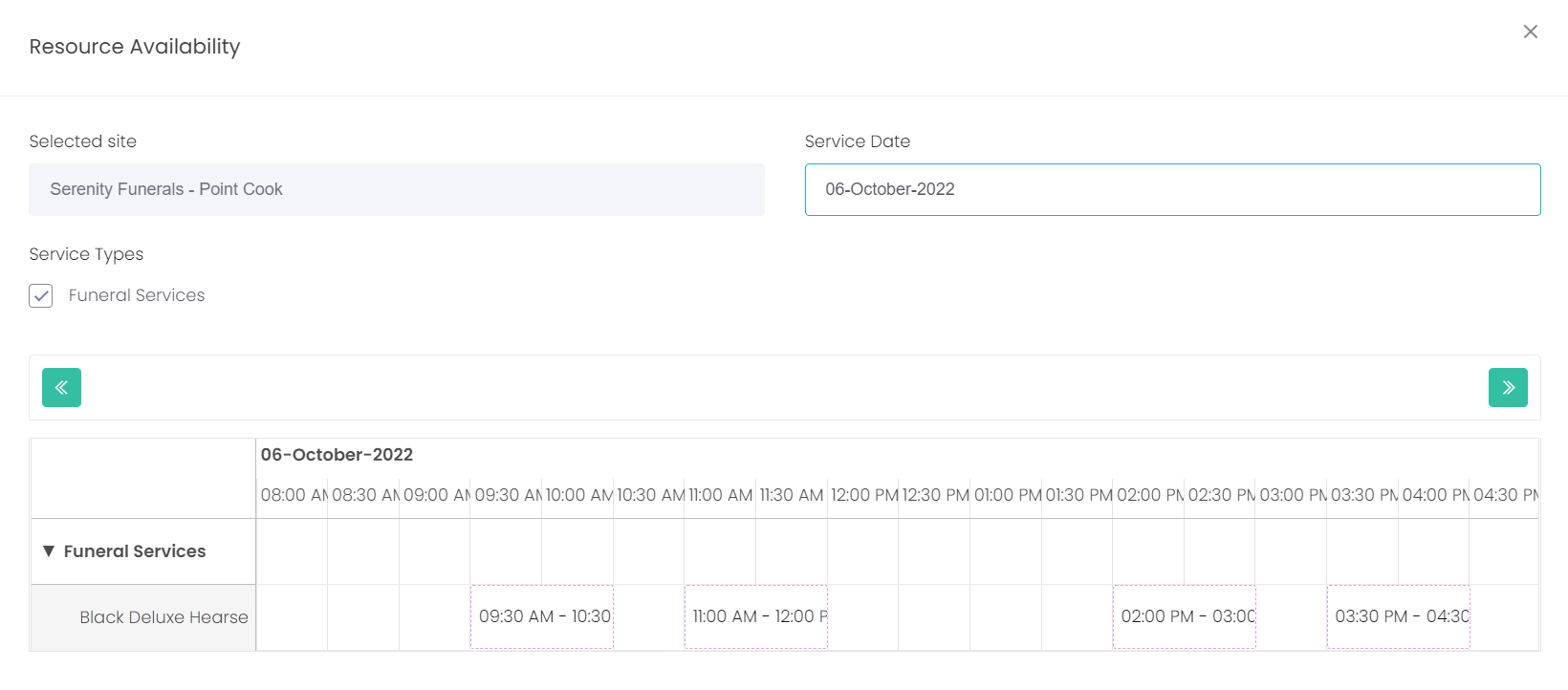
This opens the Resource Availability pop-up screen.
The Selected site will be automatically filled in with the site chosen on the previous screen.
Enter the desired Service Date.
Currently, Arrangements only have one Service Type, so the automatically selected Funeral Services is all we need.
Once the service date has been entered, the resource will be shown below with any open appointment times visible. You can see from our example that we have several open slots on our selected date. You can now close this window and start the process to book one of those open slots.
Click on the cross on the top right of the screen to close out of the availability view.
If you are ready to proceed with placing the arrangement, click Proceed against the chosen resource.