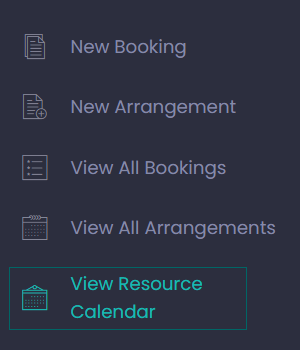
From the Dashboard choose the View button under View Resource Calendar or from the side menu, choose View Resource Calendar.
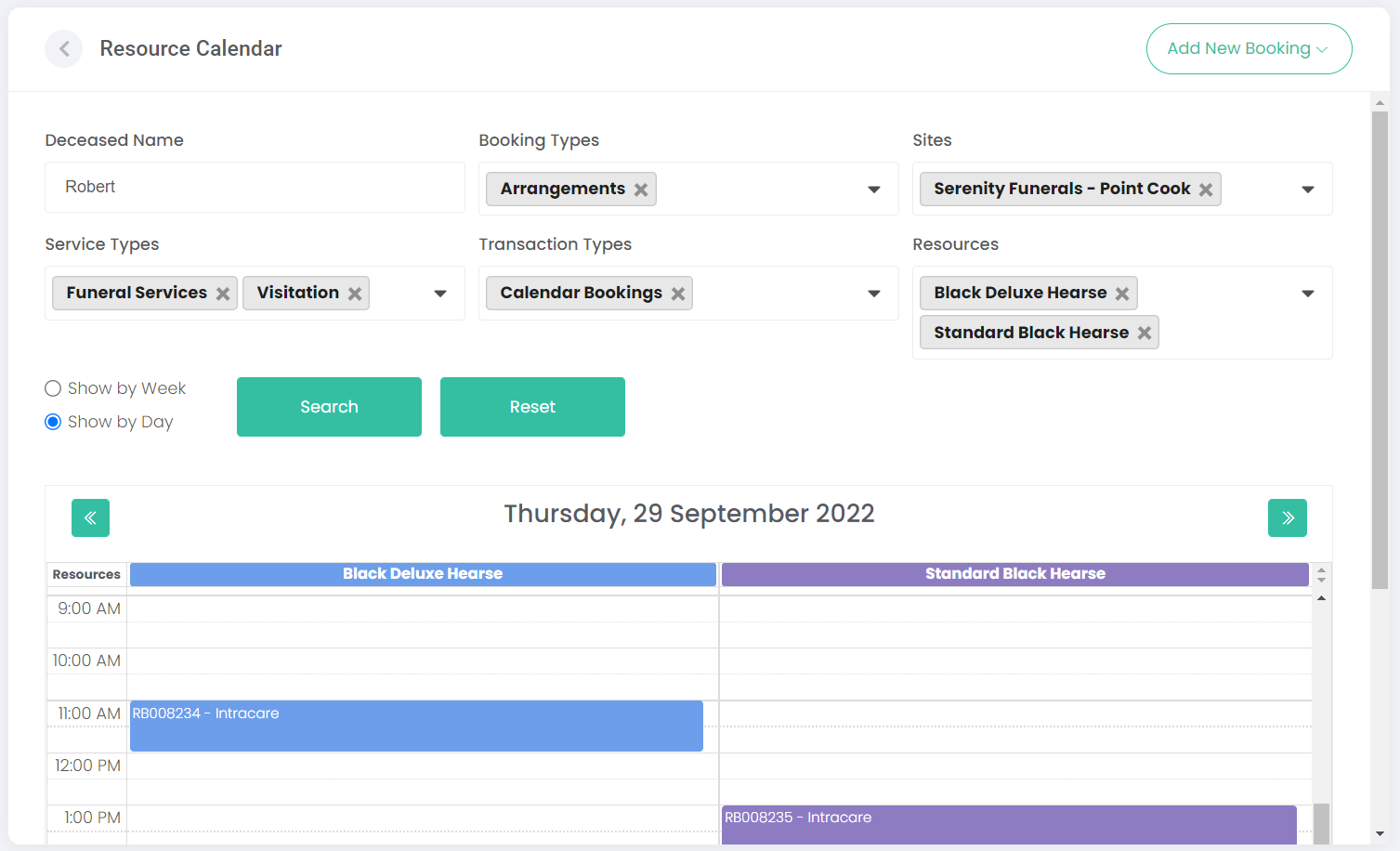
The Resource Calendar allows the funeral director to see their bookings and arrangements in a calendar view.
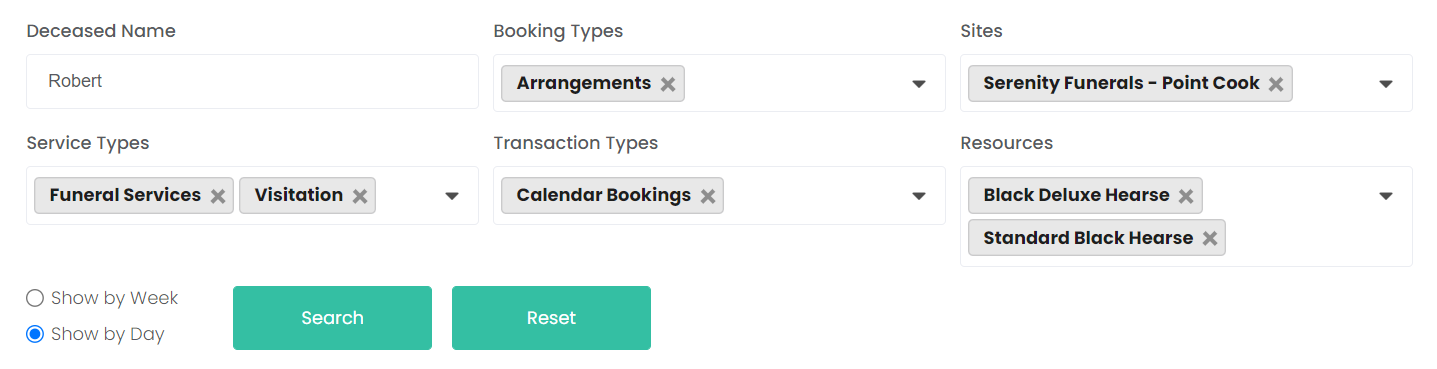
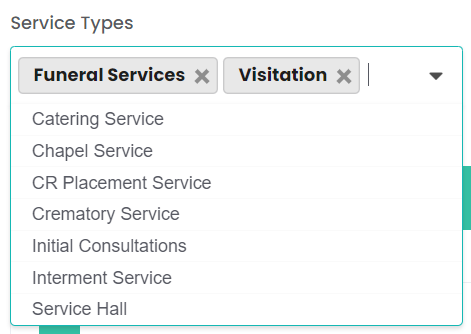
Above the calendar, there are several filters that can change which appointments are shown on the calendar. Users can display the appointments by deceased name, booking types (arrangements or bookings), sites, service types, transaction types, and resources.
Each field (besides Deceased Name) will open a searchable drop-down selection. Users can then find and add each relevant type, site, or resource by selecting it from the list. Individual filters can be removed by clicking the 'X' symbol.
Click Search to generate the calendar based on the above selections or click Reset to clear the search filters.
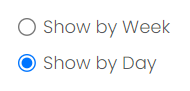
When searching for appointments, the user can view either a daily or weekly calendar by selecting Show by Week or Show by Day.
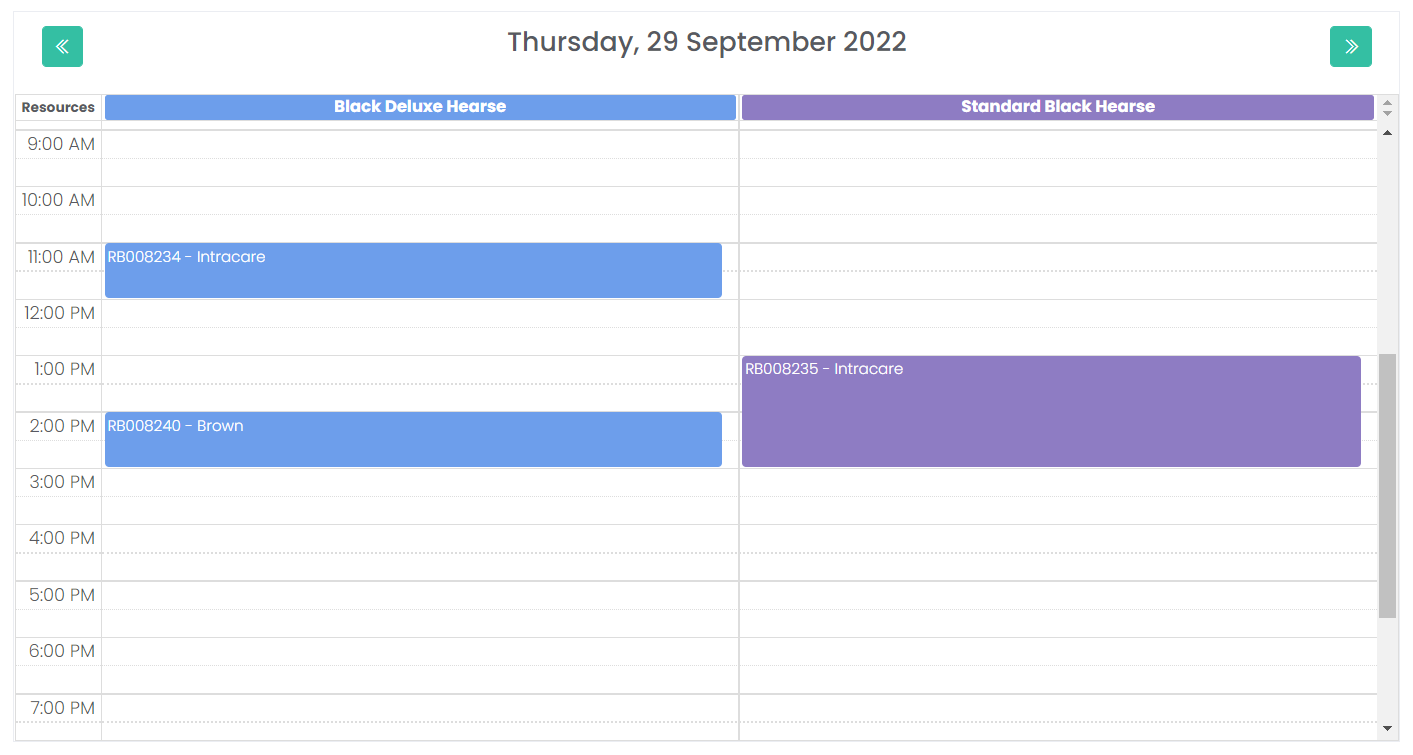
The daily view is shown below, giving us only those resource appointments that occurred on a given day, with the given filters applied. In this example, we are comparing our two hearses' appointment times for a single day, allowing us to see where we have hearse availability.
You can press the left and right arrows in the top corners of our calendar to navigate to the previous or next day.
The appointments on the calendar show the booking number and the surname of the deceased.
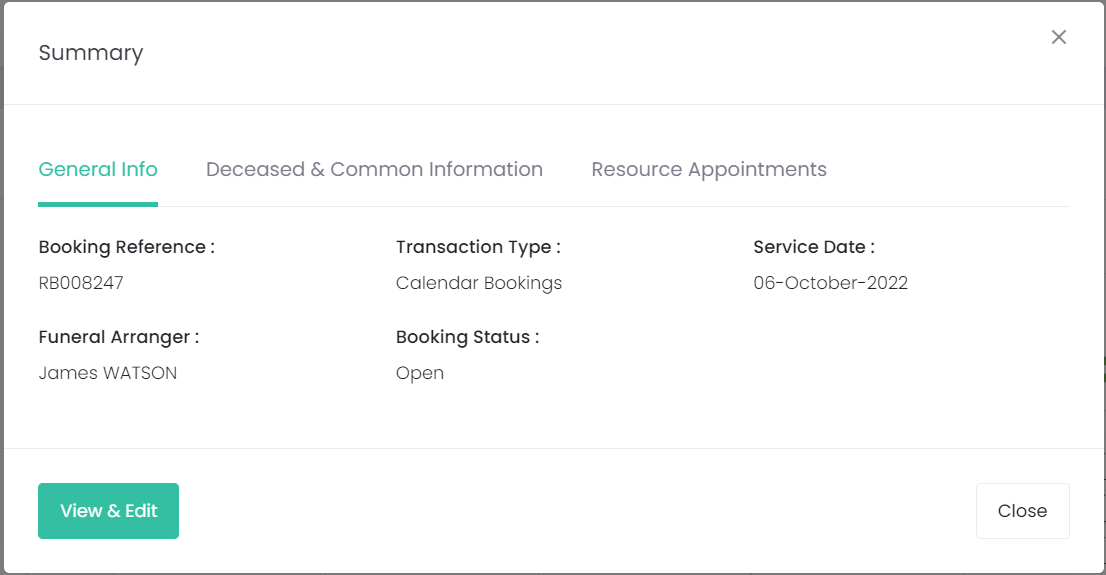
Clicking on a resource appointment on the calendar opens the Summary pop-up window. This window matches the booking/arrangement summary screens previously seen in this guide, showing all the appointment's information at a glance.
You can click View & Edit to open the booking and make changes, if required.
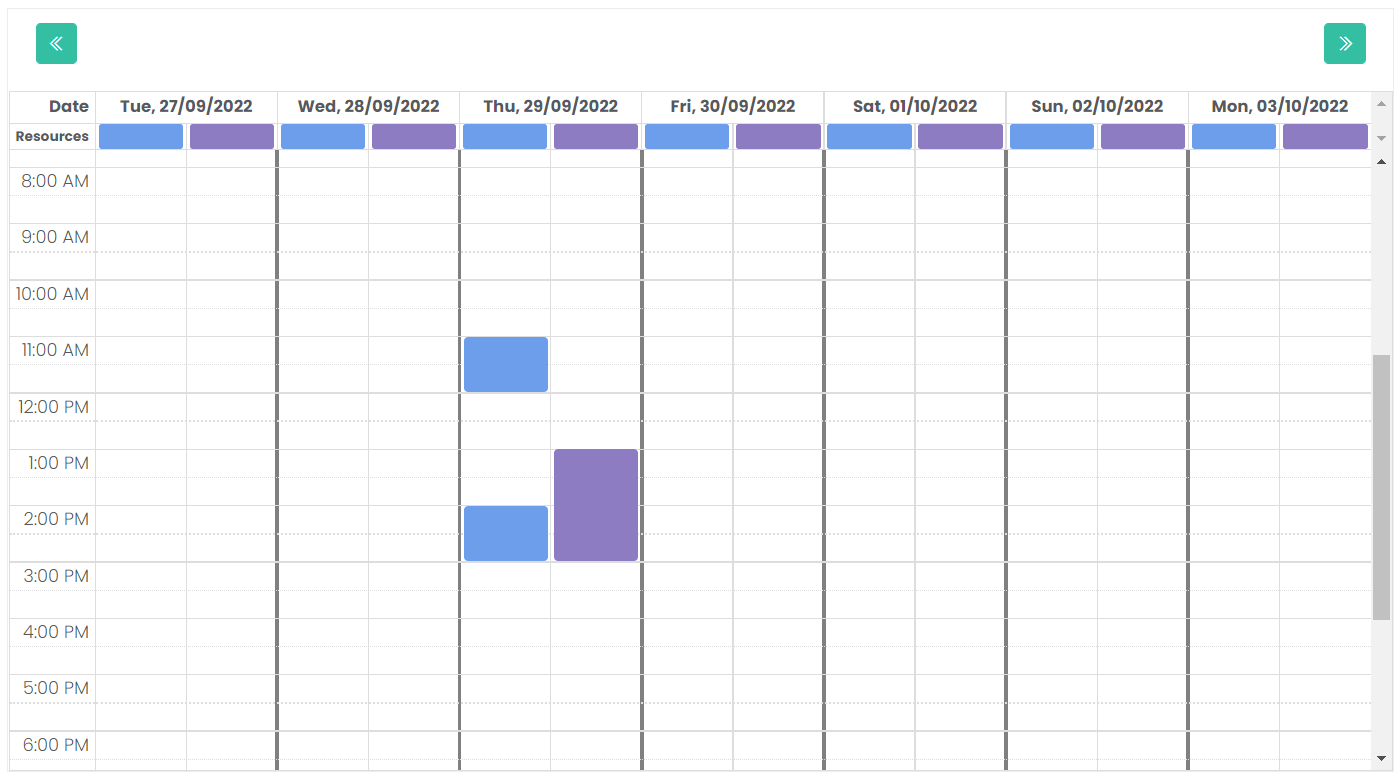
The weekly view is shown below, showing us the entire week.
The view is simplified, hiding the booking number, deceased surname, and resource name. It helps to give each resource a unique colour when configuring the resources in
Manage Sites, making them easier to differentiate in this view.
The left and right arrows now cycle through weeks, rather than days.
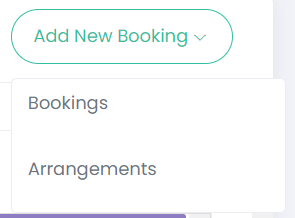
Once the calendar has been reviewed and the funeral director finds any open appointment slots they require, they can create a new booking or arrangement under the Add New Booking drop-down in the top right-hand side of the screen.