(c) Copyright by OpusXenta Pty Ltd. All rights reserved.
Deceased & Common Information
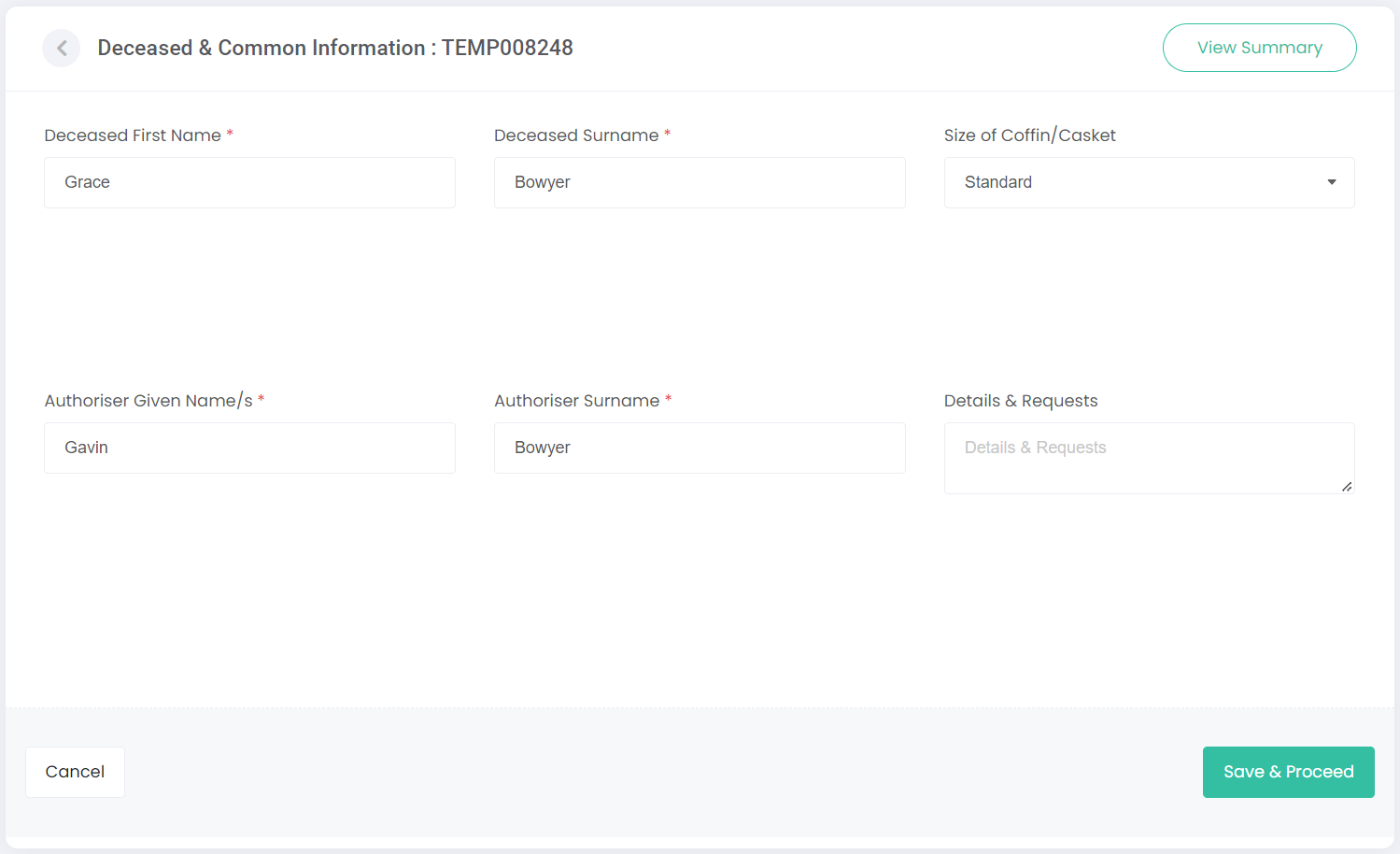
Once a resource has been selected, the first screen to display is the Deceased & Common Information.
Enter the information in each of the fields on this screen. These fields are configured in the Manage Sites section and can vary between funeral home companies, and even funeral home sites within the one organisation.
Any field marked with an asterisk * is a mandatory field and must be populated.
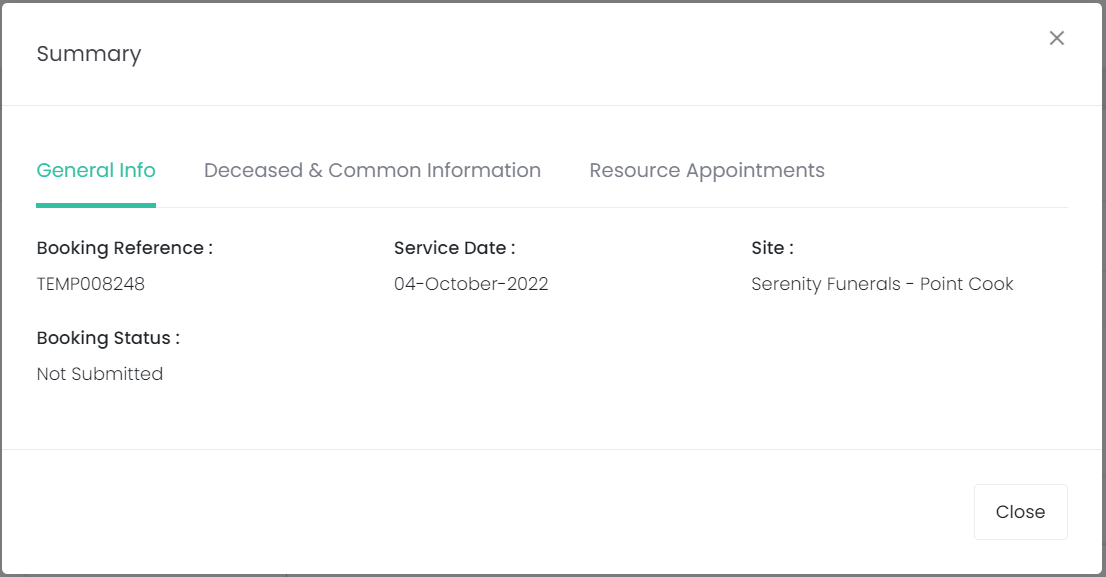
On the top right-hand side of the screen, the View Summary button can be clicked to bring up an overview of the arrangement.
This can be selected on any of the upcoming screens as well, so the user can easily see information entered previously. Click Close or the 'X' symbol to close this pop-up.
Choose Save & Proceed once the information has been entered.