(c) Copyright by OpusXenta Pty Ltd. All rights reserved.
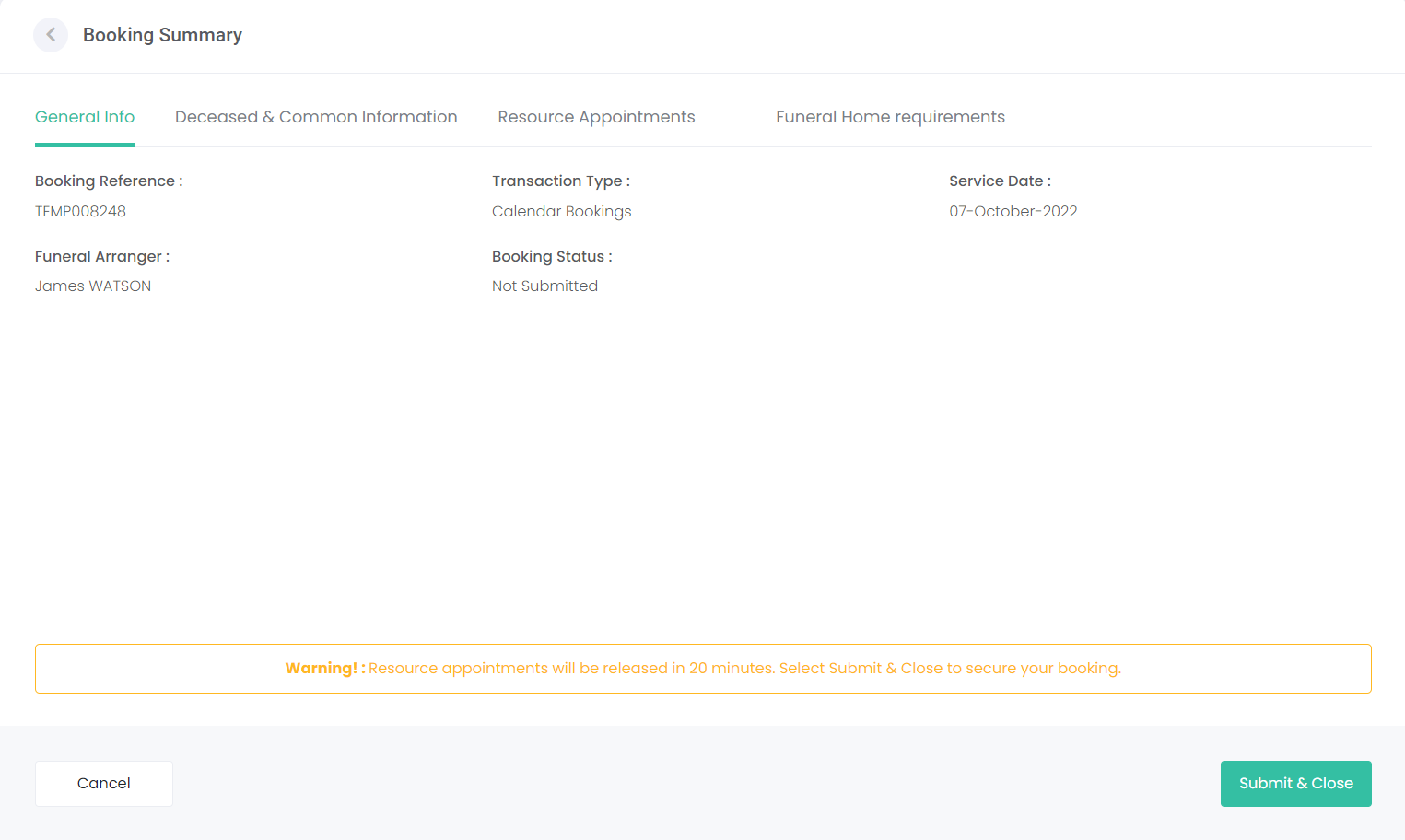
Arrangement Summary
Once all screens have been completed, you will be taken to the arrangement summary.
You can click through the tabs at the top of the screen to review the information entered.
General Info
Deceased & Common Information
Resource Appointments
If you need to edit the information, choose the back button on the top left of the screen and arrow back through the screens to make any changes.
At this stage, the arrangement has not been submitted and will show as a temporary arrangement.
Choose Submit & Close to lock in the arrangement, setting it's status to Submitted.
Note: if the arrangement is not secured within 20 minutes the resource time /s selected will be released; i.e. becomes available to your other users.
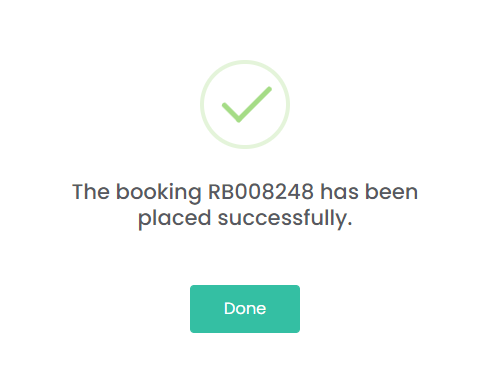
A notification will be displayed on screen confirming the arrangement has been successfully placed, and byondcloud will send an email confirmation to your bookings email account.