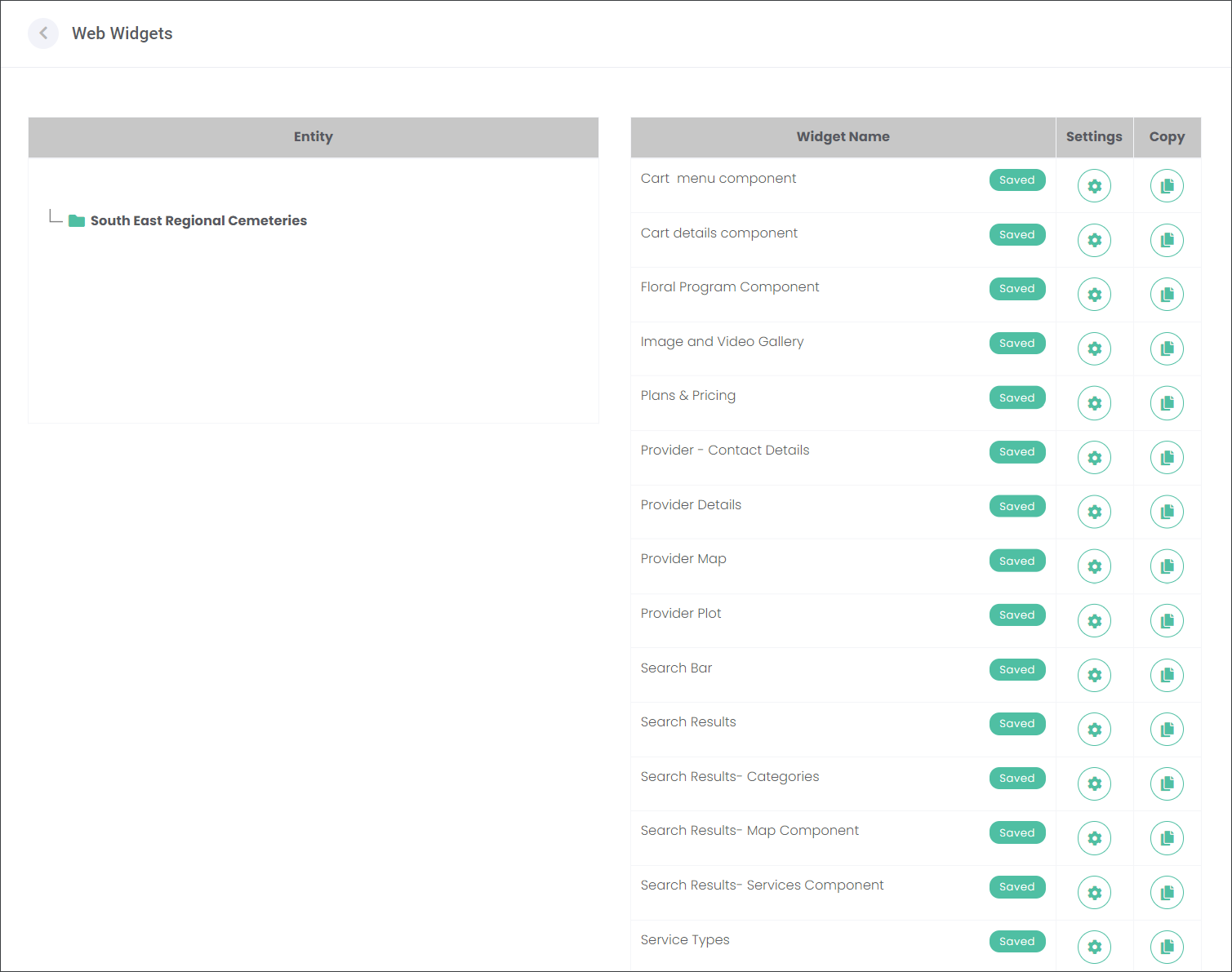
A Website Widget is a piece of code that can be embedded in a website. It then displays information or allows a website user to interact with the website in a specific way. Find out more about the widgets in the What is a widget? section of this guide.
marketmakr Widgets store all information you have entered on the other configuration pages. Your web designer will assist you in embedding marketmakr Widgets into your website.
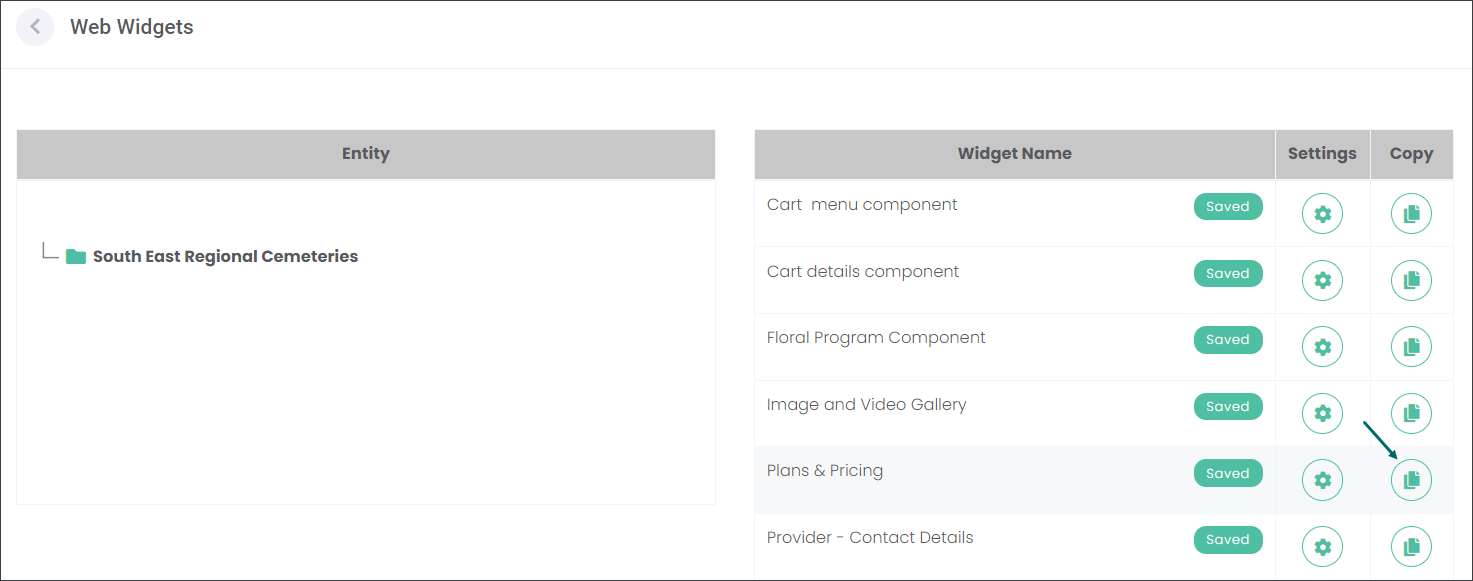
Your web designer can press the Copy icon to copy the Widget's code into a clipboard. Then the web designer can paste the code to your website.
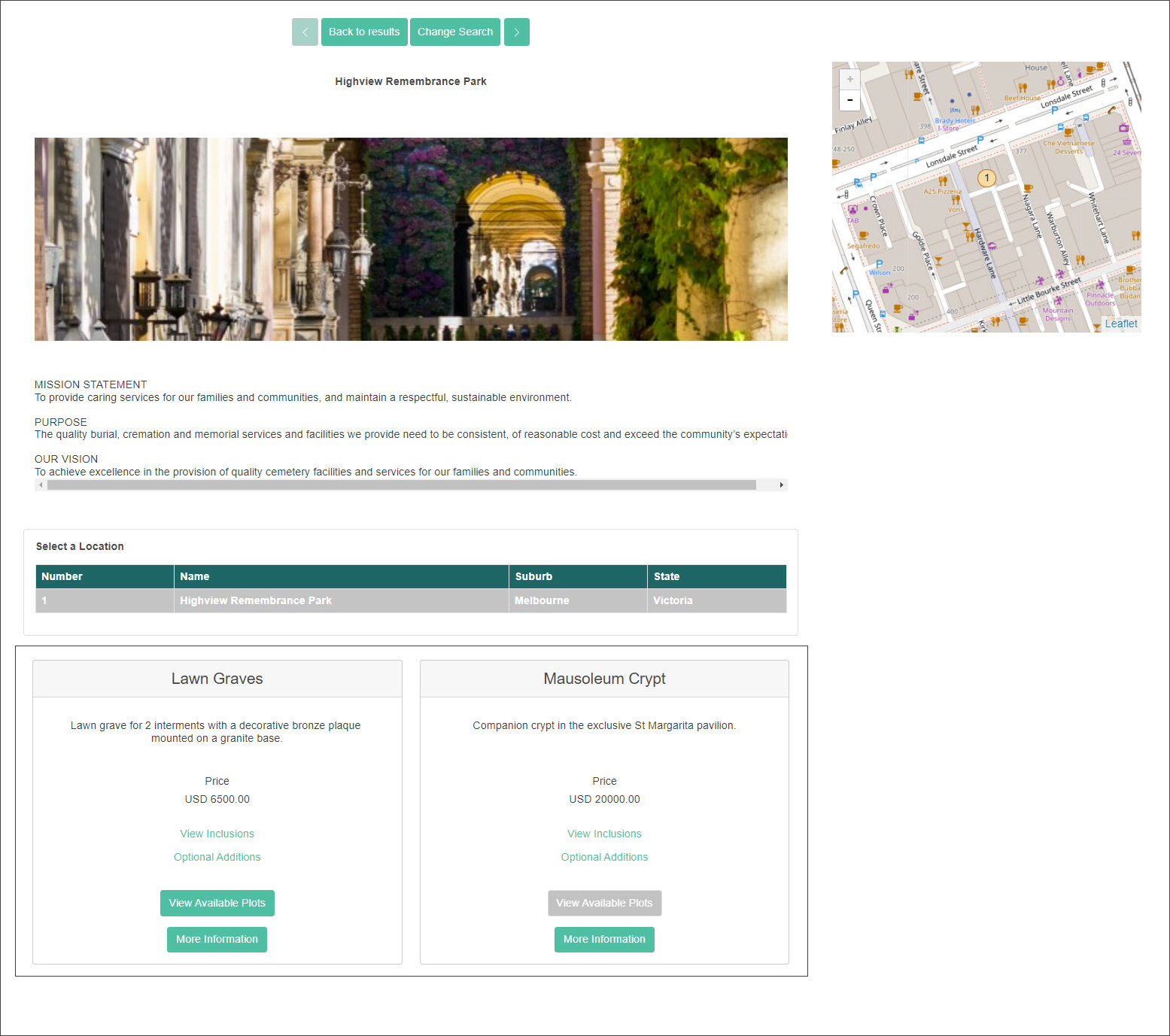
On the Highview Remembrance Park website, you can see that the Plans & Pricing Widget transferred all information entered about Plans configured on the Maintain Plans and Pricing page; from their descriptions, pricing to Inclusions and Optional Items.
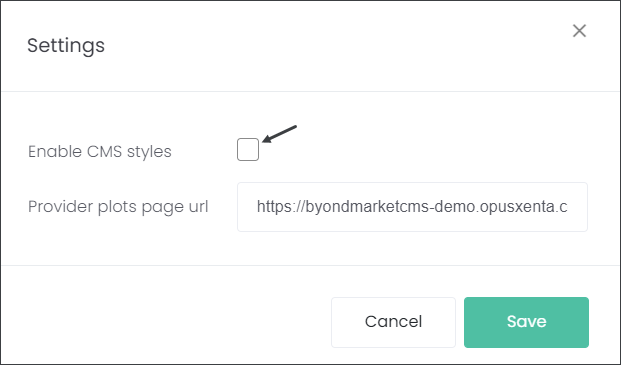
Choose the gear icon to adjust marketmakr Widgets to suit your website. Your web designer will be interested in this setting.
The Enable CMS styles checkbox determines whether marketmakr Widgets will:
1. have default CSS Styles - provided by marketmakr, or
2. use the CSS Styles of your CMS.
Check the box if you would like to use your CMS styles. Leave the box unchecked to use maktermakr default CMS styles.
Note:
CMS, or "Content Management System", is software that allows users to build and manage website content without the need to be familiar with a coding language like HTML. Wordpress or Joomla are examples of CMS software.
CSS, or "Cascading Style Sheets", is a coding language used to style and layout web pages, for example colours, fonts, sizes and more.