(c) Copyright by OpusXenta Pty Ltd. All rights reserved.
Assign Plan to Entities
On the Assign Plan to Entities page users assign the products and services, set up in the Maintain Plans and Pricing section, to their branches. This configuration allows users to show what is available at which branch or site.
We will use the example of the XYZ Cemeteries and Cremations organization to illustrate the options on the Assign Plan to Entities page.
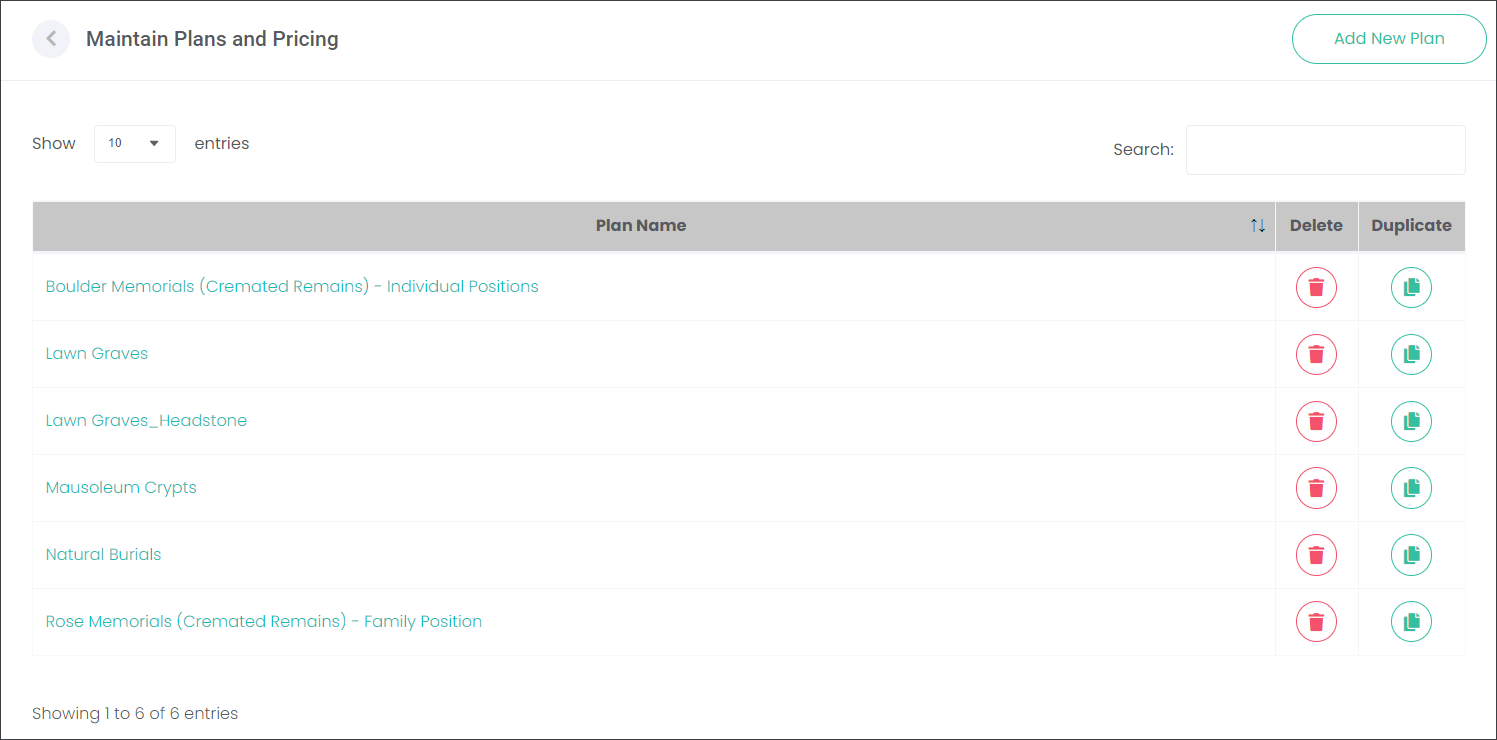
The user at XYZ Cemeteries and Cremations created 6 Plans on the Maintain Plans and Pricing page. On the Assign Plan to Entities page, the user will now be able to add the Plans to particular sites of the XYZ Cemeteries and Cremations trust.