(c) Copyright by OpusXenta Pty Ltd. All rights reserved.
Assign Plans to individual branches
When you want marketmakr to display different Plans for particular branches, leave the box unchecked.
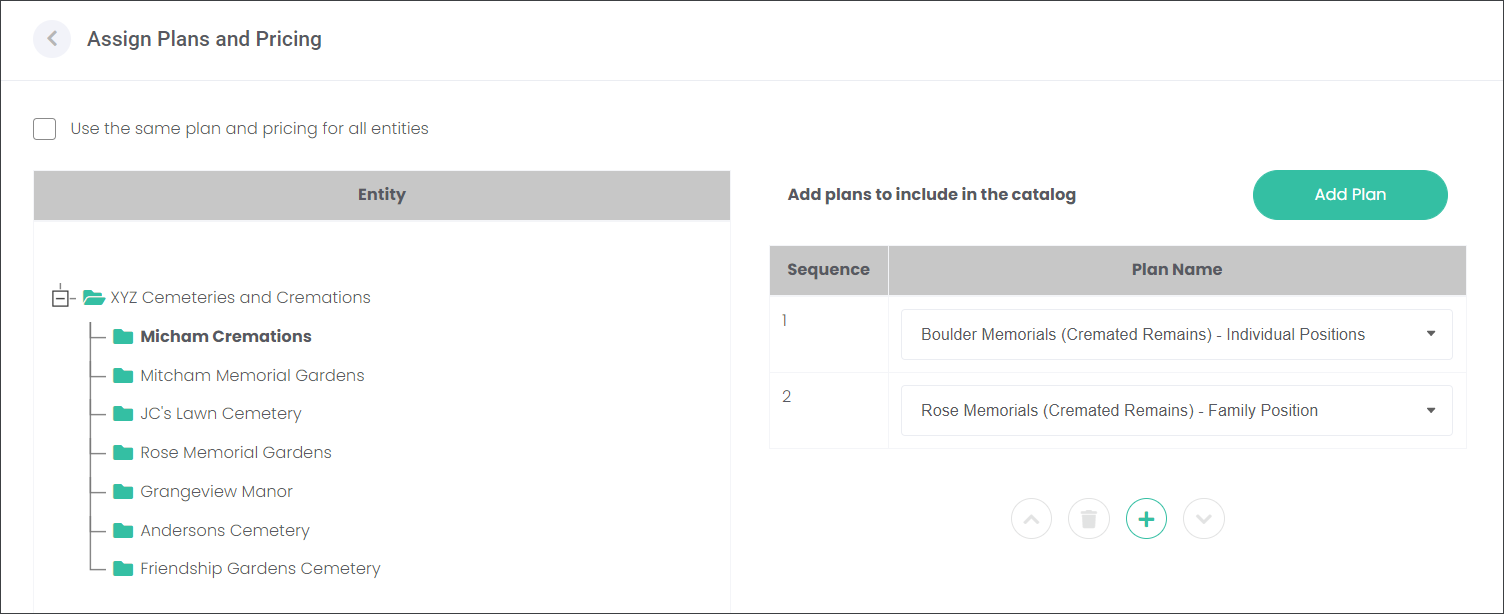
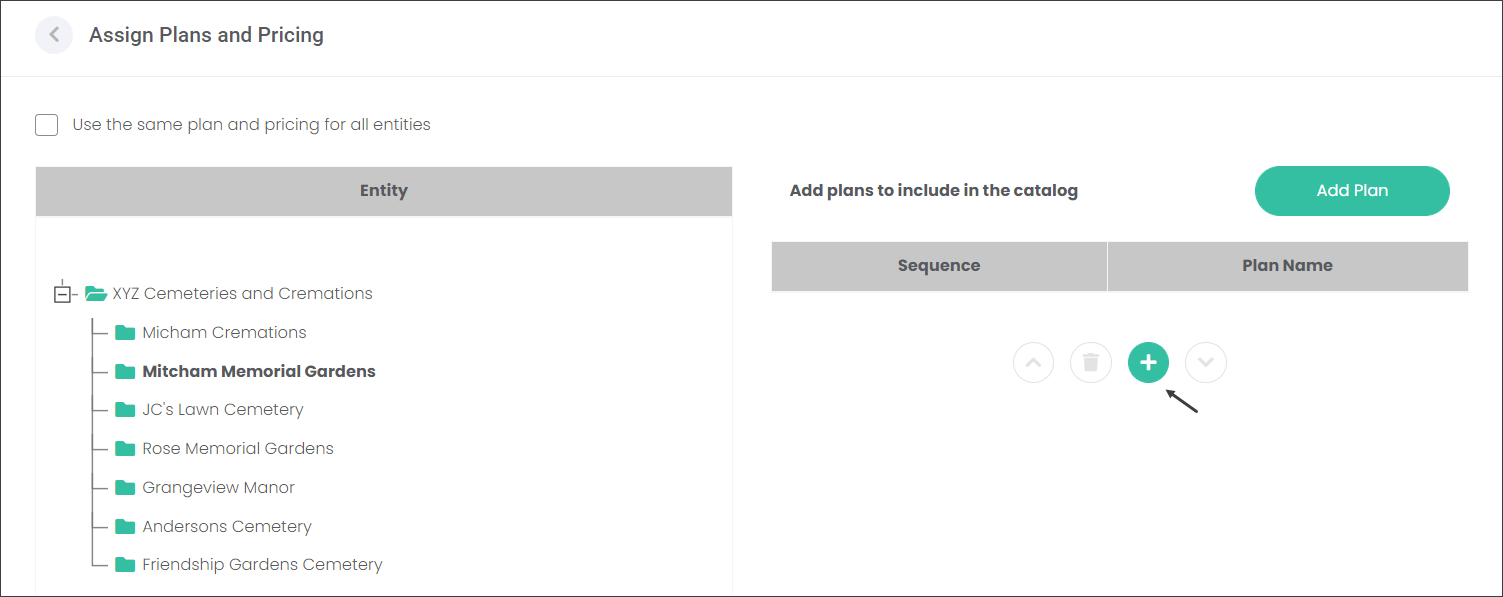
From the Entities table, select a branch and assign Plans by following the approach outlined below. In our example, the site Micham Cremations offers two Plans; family rose memorials and individual boulder memorials.
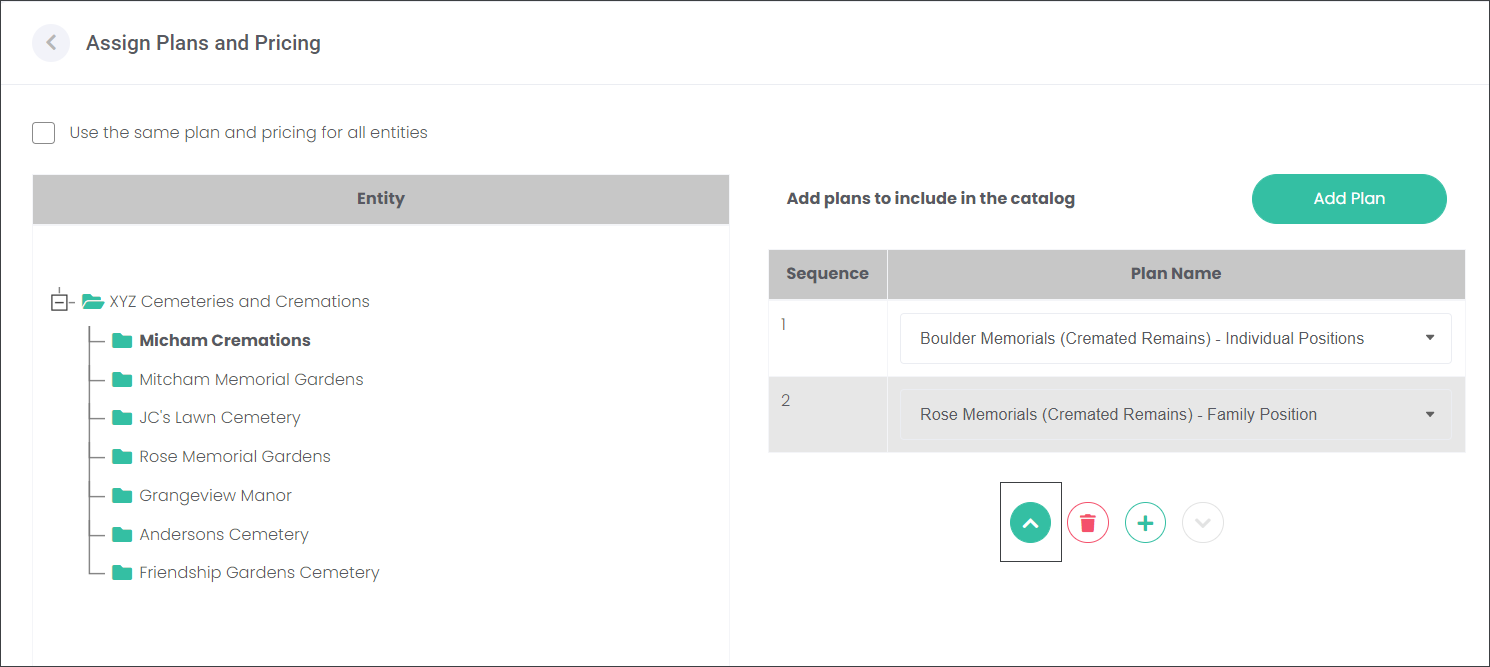
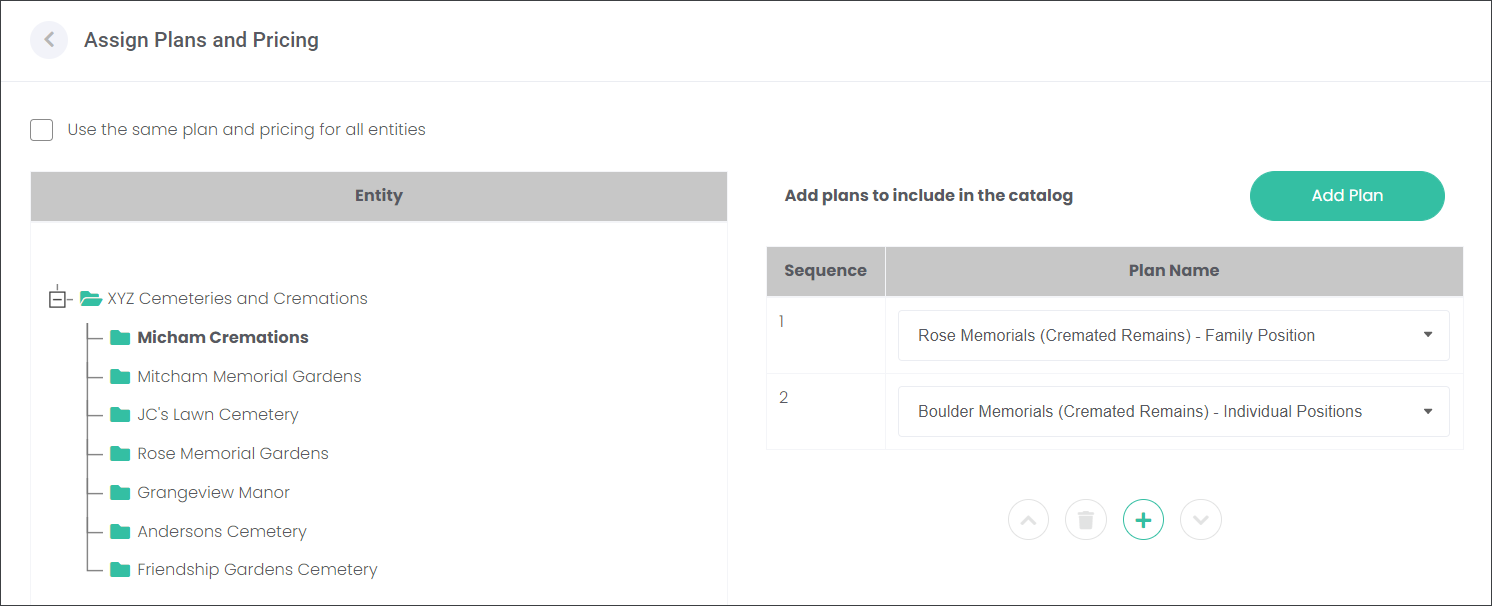
The user can change the order of the Plans displayed on the website by selecting the Plan and pressing the down or up arrow. In our example, the user would like marketmakr to display the Rose Memorials Plan first and then the Boulder Memorials.
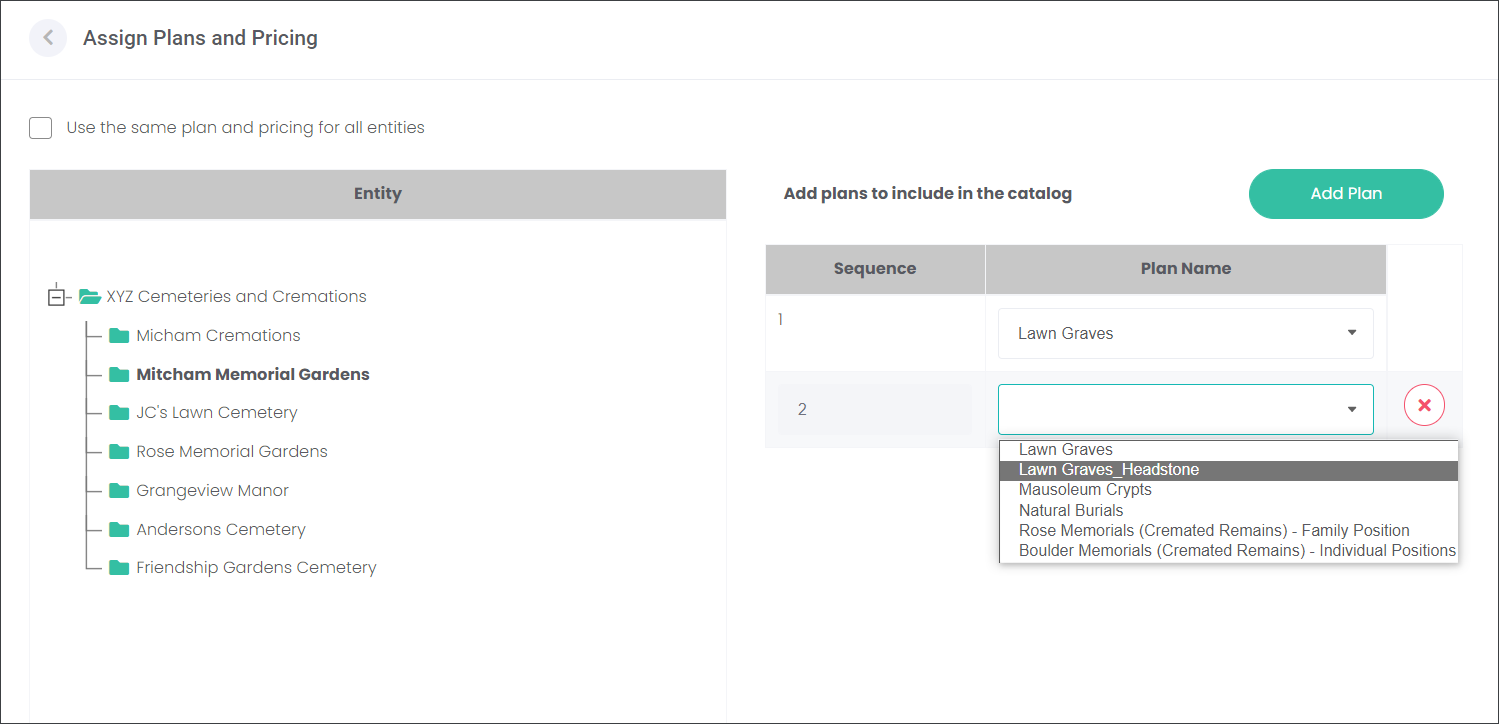
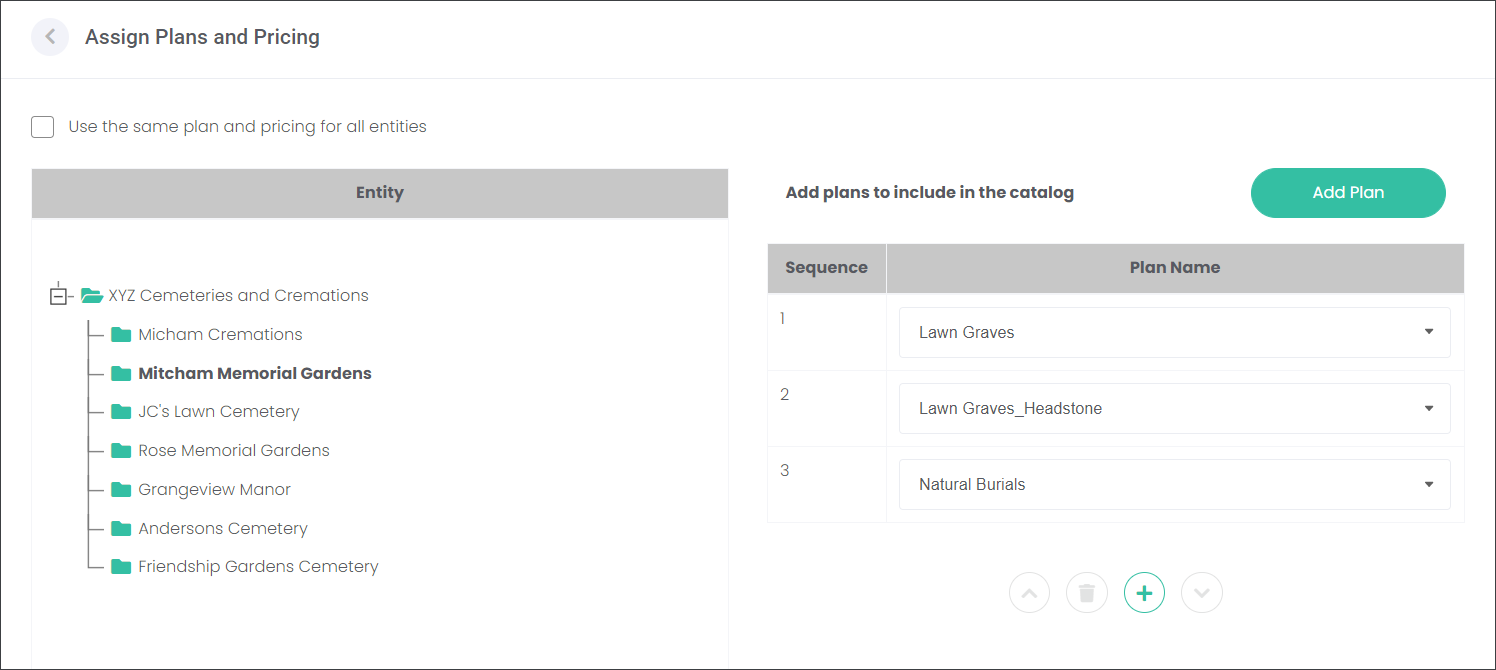
A different site of the XYZ Cemeteries and Cremations, Mitcham Memorial Gardens offers three Plans; lawn graves with plaques, lawn graves with headstones and natural burials.
To delete an assigned Plan, select the Plan and press the red bin icon.