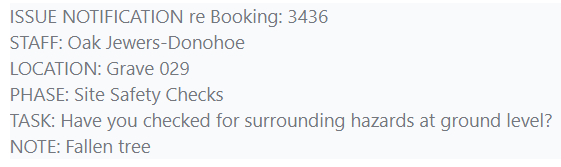
As explained in Task Completion, your team members might alert you to an issue on a particular task.
You will receive an email notifying you.
After receiving the email, go into Task Manager and locate the Job > Phase > Task that it refers to.
Review the issue and, once resolved, you can mark the task as complete so that the phase can be completed.