Step 2: Create New Project and Import Template
The next step is to create a new Map Project in MapMakr and import the locations template you just created.
To do this, you’ll first need to log into byondcloud. To recap how to access byondcloud, click here.
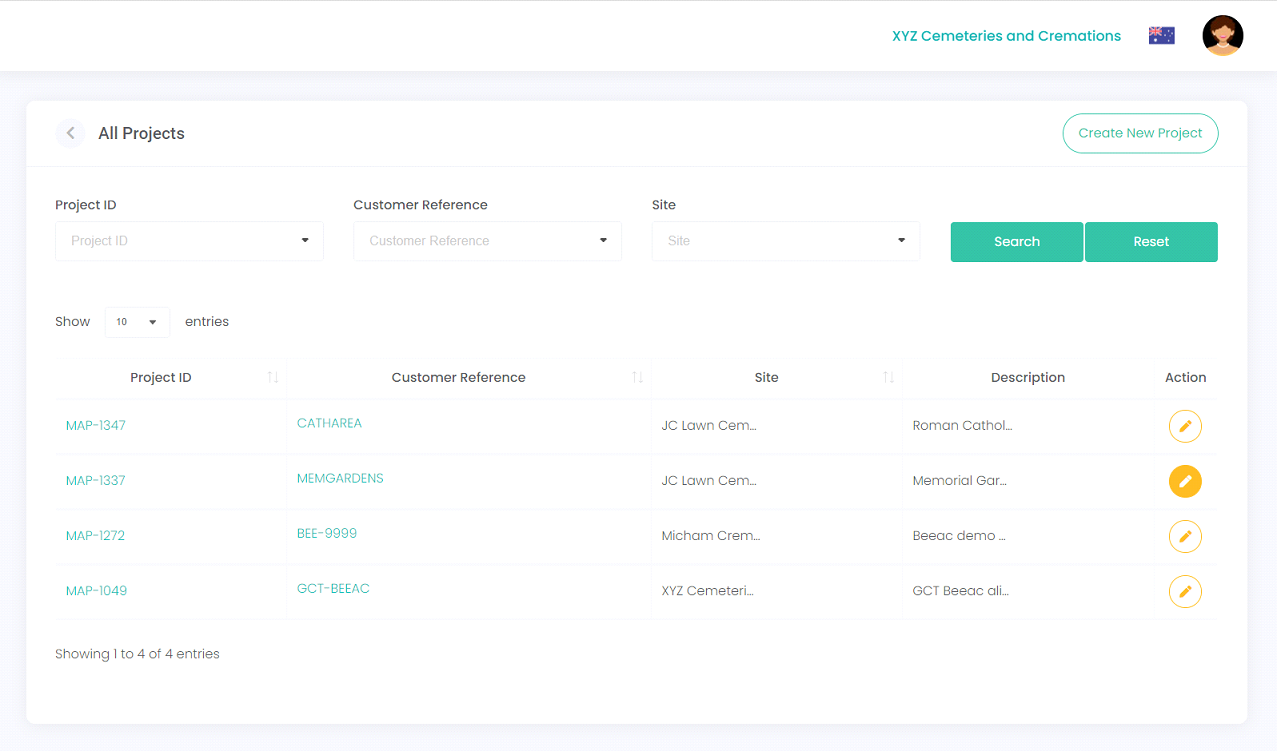
Next, you'll need to access MapMakr and create a New Project, where you can import your locations template.
Once created, the new Map Project will display in your Projects list.
Click on the Project ID or Customer Reference hyperlink to open the Map Project.