(c) Copyright by OpusXenta Pty Ltd. All rights reserved.
Accessing MapMakr
There are two ways to access MapMakr:
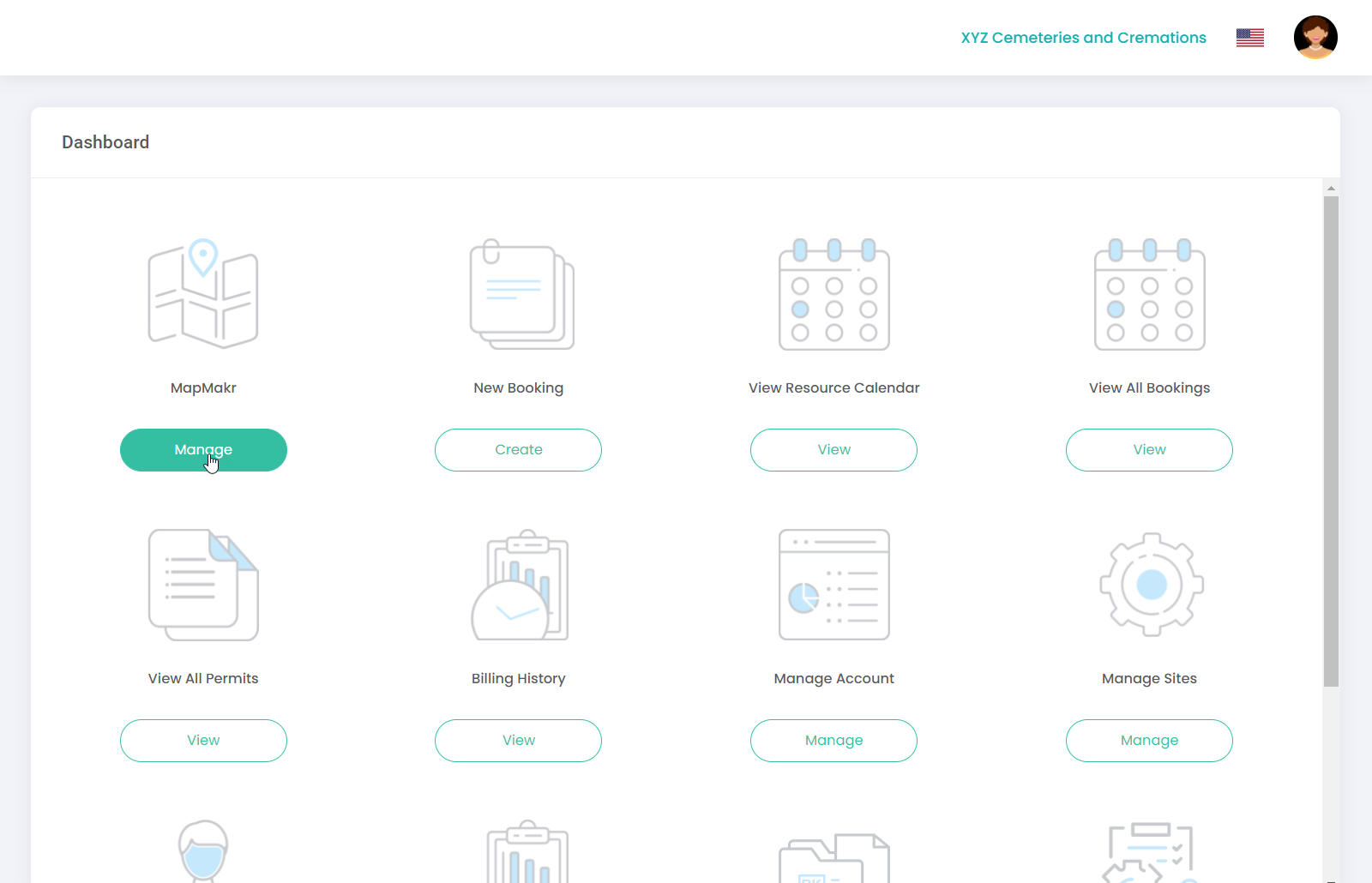
From the Dashboard:
Click on the Manage button under the MapMakr icon.
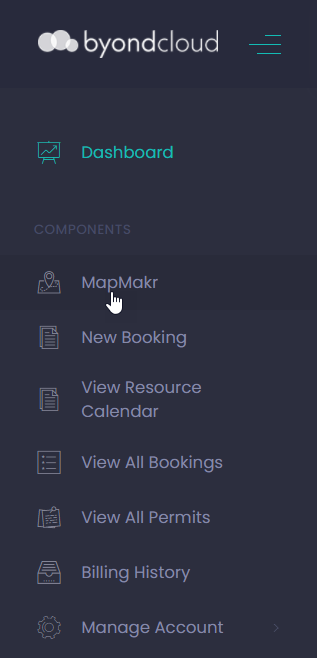
Alternatively, select MapMakr directly from the side menu (as shown below).
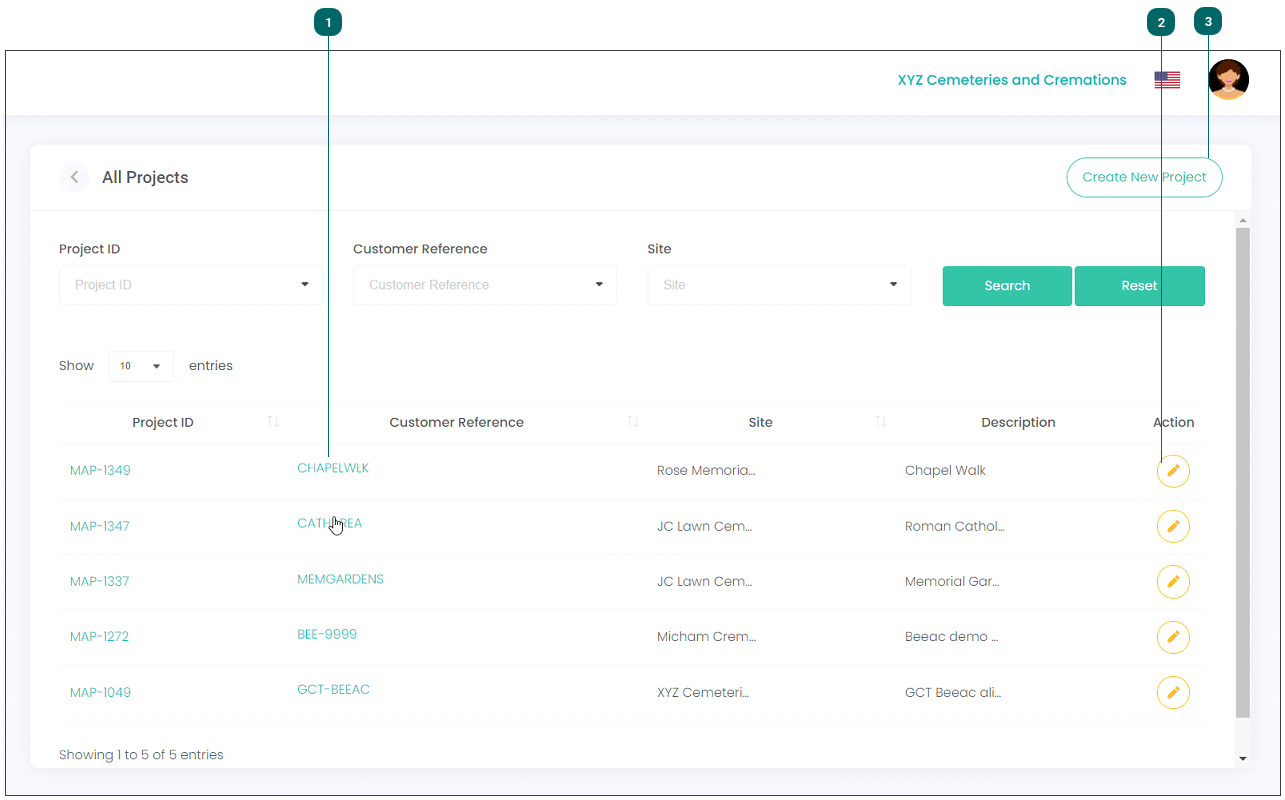
The main screen displays, where you can:
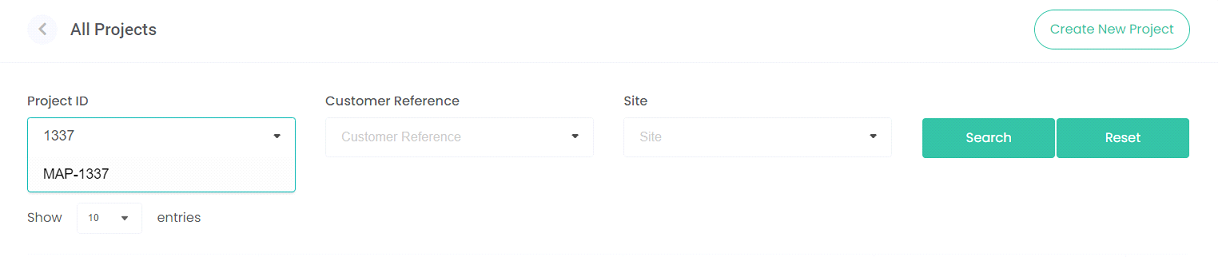
Search for an existing map project using the Project ID (automatically generated by MapMakr), Customer Reference (project reference name created by user) or Site fields.
TIP: After entering in a search term in these fields, you’ll need to select the correct option from the drop-down list and then click Search. To clear the search, click Reset.
You can also view, edit or create a map project from this screen.
View
View an existing map project by clicking on the Project ID or Customer Reference hyperlinks.