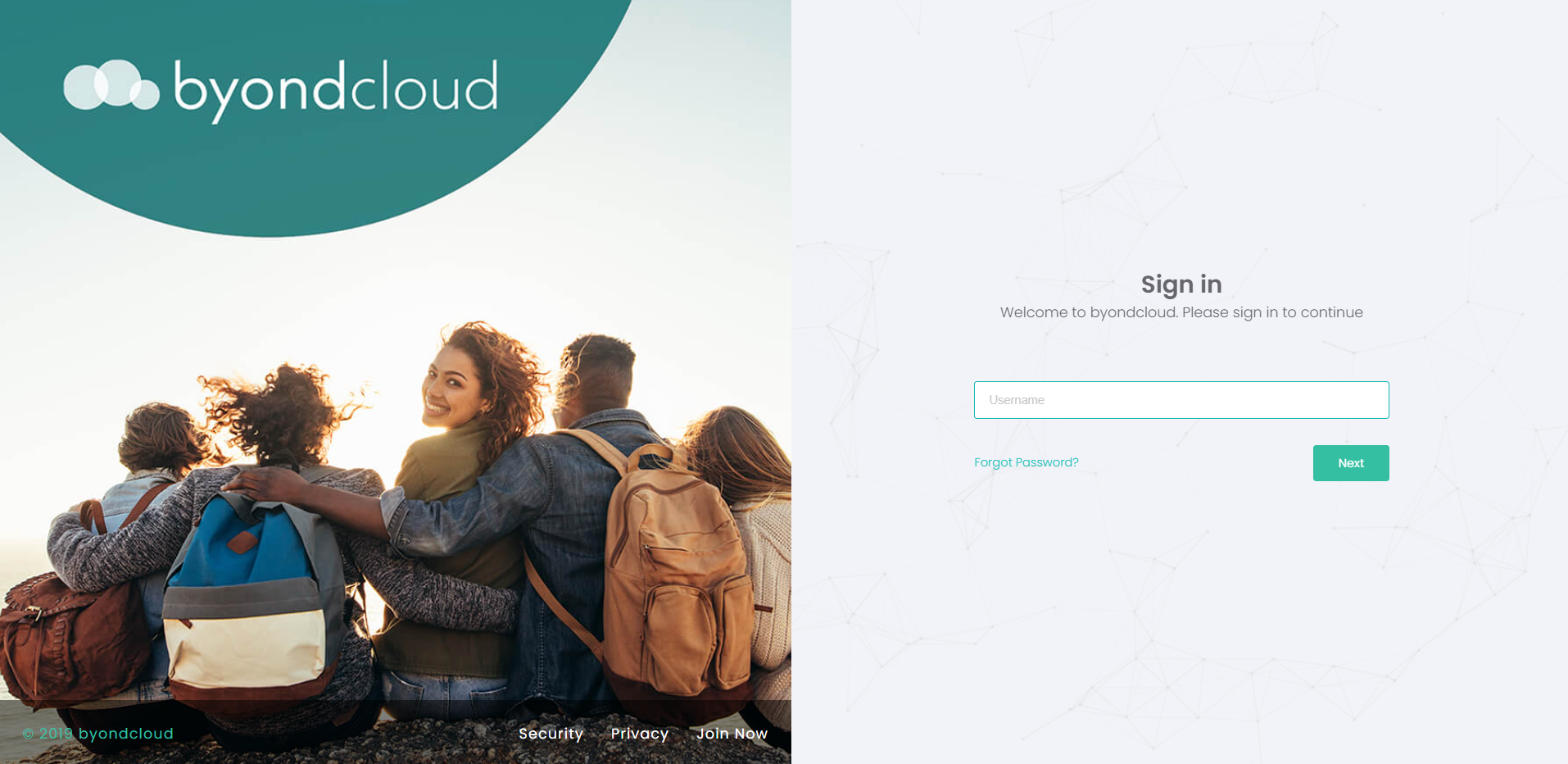
To access the below byondcloud applications, visit apps.byond.cloud using your web browser on PC or mobile device.
-
-
-
-
Funeral Director Application
-
-
Accessing Task Manager
Please note that Task Manager currently uses a different URL.
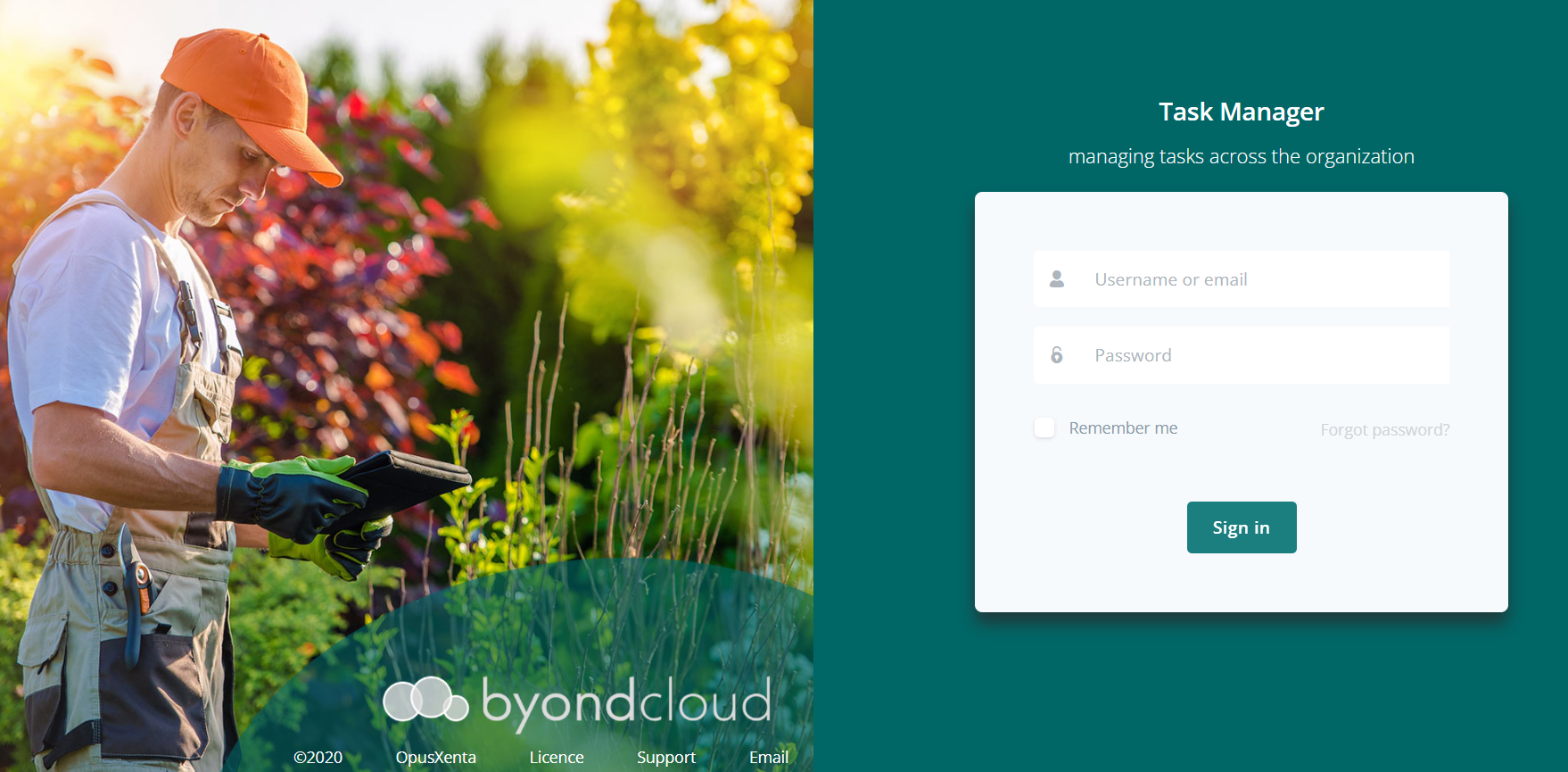
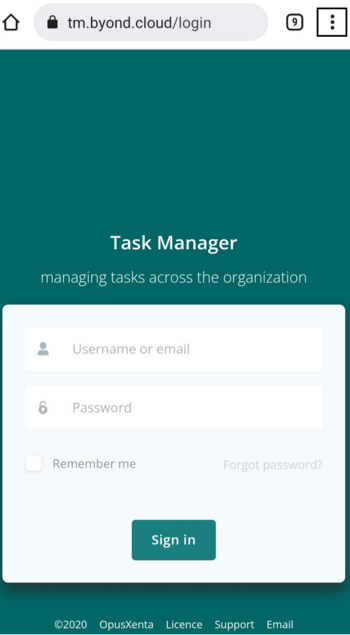
To access Task Manager, visit tm.byond.cloud, using your web browser on a PC or mobile device.
HINT: Whether accessing Task Manager or other byondcloud applications, add the URL as an icon to your iPhone or iPad.
Apple Device:
Launch Safari on your iPhone or iPad.
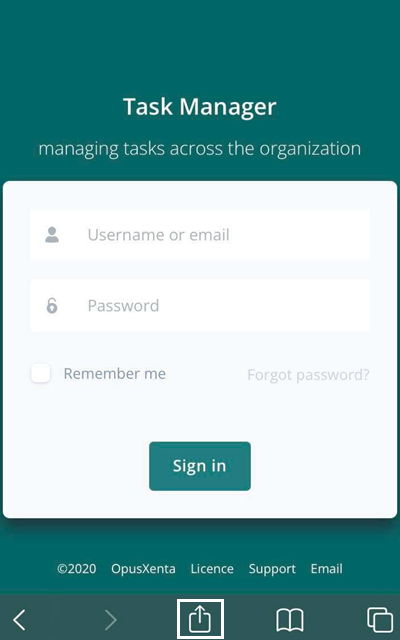
Tap the Share icon (the square with an arrow pointing out of it) at the bottom of the screen.
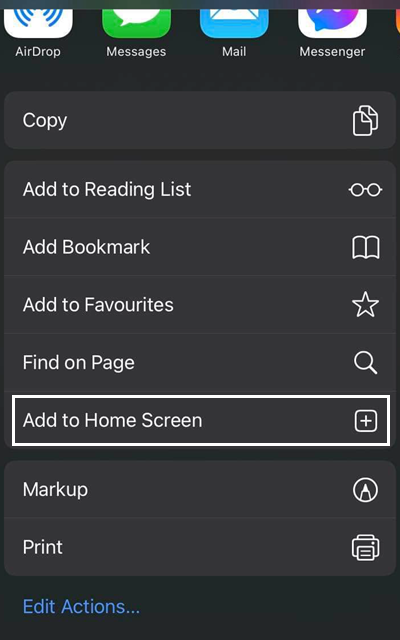
Scroll down to the list of actions and tap Add to home screen.
Android Device:
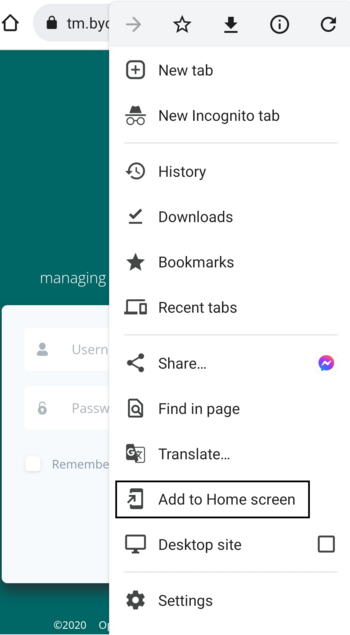
Launch the Chrome app.
Tap the Menu icon (three dots in upper right-hand corner) and tap Add to Home Screen.
When ready to use your byondcloud application /s, sign in using your username and password.