Various reports can be generated using this function, including interment, location, rights holder, and exhumation reports.
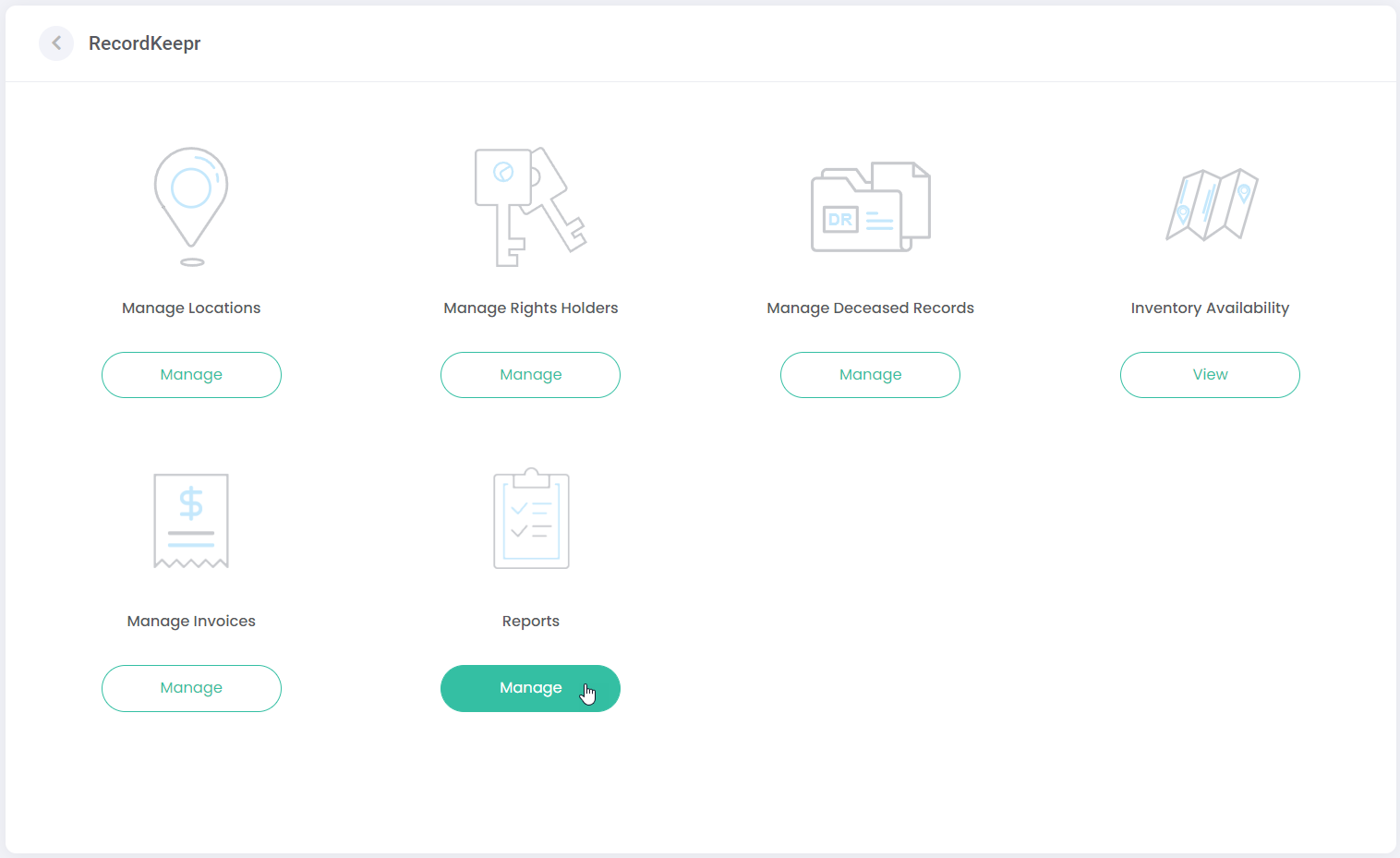
You can navigate to Reports either via the side menu or via the dashboard.
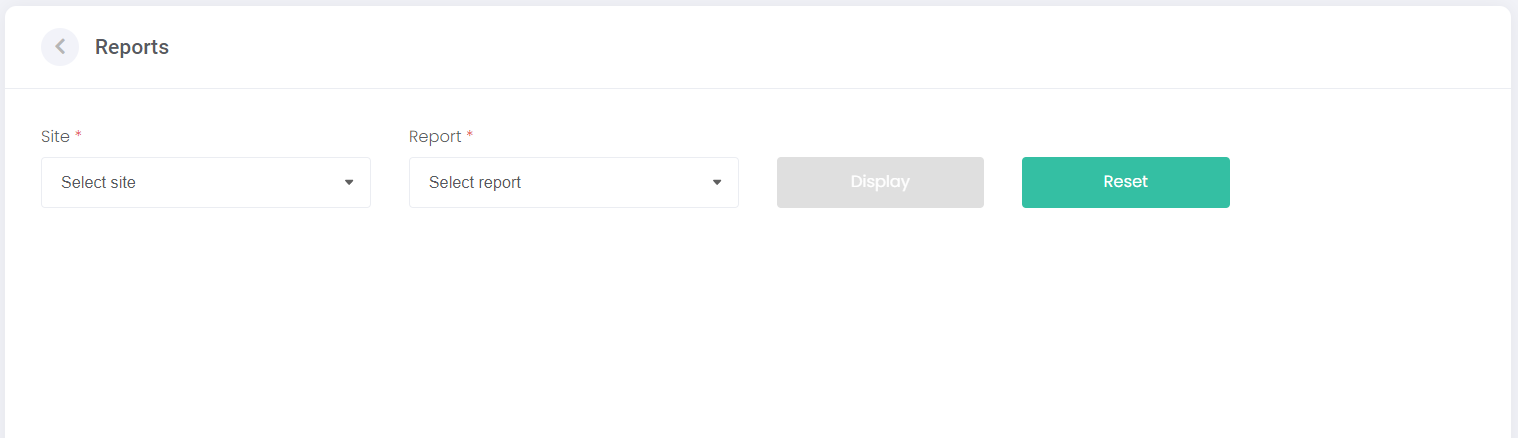
Upon opening Reports, the following screen is displayed.
The Site field allows the user to choose which cemetery site to generate their report for, by selecting from the drop-down list.
The Report field allows the user to choose from a selection of reports.
Click the Display button to generate the selected report.
Click the Reset button to clear the fields and generated report.