(c) Copyright by OpusXenta Pty Ltd. All rights reserved.
Manage Sites
Depending on user security profile settings, your user account may have access to manage sites, public holidays & grant partner permissions.
The setup for each of these functions will have been completed by your administration user at the time of initial setup, however if you have the appropriate access and need to make any changes to these settings this is where they can be made.
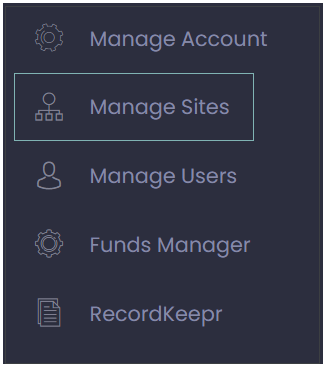
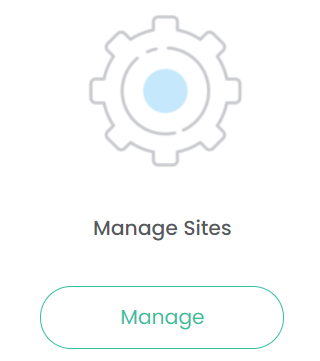
Choose Manage Sites from either the Dashboard or the Side Menu.
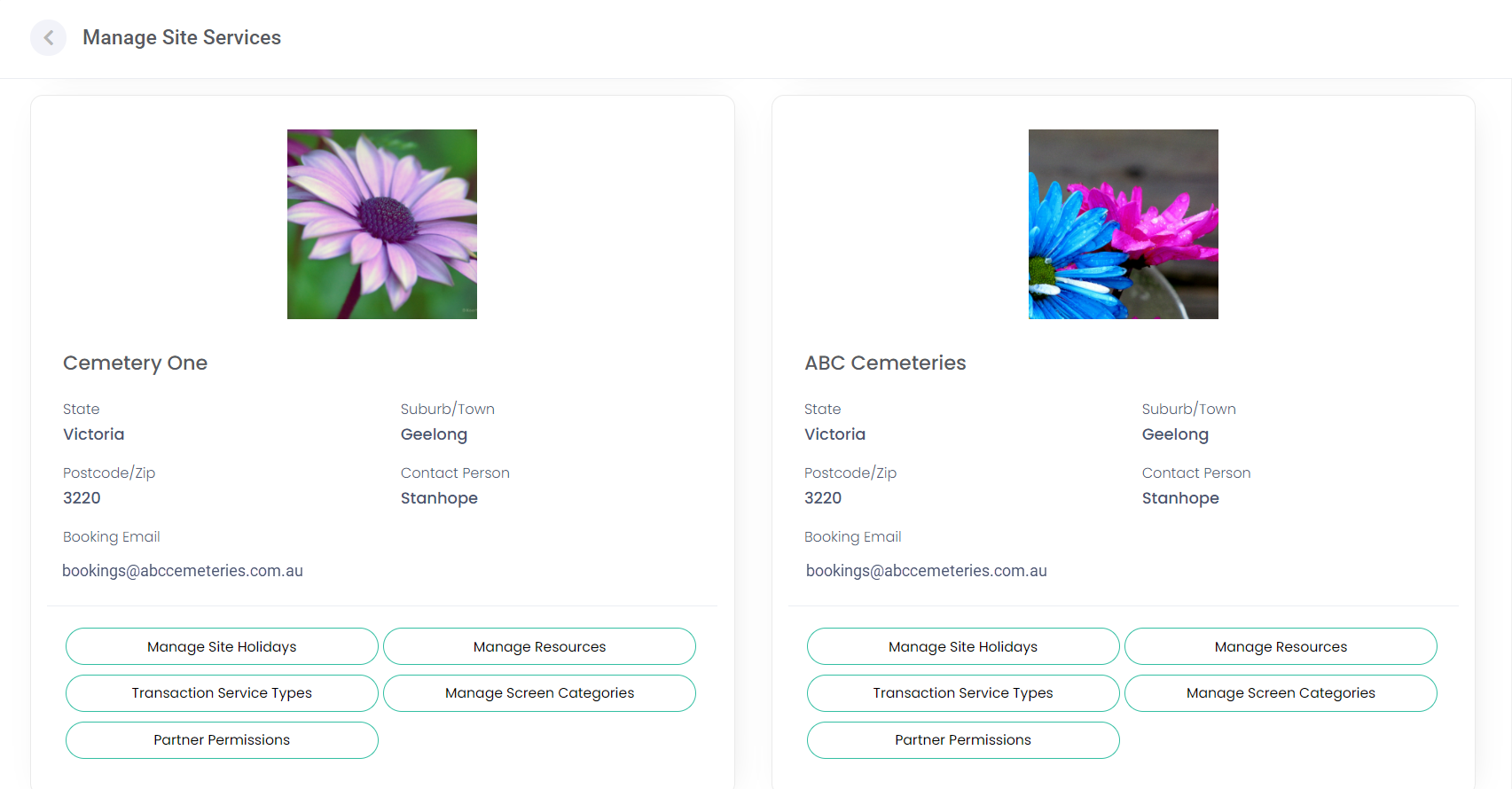
A similar screen as shown below will display.
If you have access to multiple sites, each site will be displayed.