(c) Copyright by OpusXenta Pty Ltd. All rights reserved.
Site Holidays
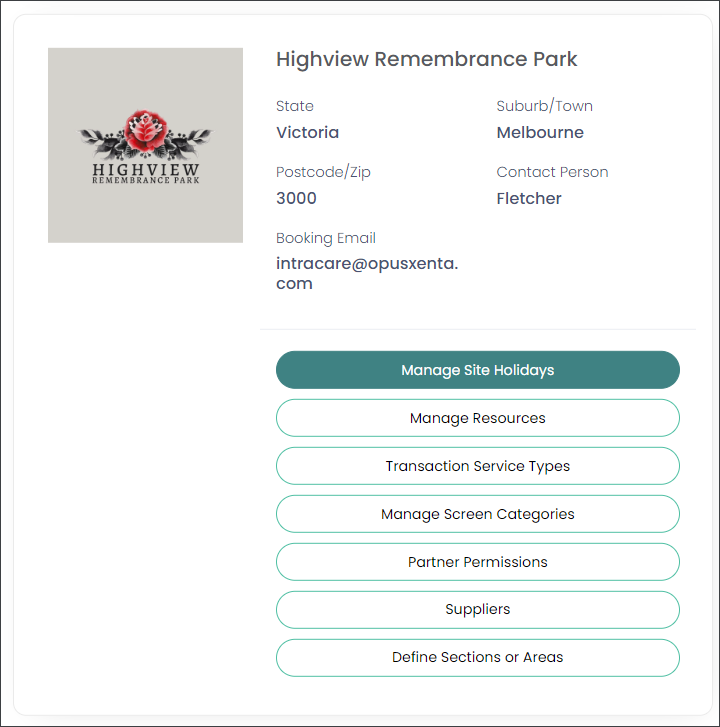
On the site to be configured (operational site), choose the Manage Site Holidays option as shown below.
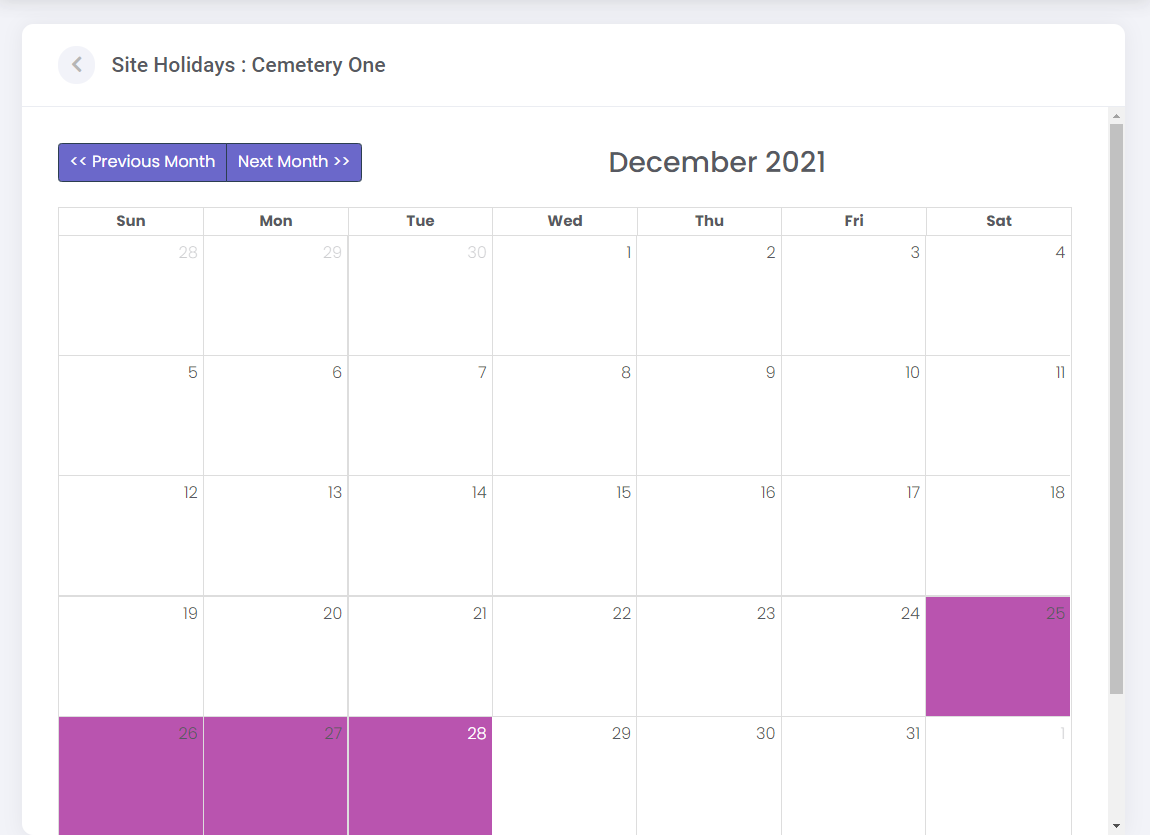
A calendar view will be displayed.
Site holidays can be marked on the calendar so limited or no bookings can be made on these days.
A user with the appropriate profile permissions, such as a Supervisor, will be able to manage the Site Holidays.
Users without profile permissions will be able to view the calendar holidays.
Click on the date on the calendar and the calendar box will change to purple to reflect the holiday.
If you mark a date in error, click back on the date marked purple and it will change back to white.
You can use the Previous / Next Month buttons at the top left of the calendar to move through the months and mark out the appropriate holidays for the coming year.
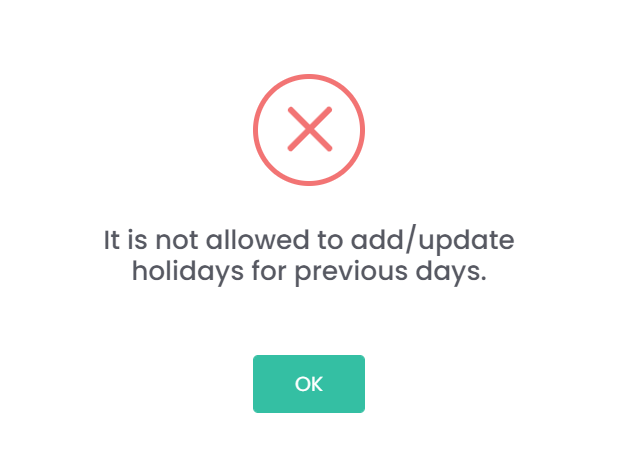
Dates in the past cannot be marked, only dates in the future.
In our example below, we have marked out four of the December 2021 holidays for Christmas Day and Boxing Day.
Use the back arrow at the top left of the screen to return to the Manage Sites screen.