(c) Copyright by OpusXenta Pty Ltd. All rights reserved.
Manage Resources
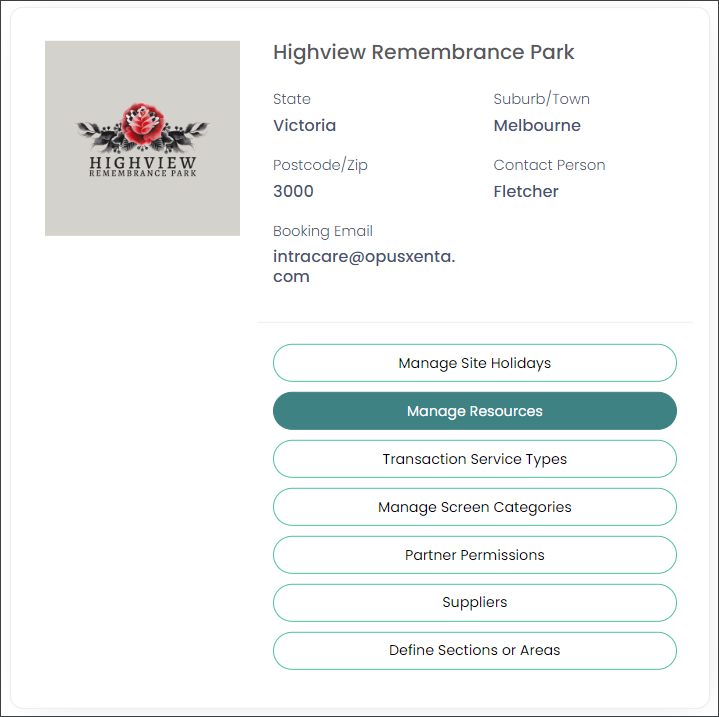
Back on the site to be configured (operational site), choose the Manage Resources option as shown below.
Manage Resources is where each resource is defined, and the calendar rules are set for each of your resources.
You may have multiple resources to set up here.
For example, you may have a crematorium and a chapel as a resource.
A resource should be created for every resource held in byondpro, if using the integrated application. Each resource will need to reflect the calendar times available for appointments in byondpro.