(c) Copyright by OpusXenta Pty Ltd. All rights reserved.
Job Type Management
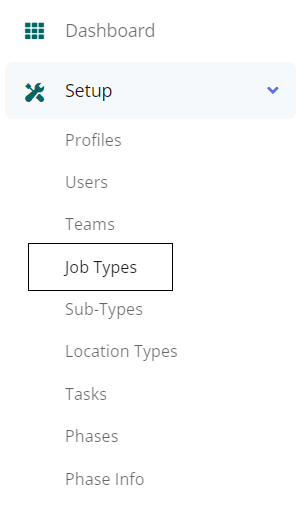
Click on the Job Types tab under the Setup drop-down to access the Job Type Management page.
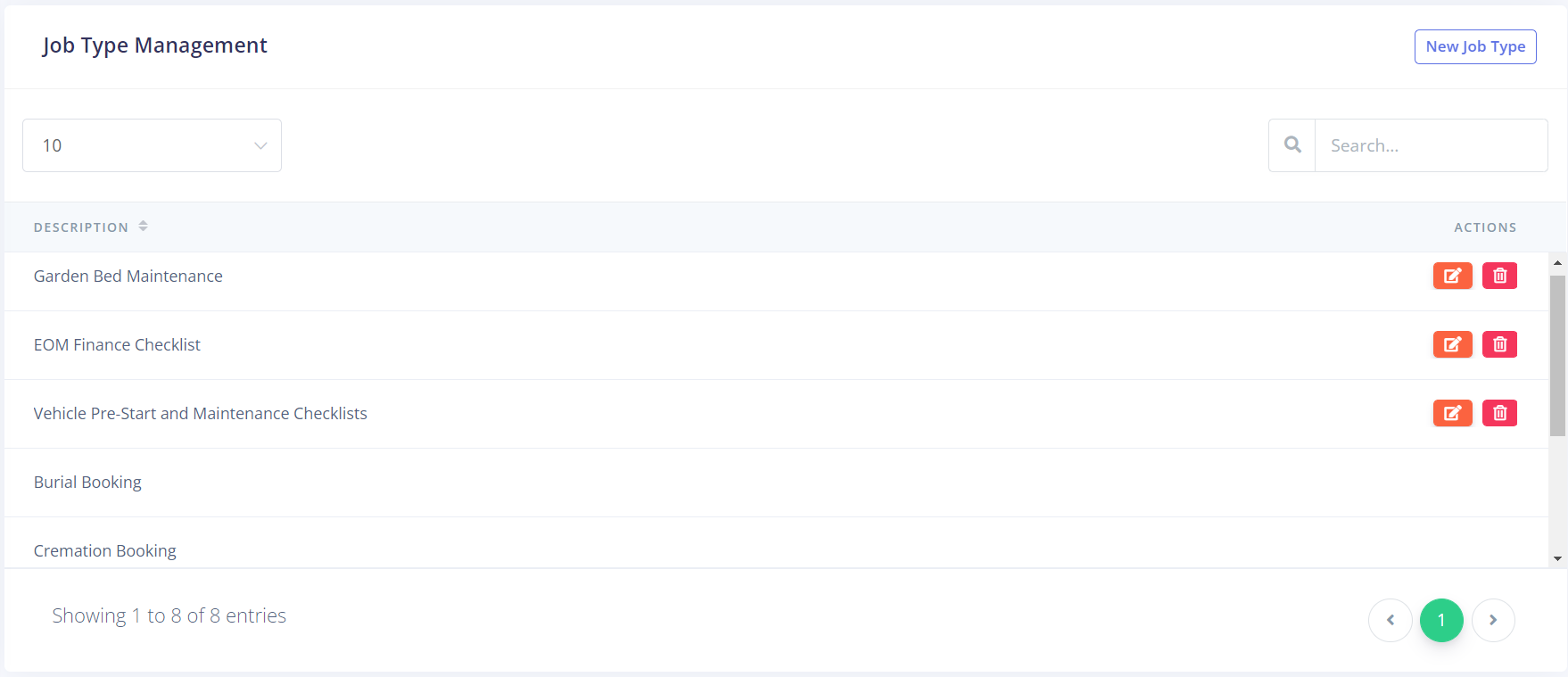
The resulting page displays all the currently configured Job Types.
This includes the job types that come from the byondpro sync, and those that have been created as custom job types.
If you have many Job Types, you can type the description into the Search field in the top, right to narrow your options, or you can change the number of entries viewable on each page by using the drop-down in the top left-hand side of the page.
Custom Job Types can be edited and deleted using the buttons under the Actions column. These functions aren't available for byondpro jobs, as these are configured within byondpro.