(c) Copyright by OpusXenta Pty Ltd. All rights reserved.
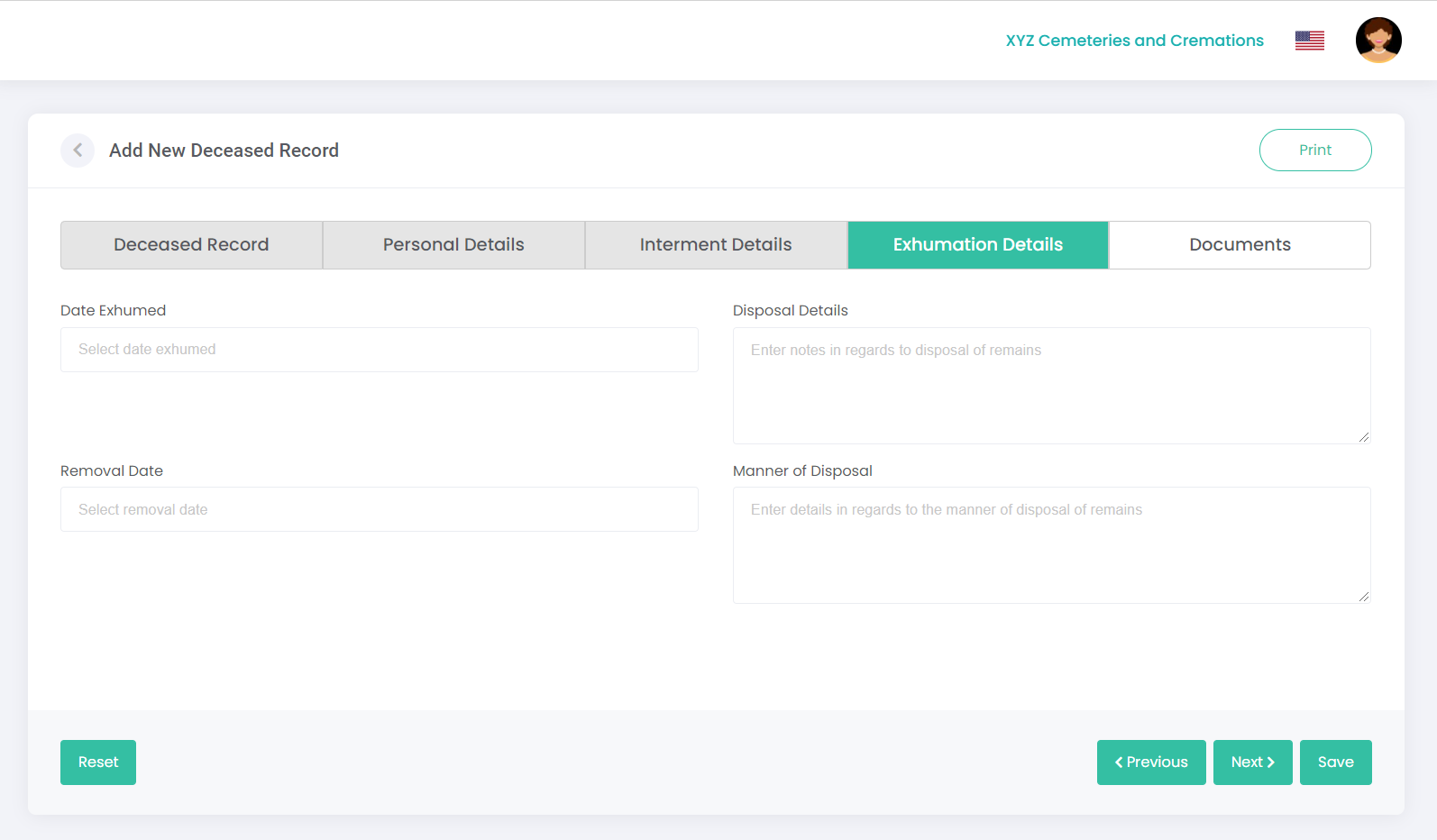
Exhumation Details tab
The Exhumation Details tab can be used to capture information regarding an exhumation, including date of exhumation and disposal details.
Enter the exhumation details in the relevant fields, and click Next (or click on the next tab’s heading):
Field
Field Description
Date Exhumed
Select the date exhumed using the calendar.
TIP: When using the calendar, you can click on the year once and then use the left / right arrows next to the year to quickly select the year you need. To quickly select the decade you need, click on the year twice and use the left / right arrows.
Disposal Details
Enter any notes regarding the disposal of remains.
Removal Date
Select the removal date using the calendar.
Manner of Disposal
Enter details regarding manner of disposal of the remains.
Note: You may need to update the location, right holder or deceased interment details as required to adjust the interments used on the location record, to remove the rights holder details, and to update the deceased interment details.