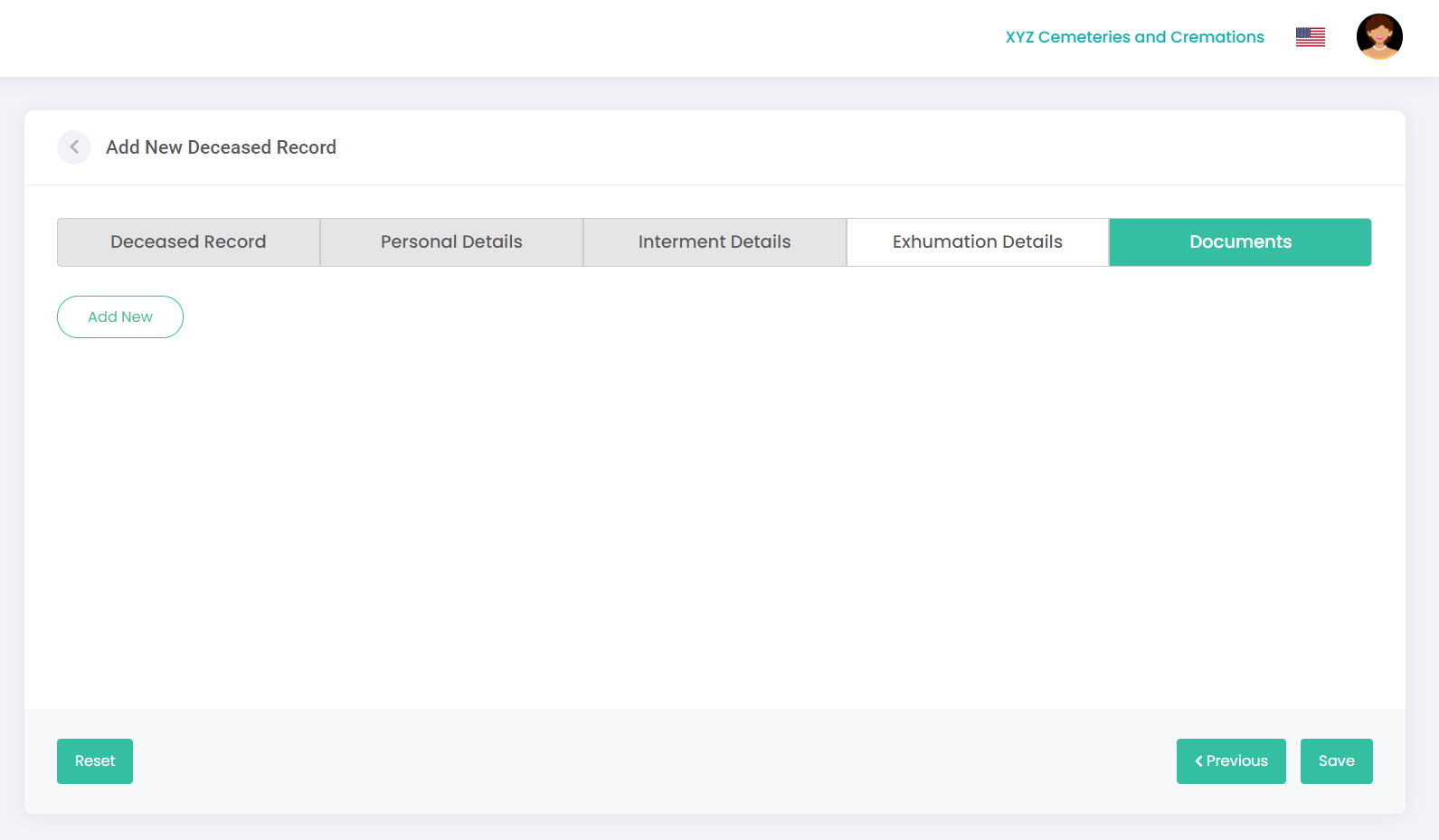
In this section, you can attach any relevant documentation relating to the deceased record, such as a burial permit.
To add a document:
Click on Add New.
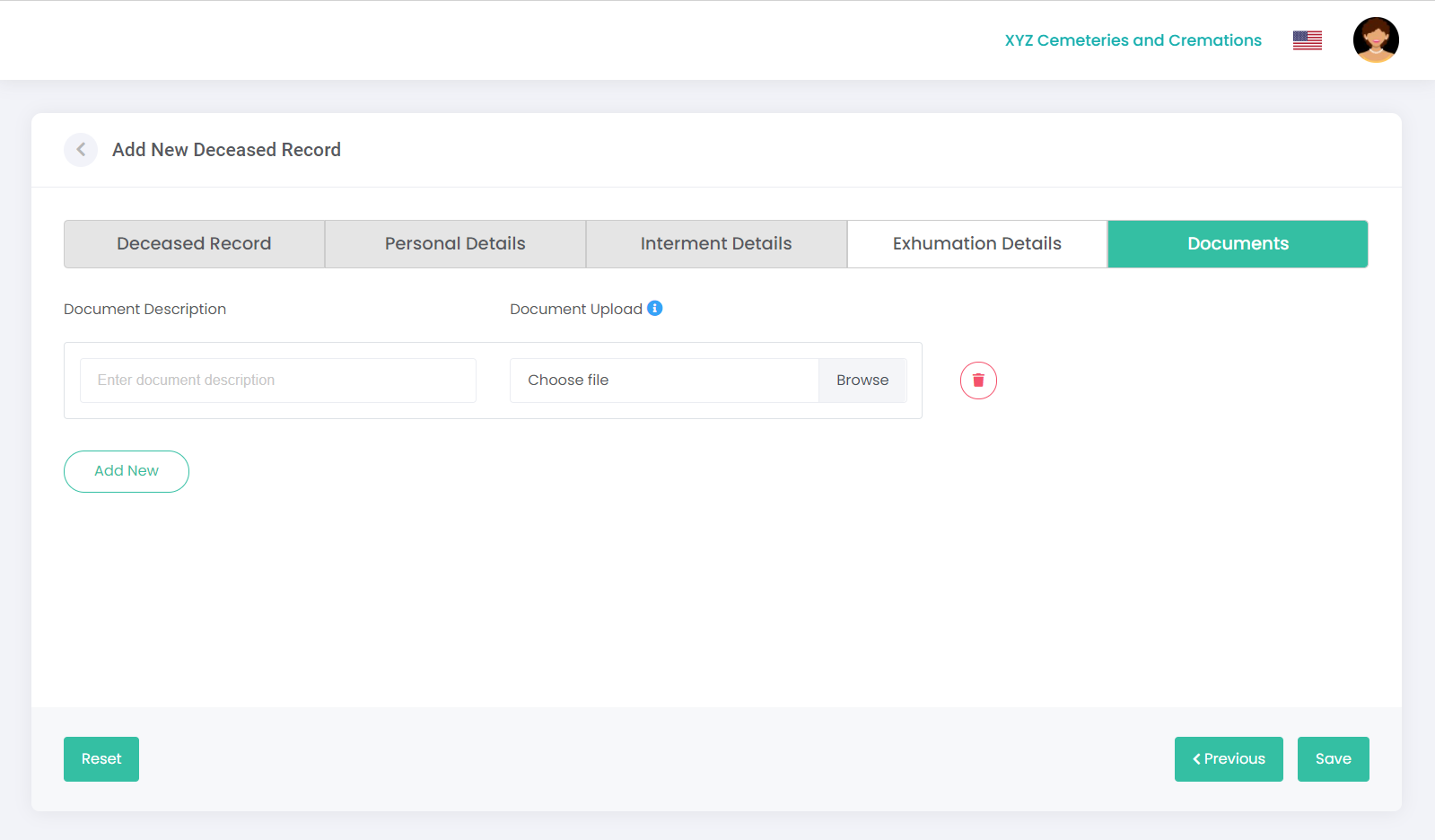
The following screen displays, prompting you to upload a document:
Click on Browse in the Document Upload field to select a file from your computer. Note: The maximum upload is 5MB.
You can enter a new description in the Document Description field if required or leave as is.
Click Save.
You have now created a new deceased record.