(c) Copyright by OpusXenta Pty Ltd. All rights reserved.
Manage Deceased Records
This is where deceased records are added and managed.
Details about the deceased such as personal details, interment details, exhumation details and documents relevant to the deceased record can be added, viewed or edited here.
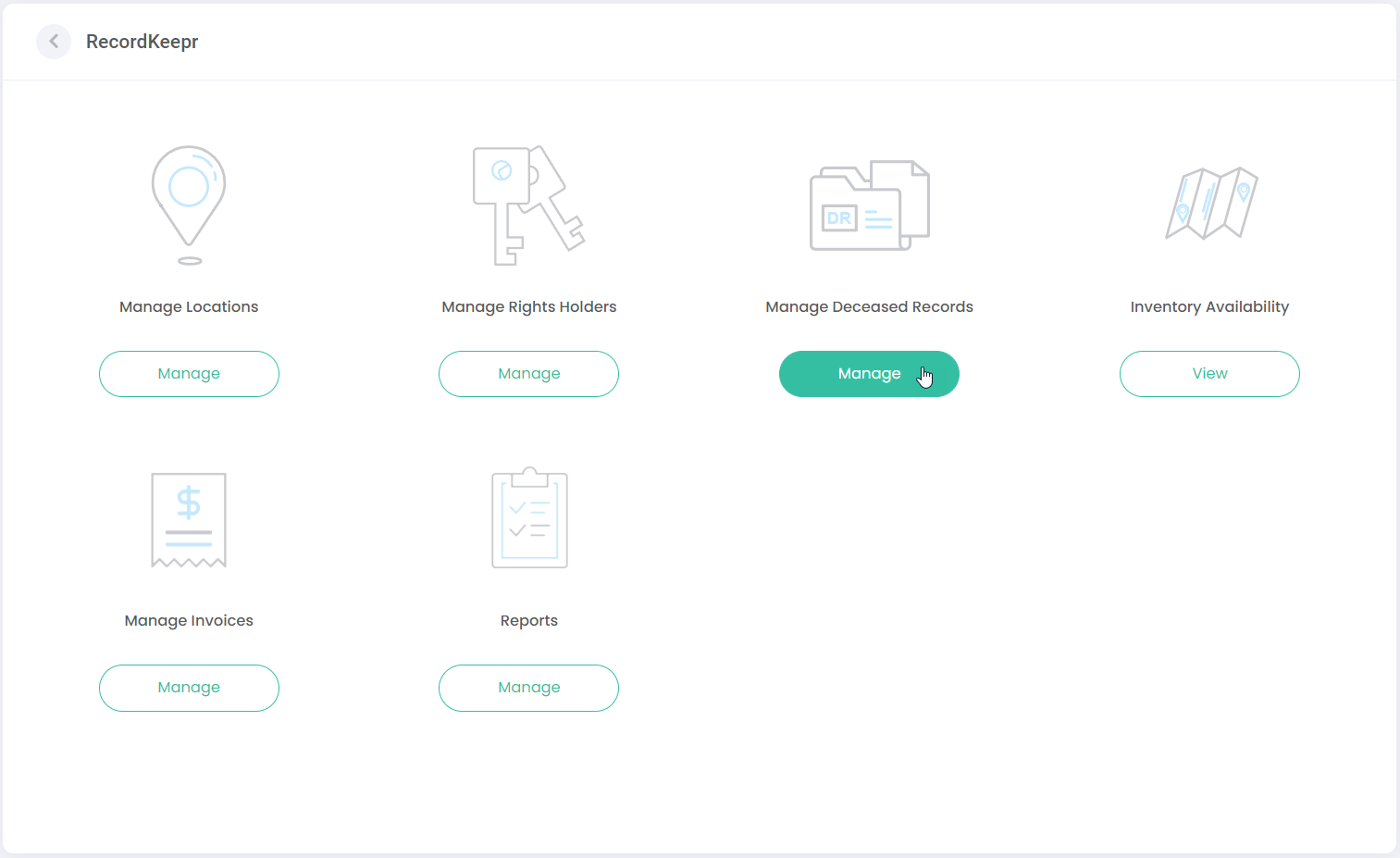
You can navigate to Manage Deceased Records either via the side menu or via the Dashboard below:
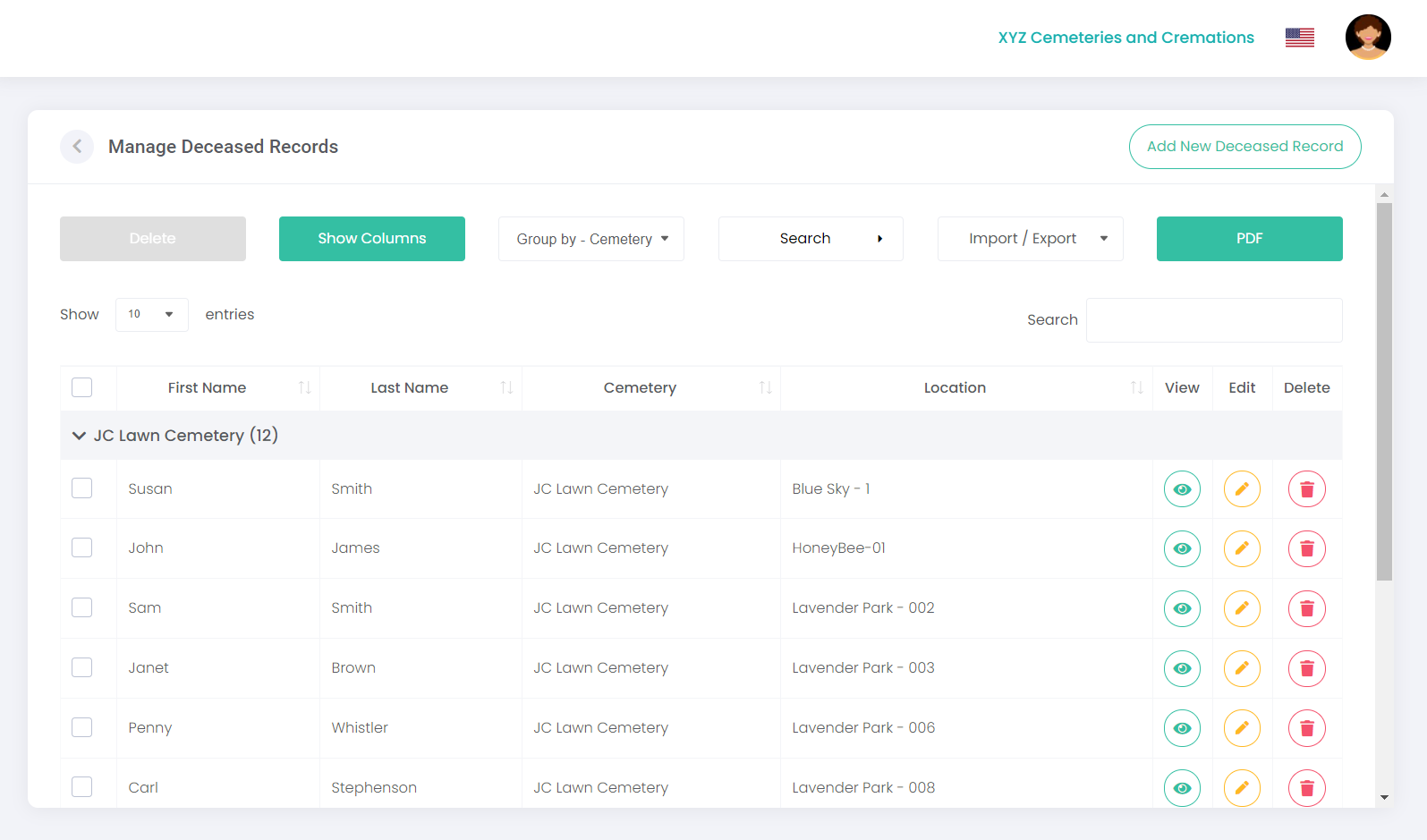
The following screen displays, with a list of existing deceased records in RecordKeepr:
You’ll notice that this screen has similar features as previous screens. Here, you can:
· Select Columns to show / hide specific columns.
· Group by cemetery, last name or location.
· Search for a record.
· Import / Export a CSV or Excel file.
· Print a PDF document of records listed.
· Select the number of entries to display.
· Sort each column using the Sort function.
· Delete selected records or batch delete records.
· View an existing record by clicking on the View icon.
· Edit an existing record by clicking on the Edit icon.
· Delete an individual record by clicking on the Delete icon.
To recap on any of the above functions, please refer to the Manage Locations section in this document.
Next, we’ll look at how to add a new deceased record.