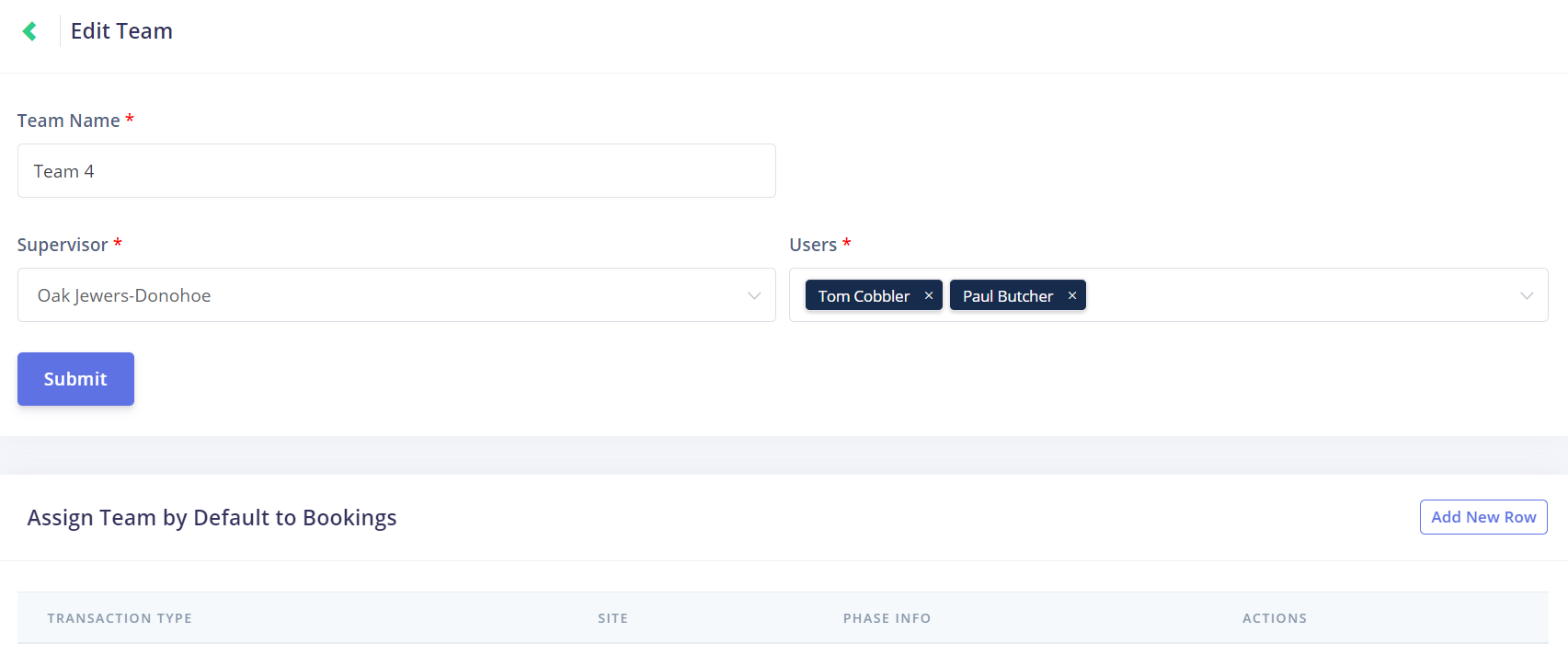
Click on the Edit button under the Actions column on the Team Management page to open the Edit Team page.
This screen allows you to edit the fields found on the Add Team screen.
This screen also has an option to automatically assign the team to certain jobs based on set criteria.