(c) Copyright by OpusXenta Pty Ltd. All rights reserved.
Deceased Record tab
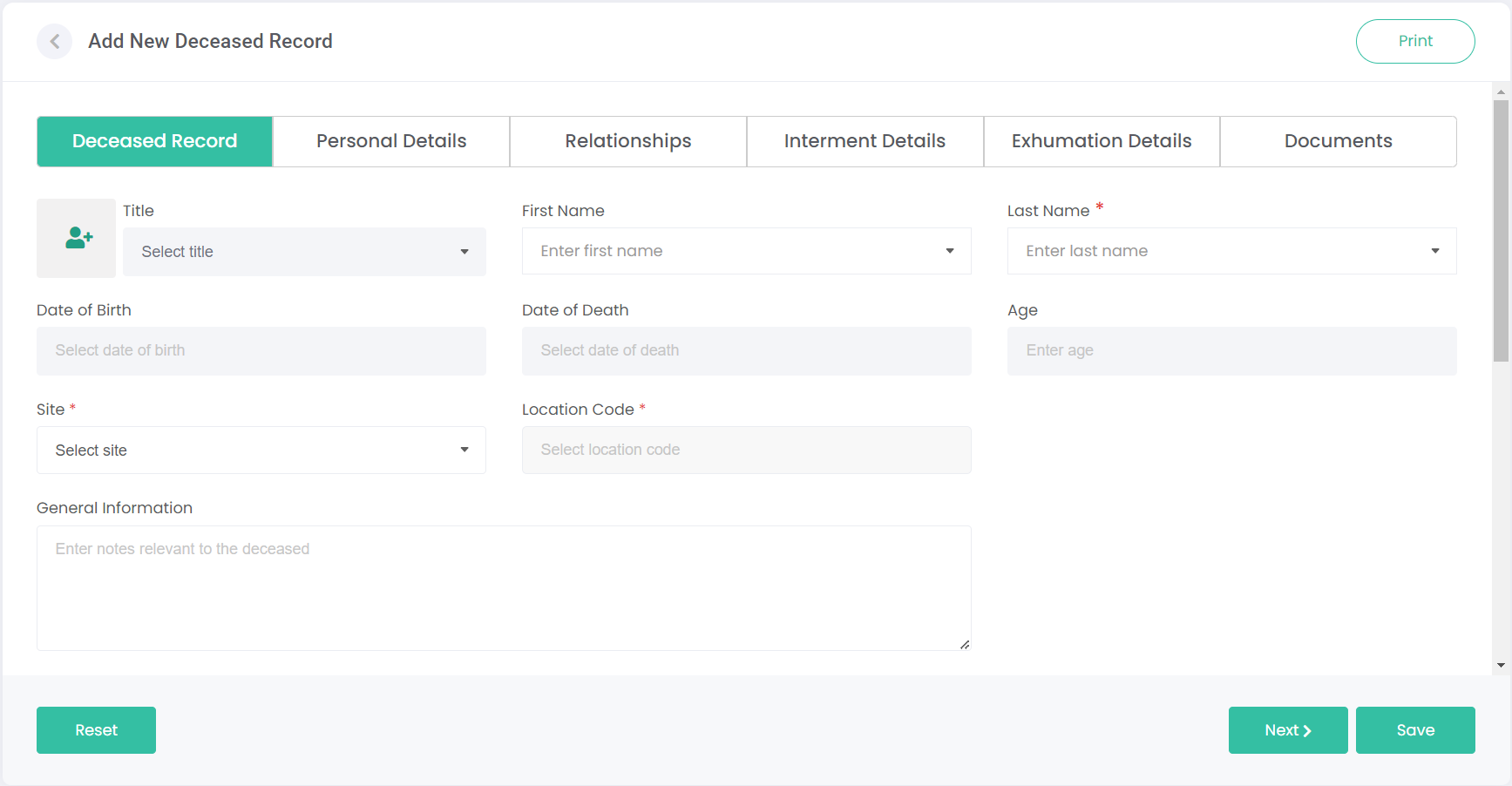
This screen can be used to capture personal details of the deceased.
It is worth noting that information on this first tab is available for public record and can be viewed or printed by the general public using our deceased search plug-in for your website (you can access this link from the Manage Accounts / Site Structure page).
The public will be able to view and print this search information, including the deceased's name, dates of birth and death, and location.
The public will NOT be able to see information on any of the remaining tabs.
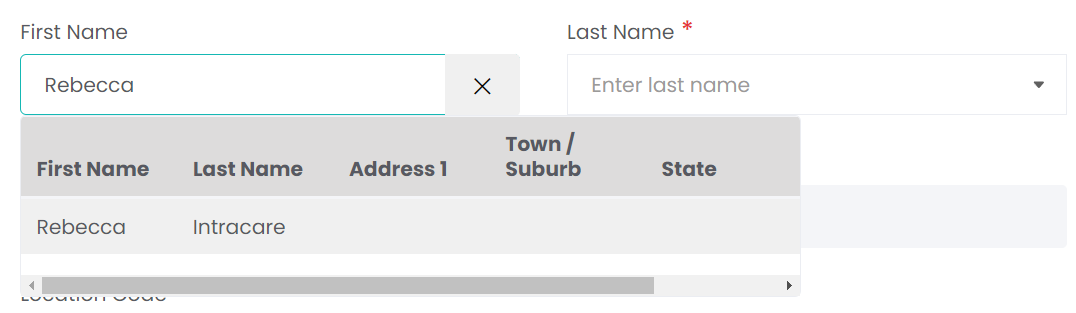
Use the First Name or Last Name fields to search for a Person from your existing records. Typing a name will bring up a list of anyone that shares that name, along with some basic information about them to help identify the correct record.
Selecting a person from the list will automatically fill out their Title, Name/s, Dates of Birth and Death, and Age details from their record:
If the intended deceased record doesn't already have a Person record created, we'll need to create that record now.
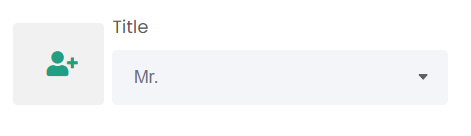
Click on the profile image with the plus symbol to the left of the Title field:
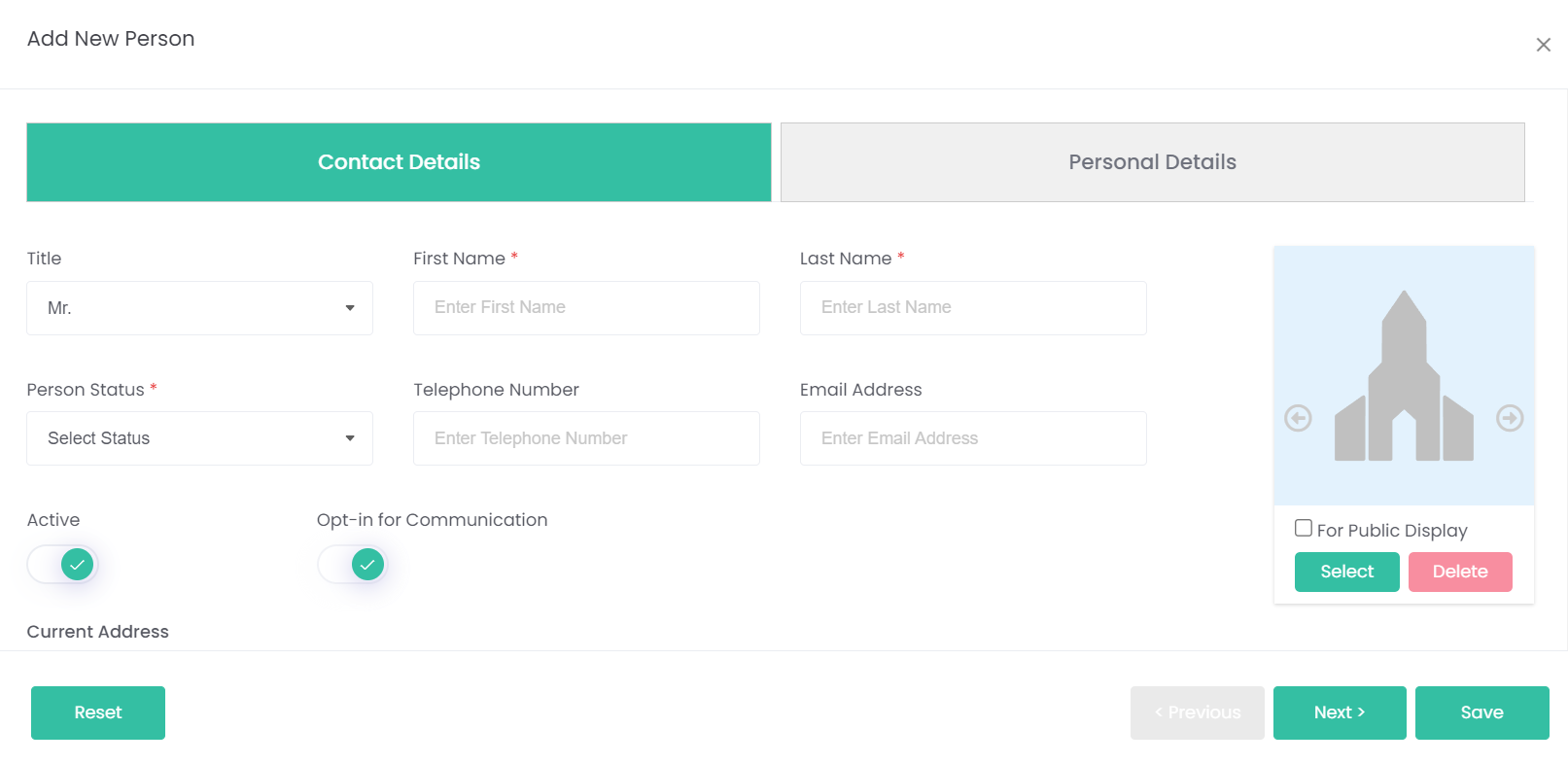
This opens the Add New Person pop-up. Refer to the Persons module for guidance on completing this process.
Once the new person's details are entered and you've hit Save, their details will be entered into the Add New Deceased Record page.
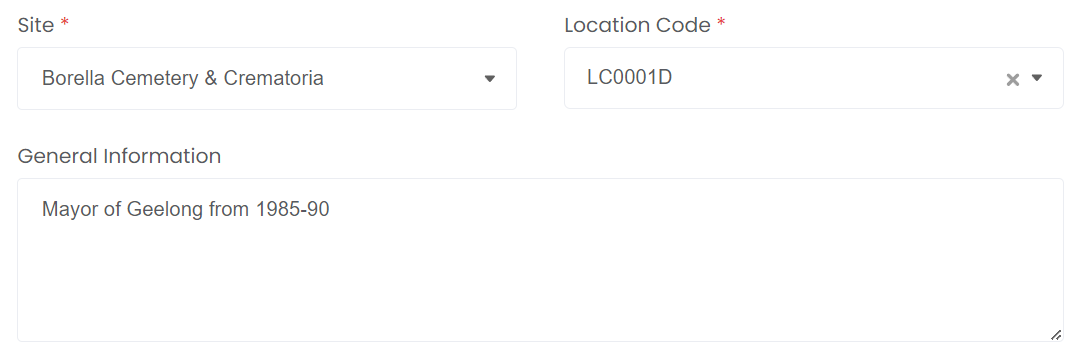
Enter the Site, LocationCode and General Information.
General information can be anything that would be considered interesting or noteworthy about this person that you would want the public to see. In our example, the deceased person was a prominent politician in the area.
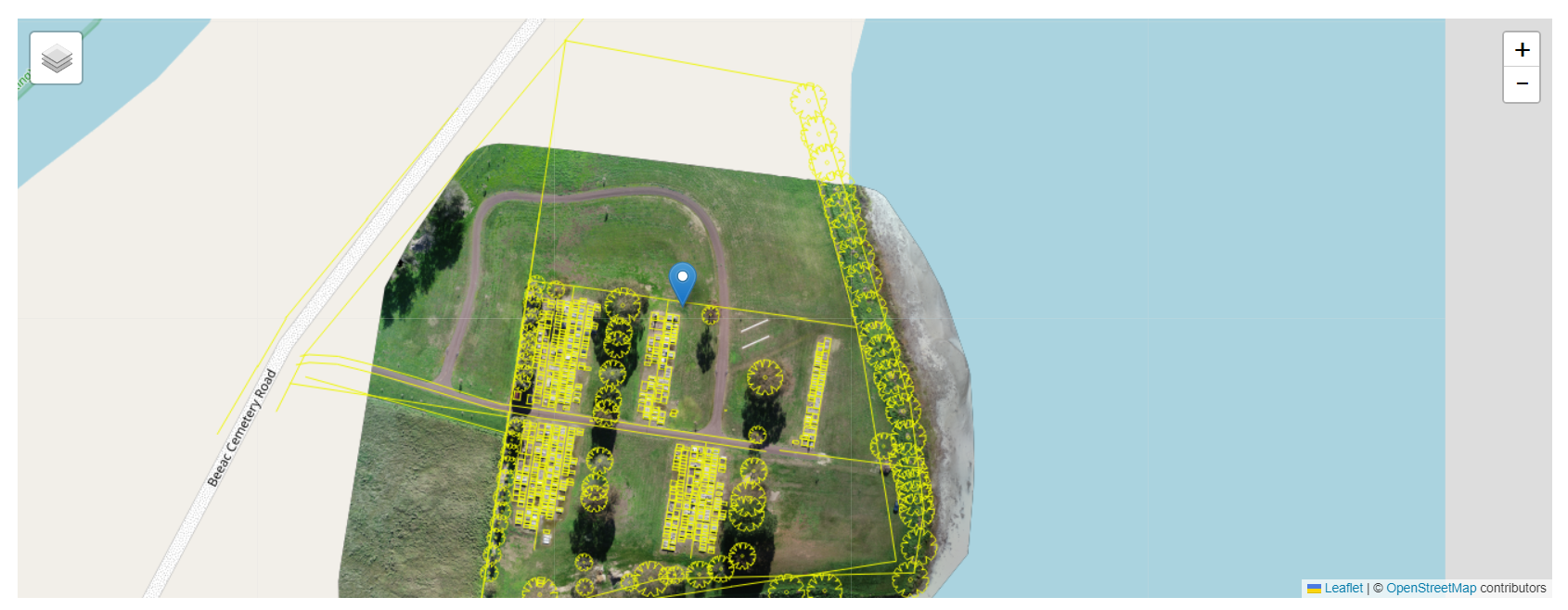
A map will be synced from the Location record on this page, and will also be visible for the public on the deceased search function.