(c) Copyright by OpusXenta Pty Ltd. All rights reserved.
byondpro Sync Configurations
If using a byondcloud application in conjunction with byondpro, then byondpro will need to be synced to byondcloud to allow the systems to interact with each other.
We recommend completing a majority of the configuration elements of your byondcloud application /s prior to syncing byondcloud to byondpro.
At the request of linking your byondpro with your desired application /s, OpusXenta will have arranged the API Link, URL and GUID.
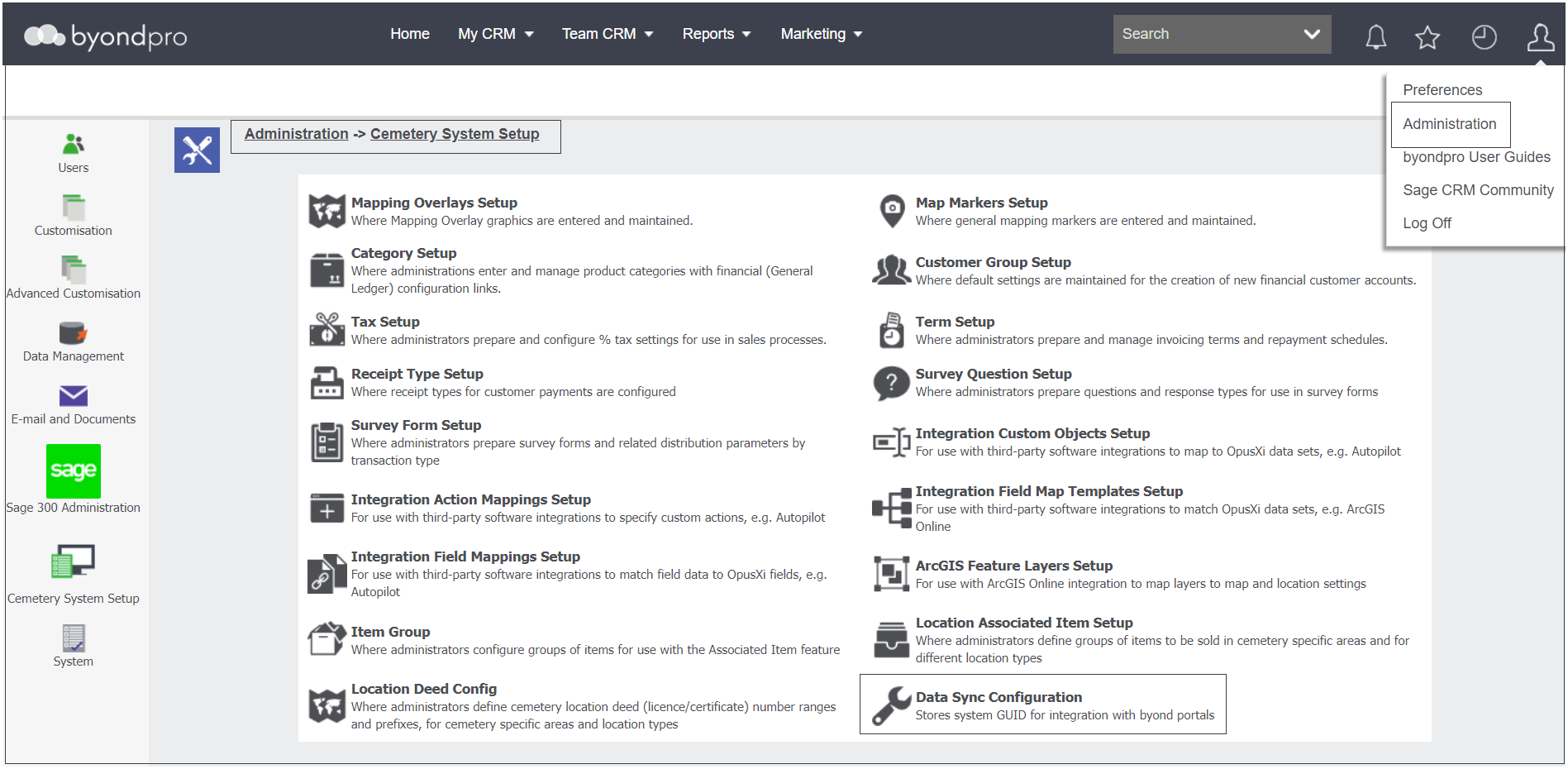
Within your byondpro, the technical team will have added the GUID into your byondpro. This GUID can be found by visiting Administration > Cemetery System Setup > Data Sync Configuration.
This process can take up to 48 hours after the request was made, so if you have additional configuration elements of your application /s we recommend working on these in the meantime.
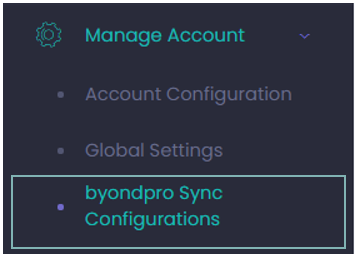
Returning to your byondcloud, click on the arrow next to Manage Account on the toolbar and select byondpro Sync Configurations from the drop-down list.
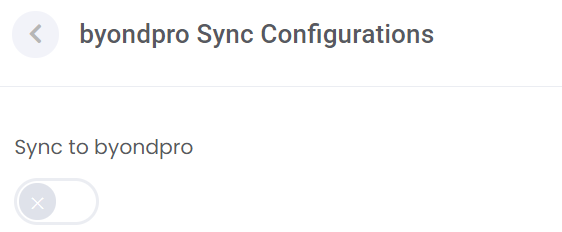
Switch the Sync to byondpro switch to the right.
Enter in the API URL of your byondpro database. Enter in the byondpro instance GUID provided by your OpusXenta consultant and found in the Data Sync Configuration area of byondpro.