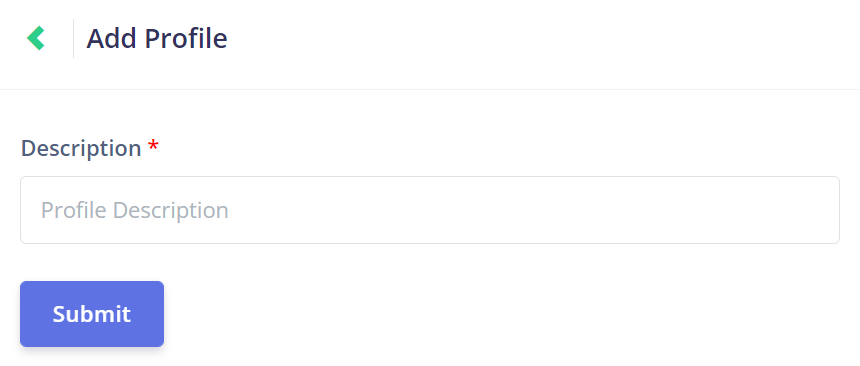
Click on the New Profile button at the top of the Profile Management page to open the Add Profile page.
To add a new profile, simply choose a suitable description for the profile and then click Submit.
The profile description will tell the user what the profile's role in the job process is.
For example, a grounds worker could have the profile description 'Grounds Worker', or a supervisor could have the profile description 'Team Leader'.