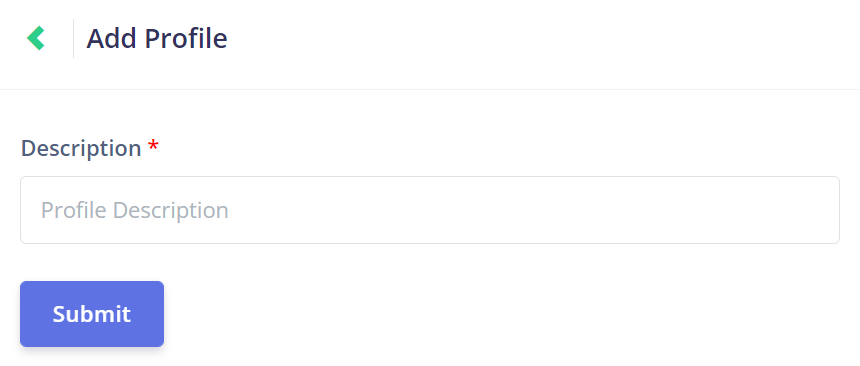
Add Profile
Click on the New Profile button at the top of the Profile Management page to open the Add Profile page.

To add a new profile, simply choose a suitable description for the profile and then click Submit.
The profile description will tell the user what the profile's role in the job process is.
The profile description will tell the user what the profile's role in the job process is.
For example, a grounds worker could have the profile description 'Grounds Worker', or a supervisor could have the profile description 'Team Leader'.