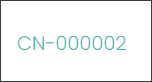
Press on the green hyperlink with the Contract Number, e.g. CN-000002 to view an existing Contract.
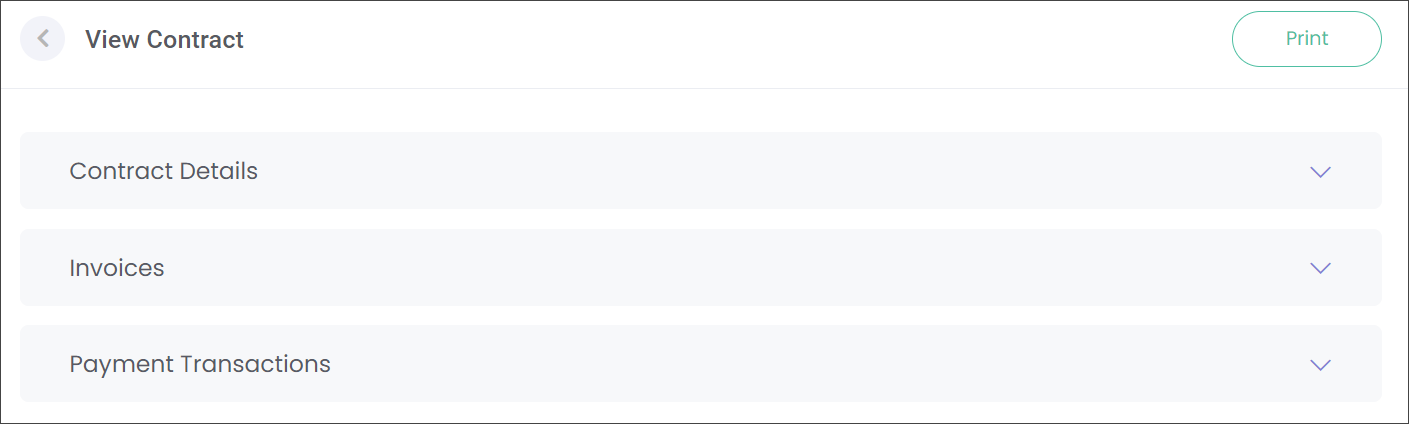
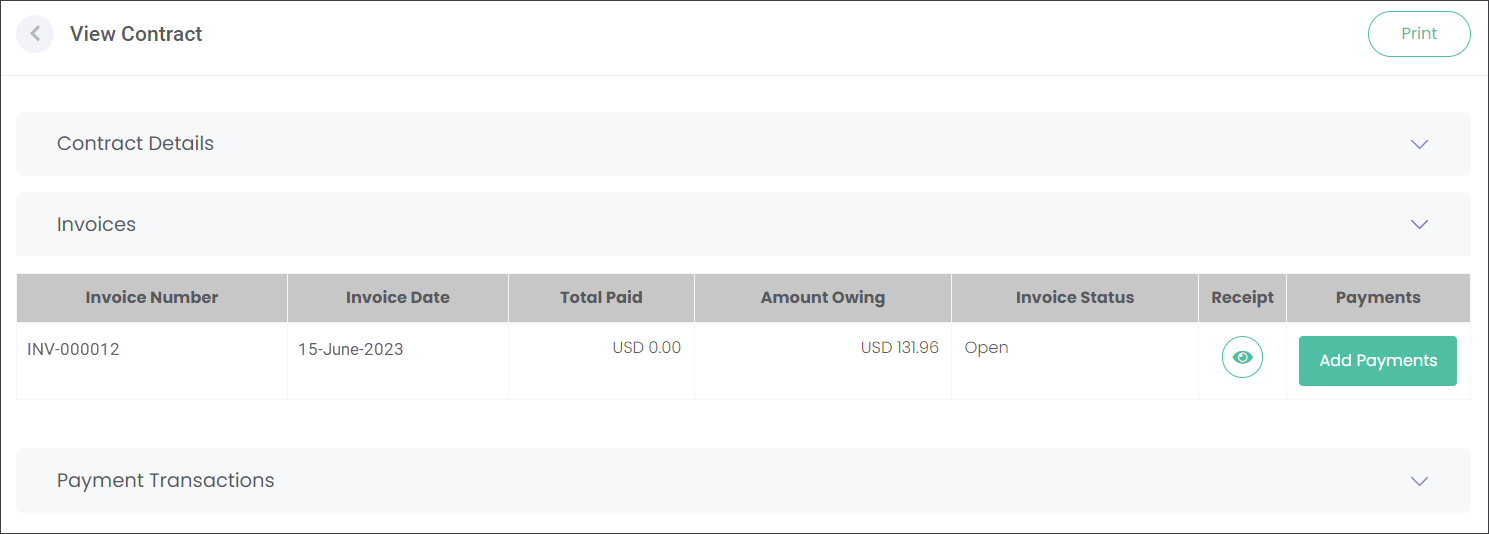
On the View Contract screen you can access the following information by pressing on the down arrows:
-
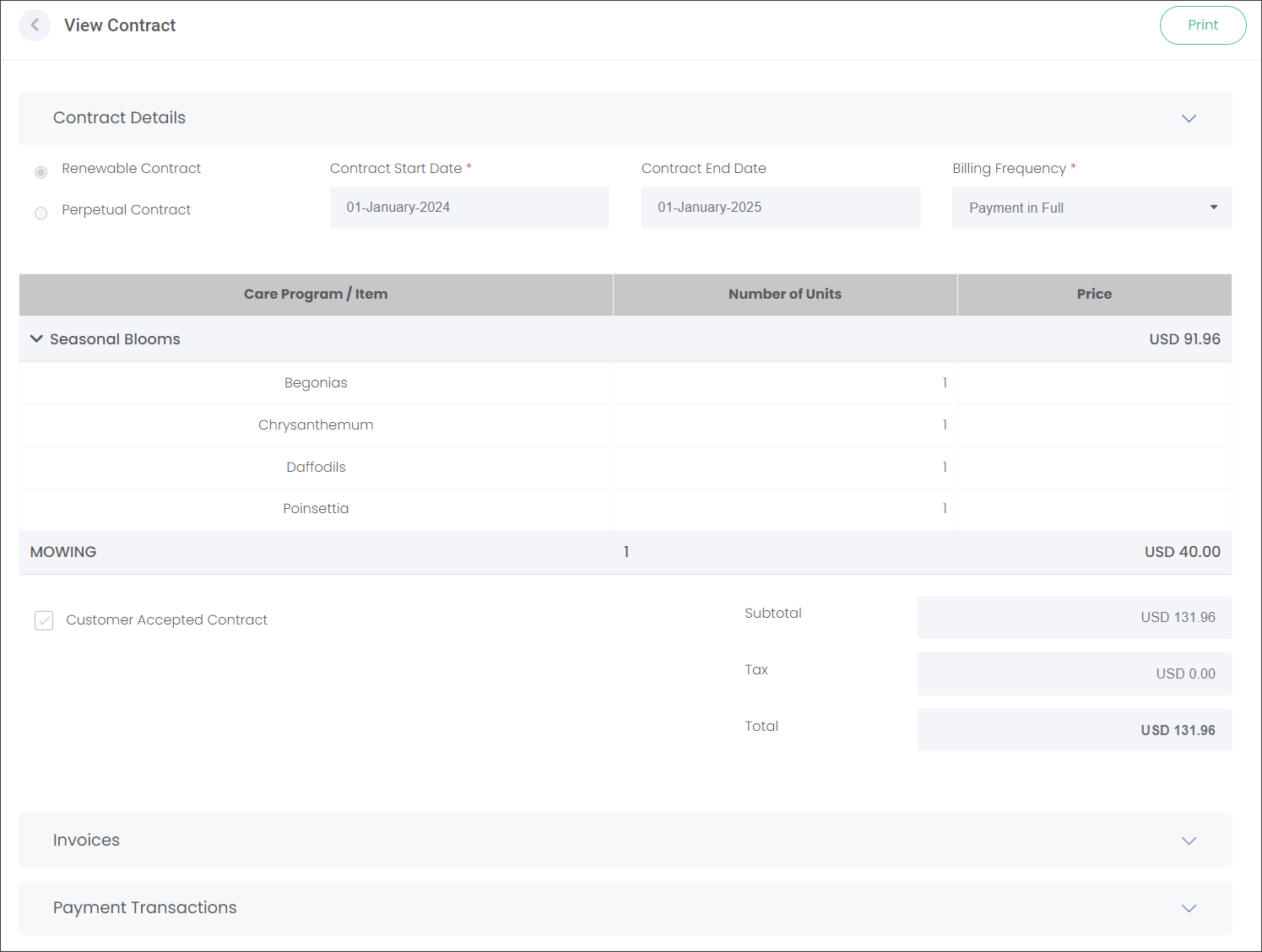
Contract Details such as the terms and included Items.
-
Invoices where you can Add Payments and view the Receipt.
-
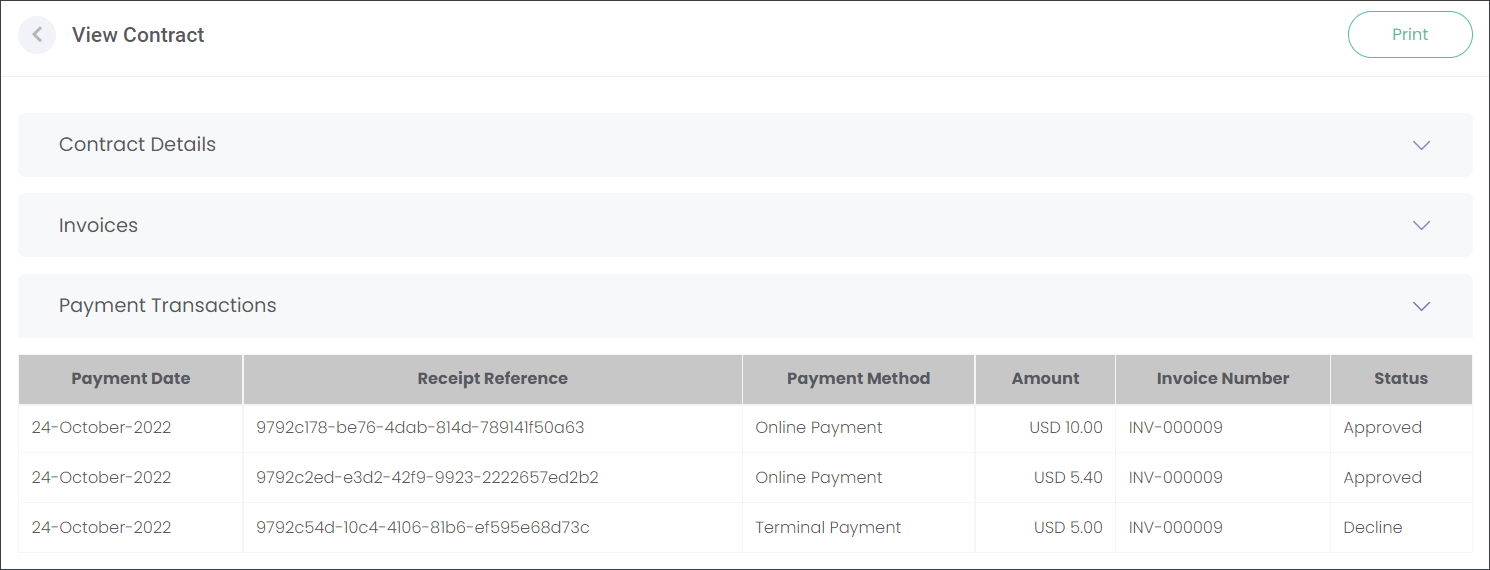
Payment Transactions with the transaction history.
Contract Details
On this page you can view such details as the Contract term, included Items, and amount owing.
Invoices
On the Invoices page you can Add Payments, view a Receipt and the Invoice Status e.g. Partially Paid.
Navigate to the
Add Payments section of the guide to find out how to take payments.
Payment Transactions
On the Payment Transactions page you can view the payment history including payment dates, methods and amounts paid.
Here you can track the progress of payments by viewing their Status:
-
-
Decline when the payment was declined by the gateway when completing an online or terminal payment.
-
-
Pending when the transaction hasn't been completed yet.