Team Users
Click on the Users button under the Actions column on the Team Management page to open the Team Users page.

This page provides a list of every user in a given team.
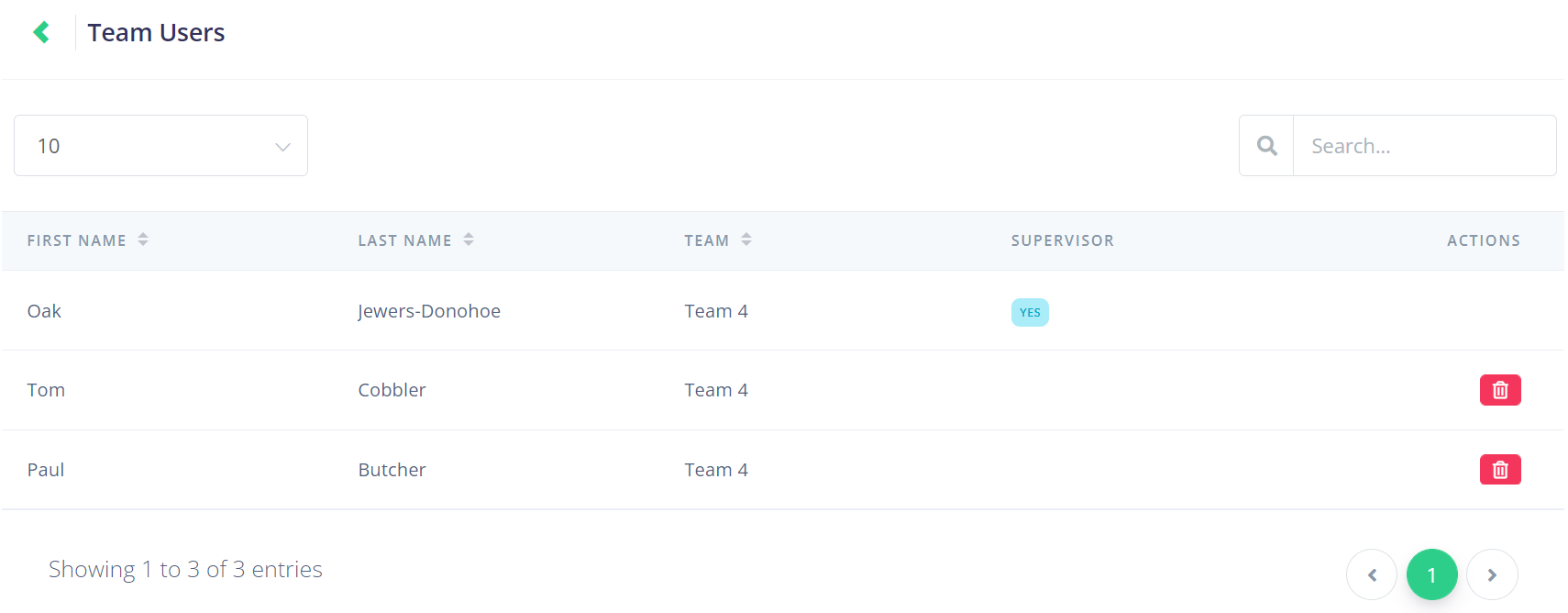
If you have many Team Users you can type in the Search field in the top right to narrow your options by the users first name, last name, or supervisor status; or you can change the number of entries viewable on each page by using the drop-down in the top left.

There is also a function to remove a user from the team by clicking the red delete button under the Actions column.

Note that the supervisor cannot be deleted from the team.