(c) Copyright by OpusXenta Pty Ltd. All rights reserved.
Task and Phase View
We will now see an example of how a user sees the jobs and tasks once they are allocated to them.
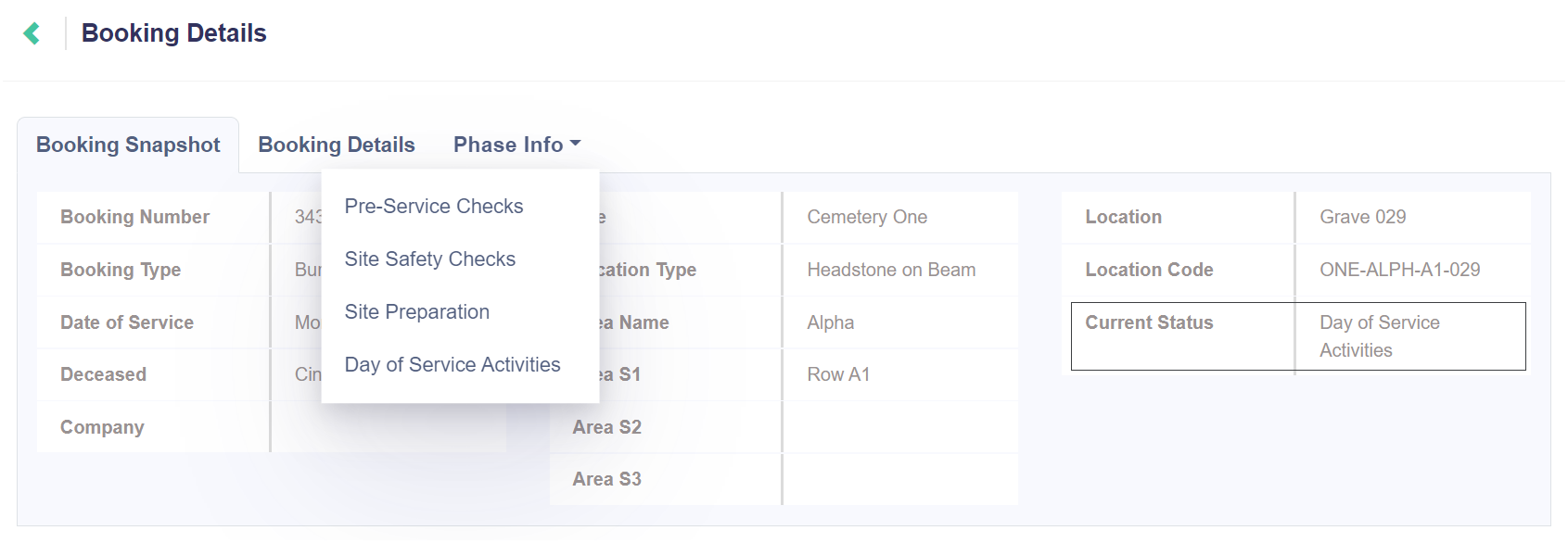
On the Job Details window, the user can view the tasks and phases they are assigned to through the Phase Info tab, and will only see those tasks which have been allocated to them by a supervisor.
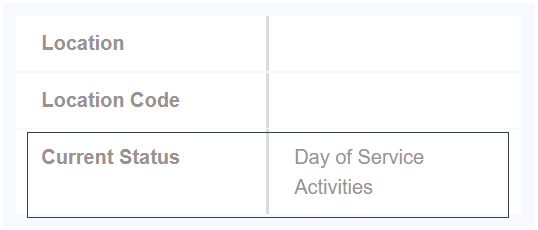
You can see that as the team completes phases, the Current Status of the job is updated with progression.
This job has now progressed from Pending Initiation through Site Safety Checks and Site Preparation and is now up to Day of Service Activities.
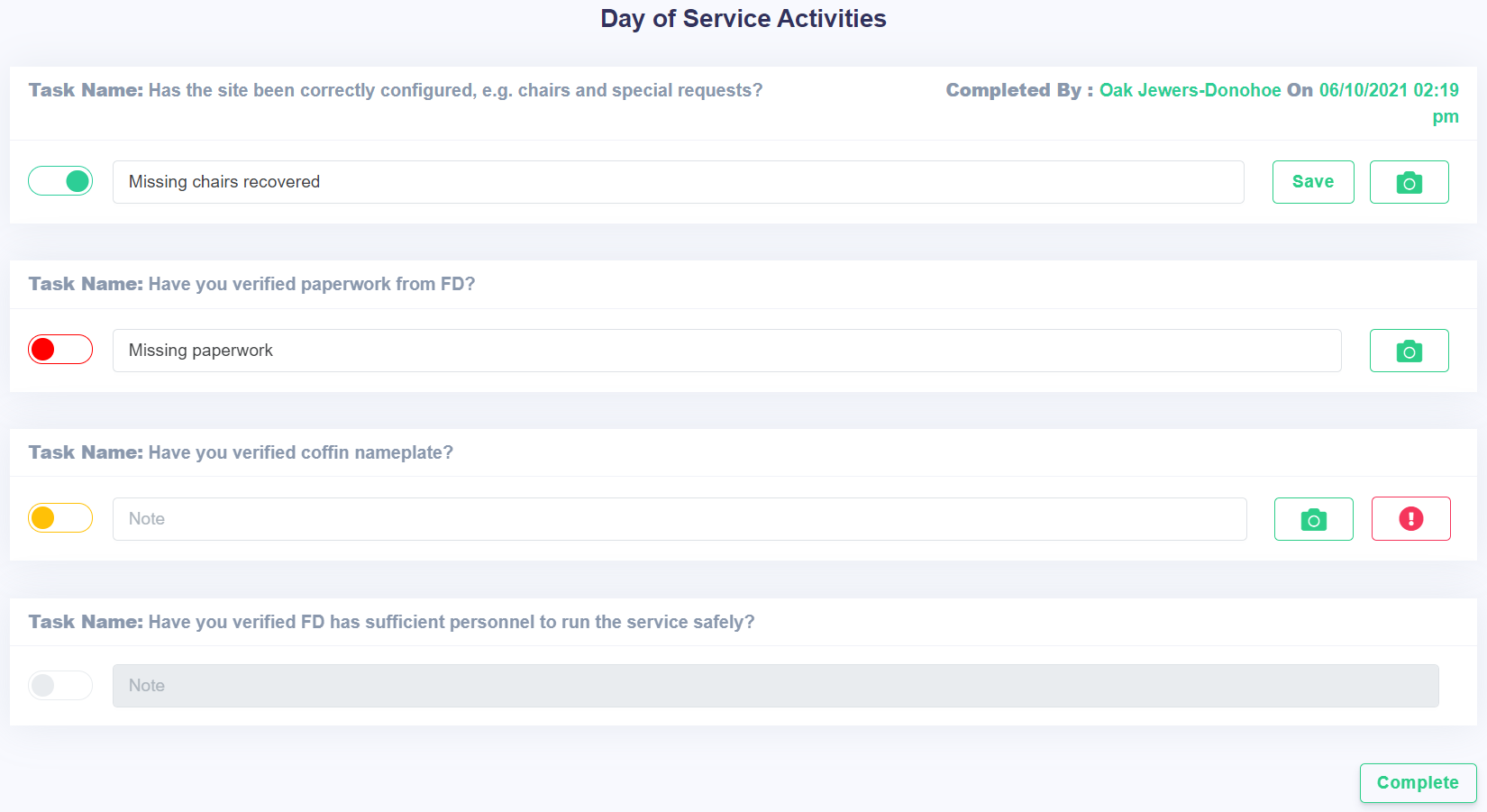
When the user selects the Day of Service Activities phase from the drop-down, they will be taken to a list of tasks to complete.