On the
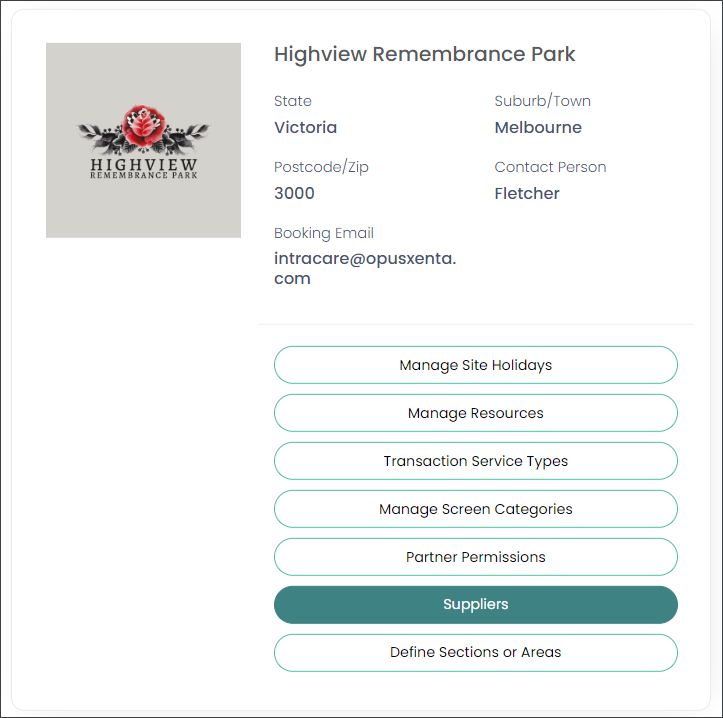
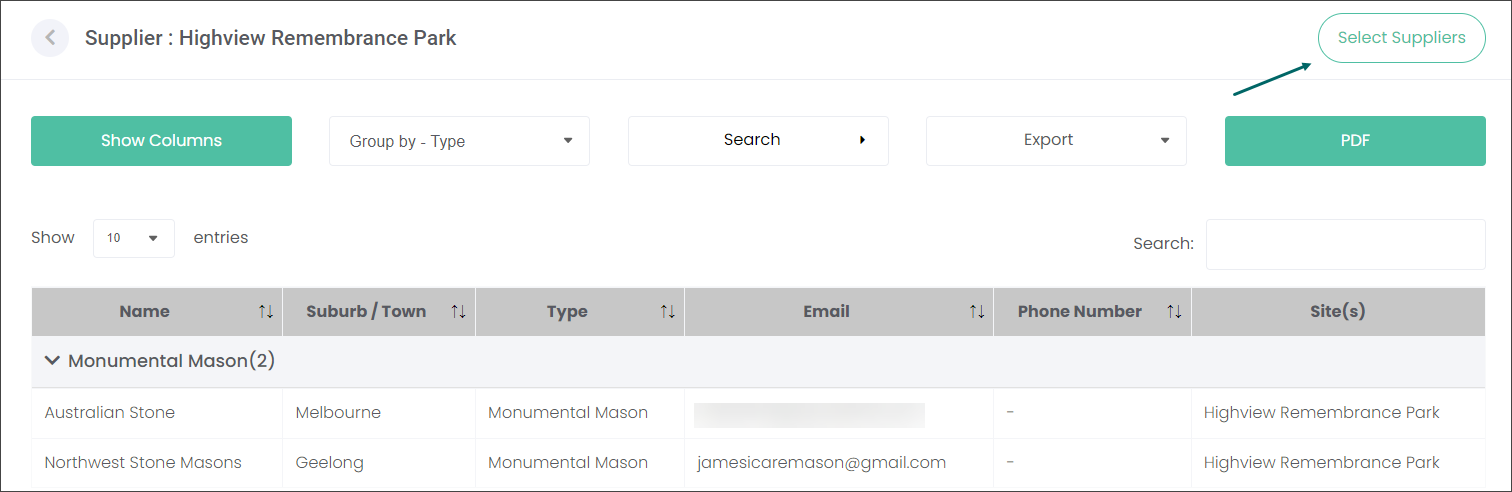
Suppliers page, connect with your mason and florist partners to work on the
Care and
Floral Programs.
Press the Select Suppliers button to add companies to your Suppliers' list.
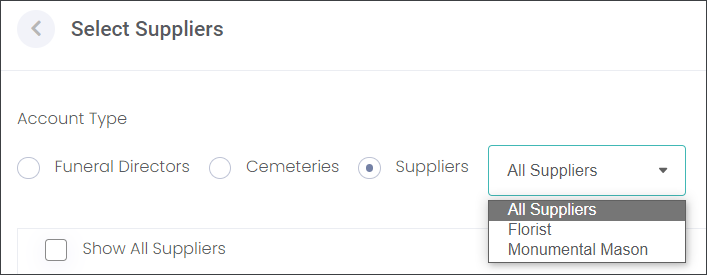
To view all companies registered with the chosen site, mark the Suppliers circle.
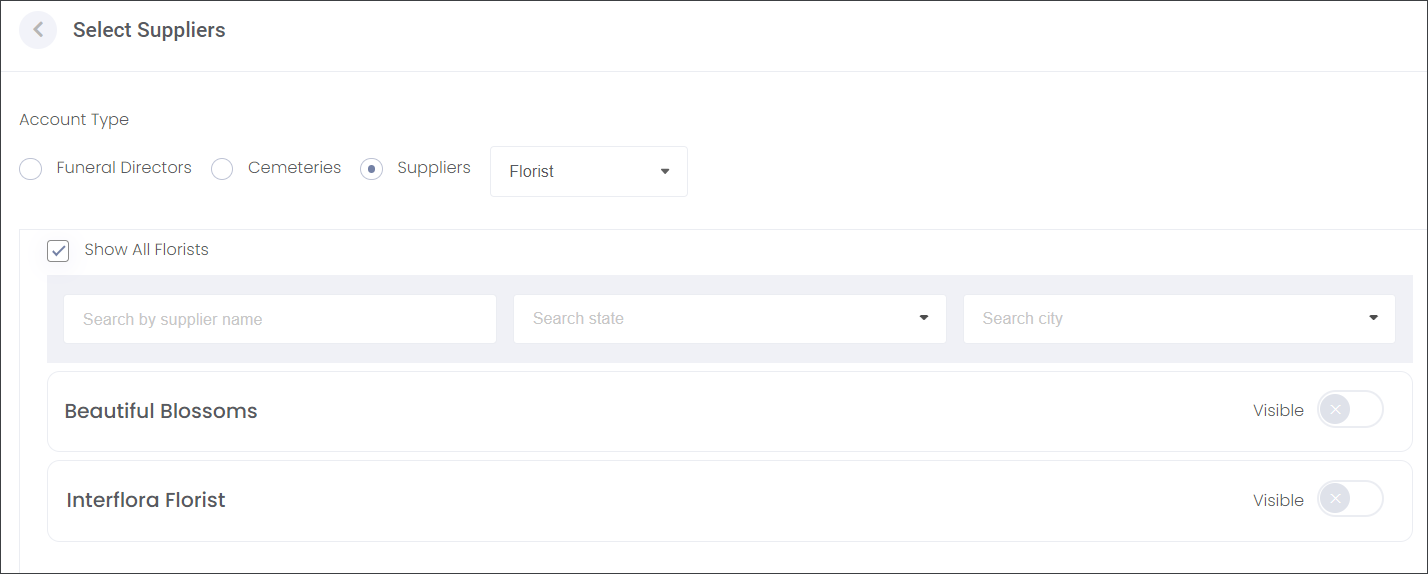
Then, select the All Suppliers option in the menu and tick the Show All Suppliers box .
Use the filters below the Show All Suppliers tick box to search by partner's name, state, city.
Press the gray slider next to the chosen Supplier's name to add the Supplier.
The Supplier is added when the slider turns green with a tick.
Now you will be able to add the supplier's products to your Care and Floral Programs.