Step 4: Export data from MapMakr to byondpro
The final step is to export the location data from MapMakr back into byondpro. Our consultants will assist with this process. To do this:
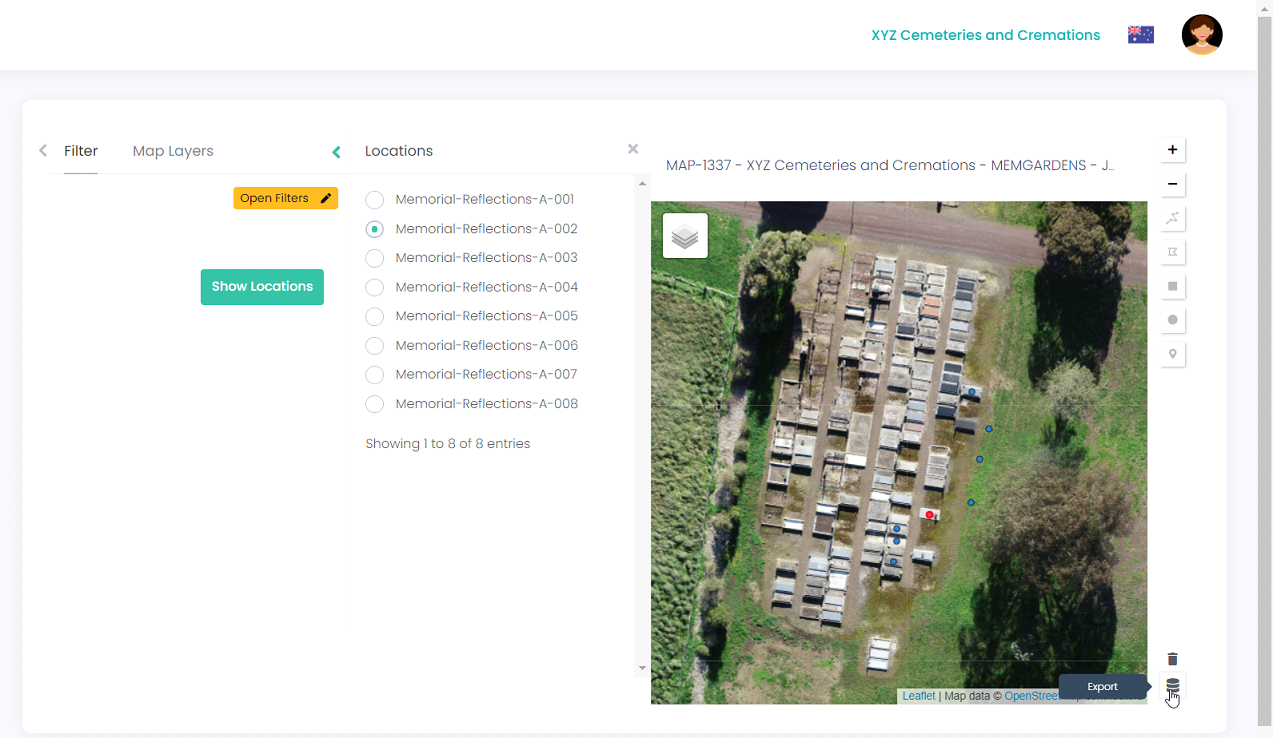
Click on the Export icon (bottom right of map).
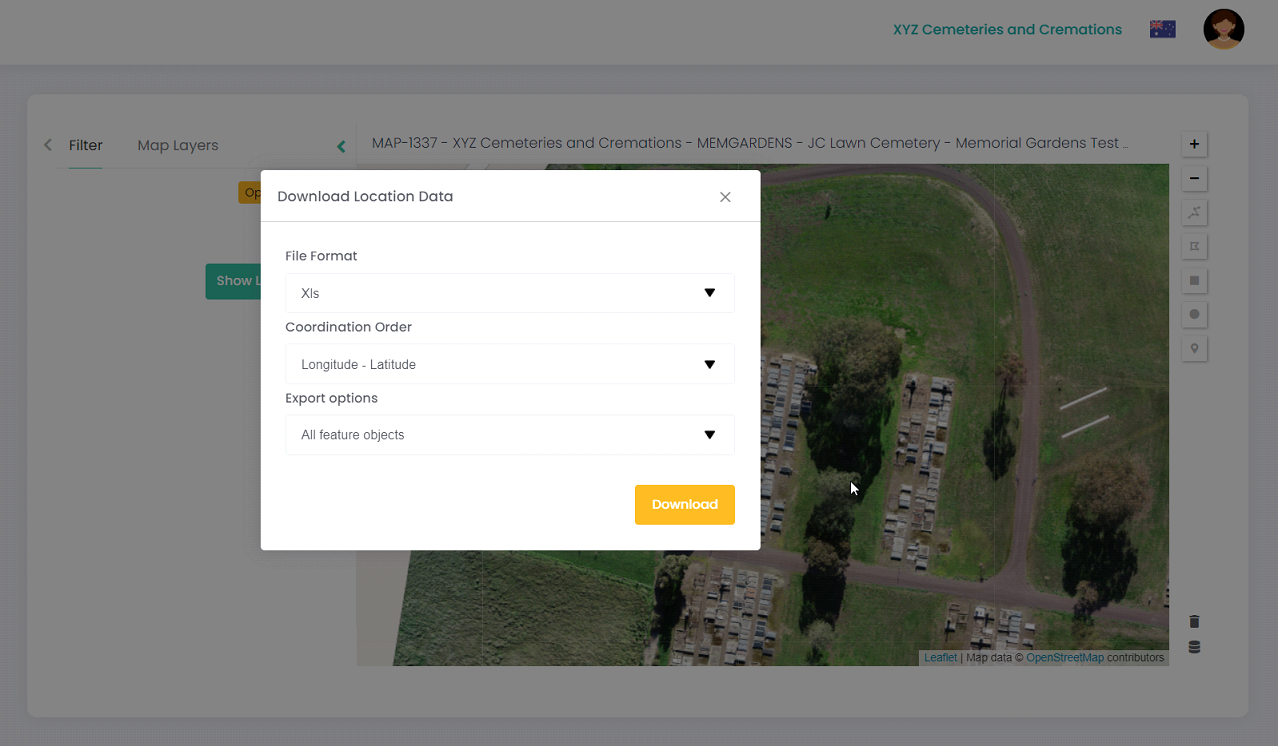
Select the relevant download options from each drop-down list (including File Format, Coordination Order and Export options) and click Download.
The data will download in a CSV file, ready for our team to import back into byondpro and update the map information for your locations.