(c) Copyright by OpusXenta Pty Ltd. All rights reserved.
Security Profiles
byondcloud users can set up access permissions to decide which users can manage and use marketmakr.
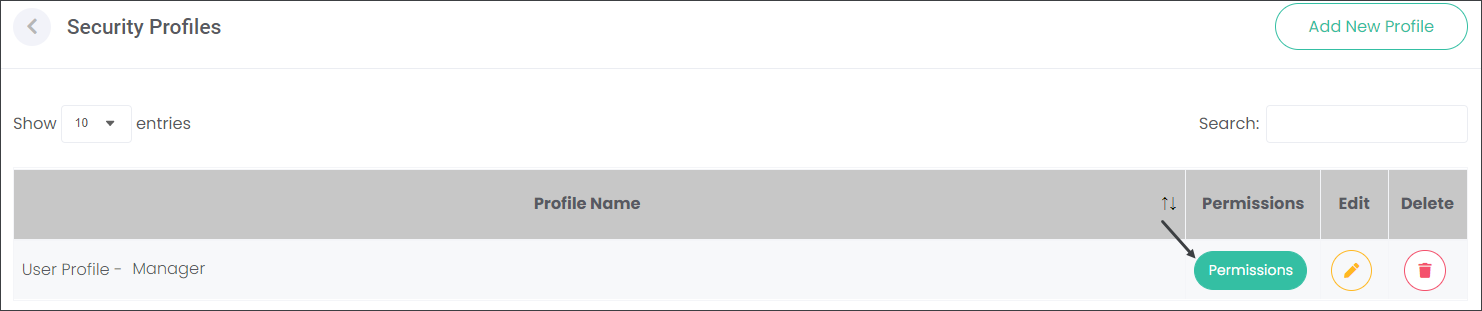
Navigate to the Security Profiles in Manage Accounts. Choose a Security Profile and press the Permissions button.
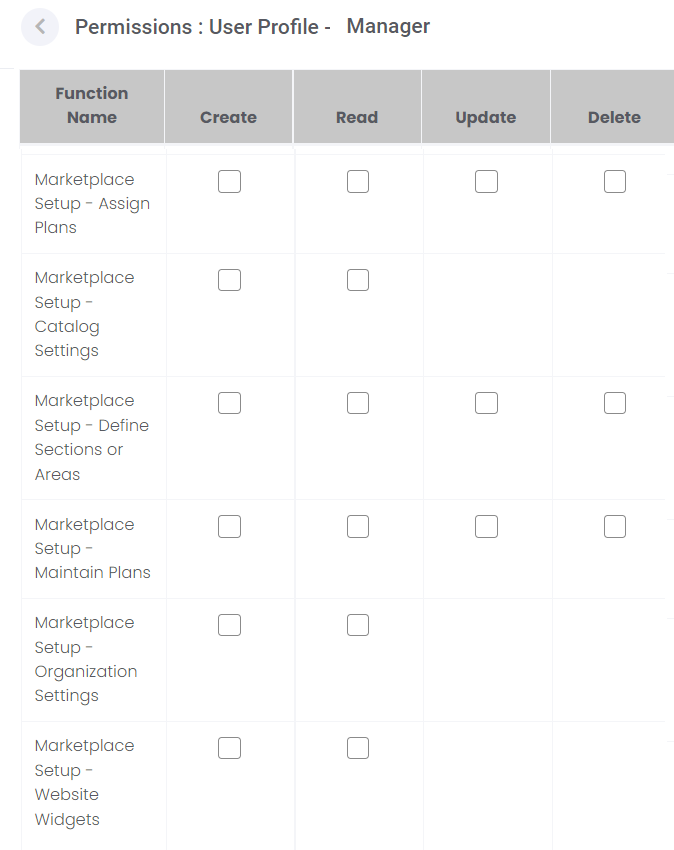
The list of Permissions is organised alphabetically. Scroll down to the marketmakr-related Permissions. Check the available boxes in line with different marketmakr options. It will allow users assigned to the Security Profile to Create, Read, Update and/or Delete records on the marketmakr configuration pages depending on the selections chosen.