Security Profiles
byondcloud users can set up access permissions to decide which users can manage and use marketmakr.
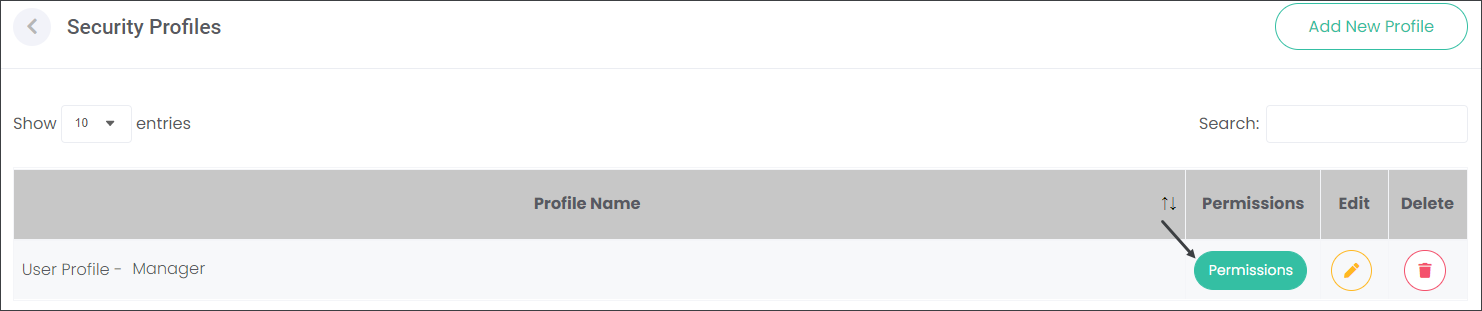
Navigate to the Security Profiles in Manage Accounts. Choose a Security Profile and press the Permissions button.
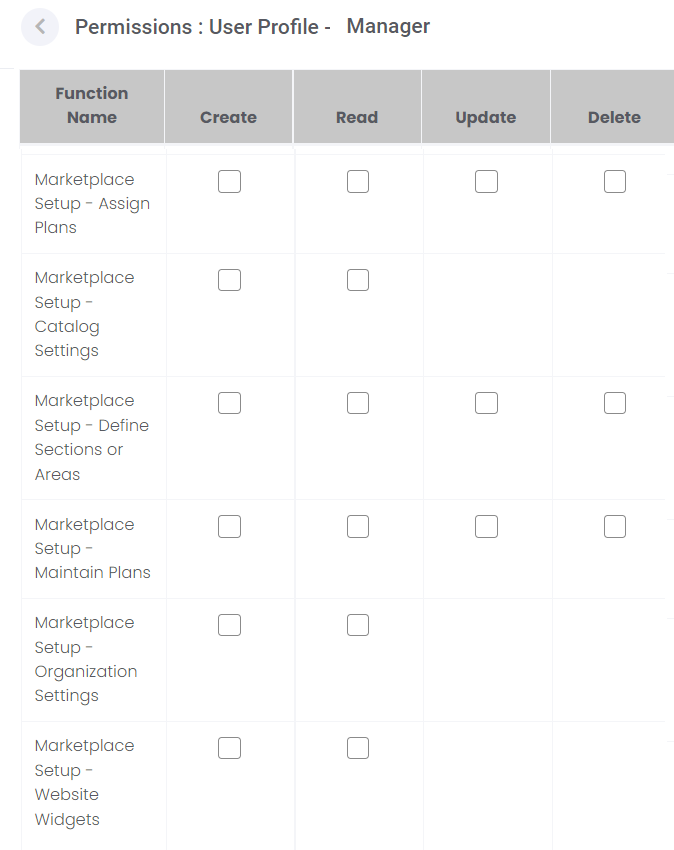
The list of Permissions is organised alphabetically. Scroll down to the marketmakr-related Permissions. Check the available boxes in line with different marketmakr options. It will allow users assigned to the Security Profile to Create, Read, Update and/or Delete records on the marketmakr configuration pages depending on the selections chosen.