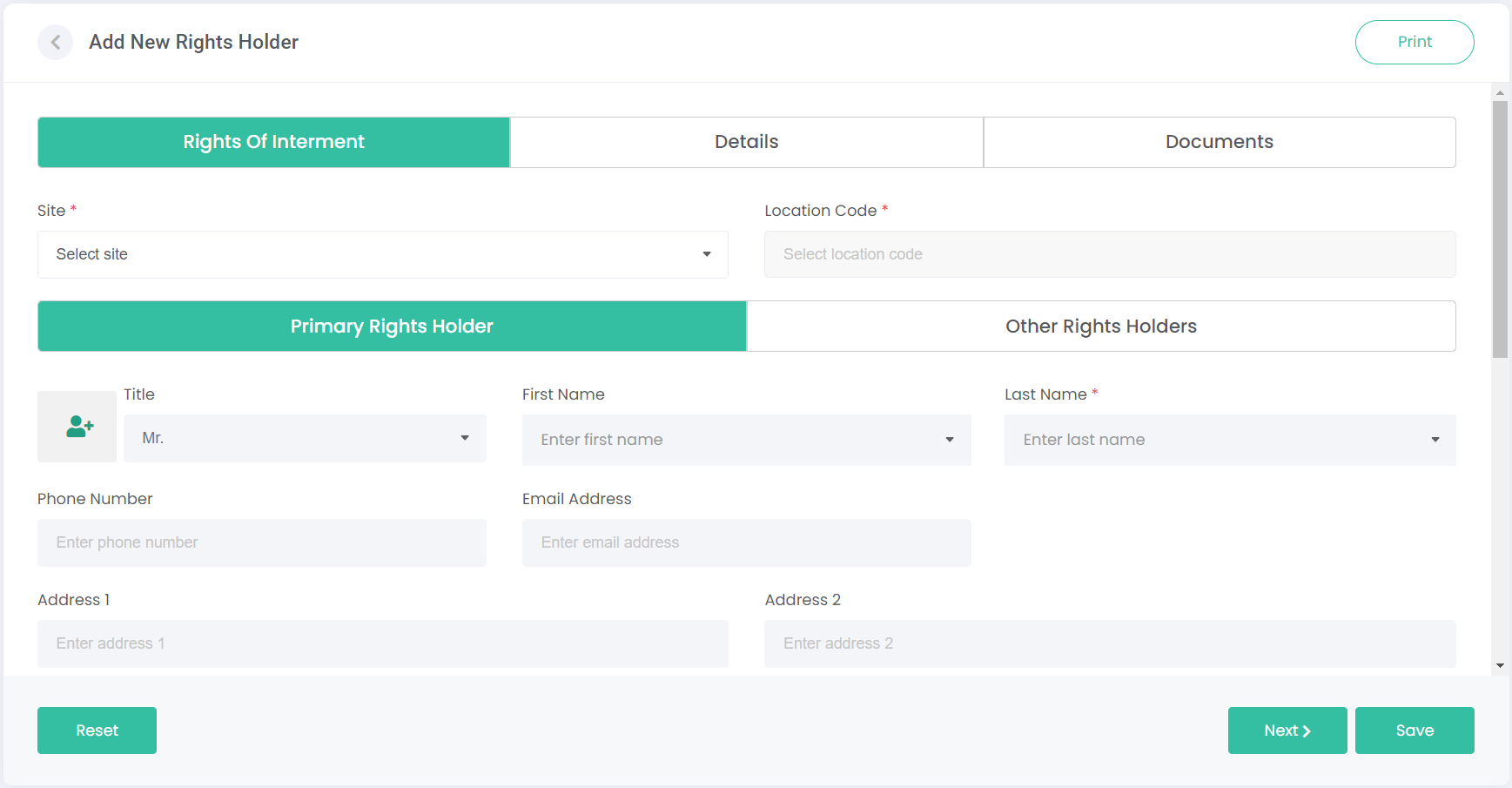
The Rights of Interment tab is where the Primary and Other Rights Holders are added from the Persons module, and their contact and address information are displayed.
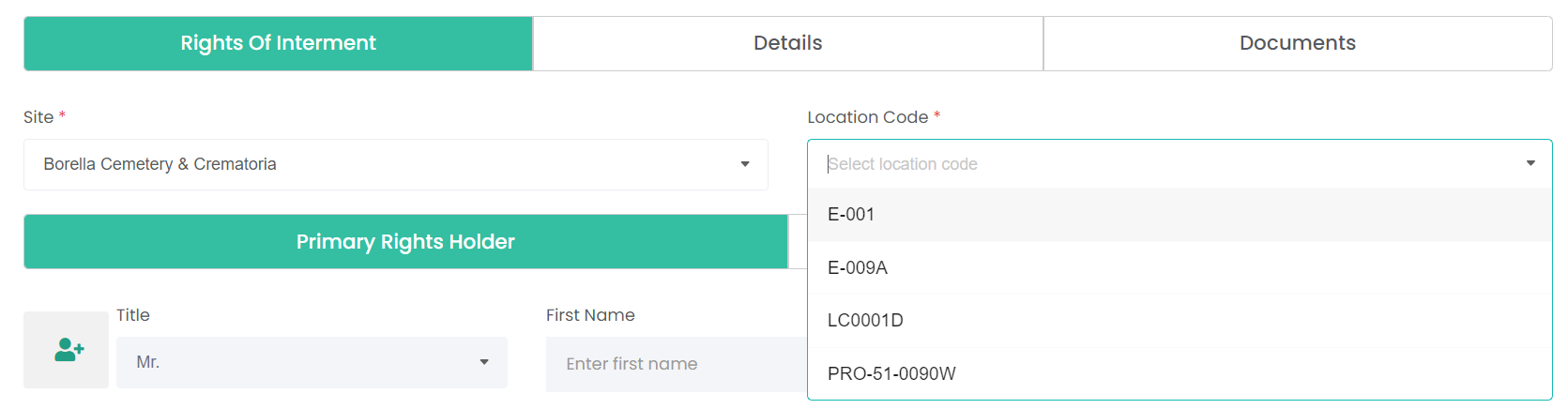
The first step is to select a Site and Location Code. Only location codes from the selected site are shown. When this record is saved, that location's status will change to Sold.
Next, we need to add a Person record to our new rights holder record. You can do this in two ways.
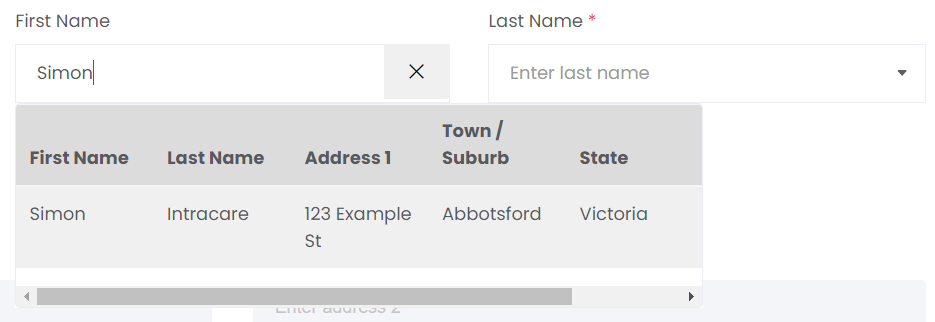
Use the First Name or Last Name fields to search for a Person from our existing records. Typing a name will bring up a list of anyone that shares that name, along with some basic information about them to help identify the correct record.
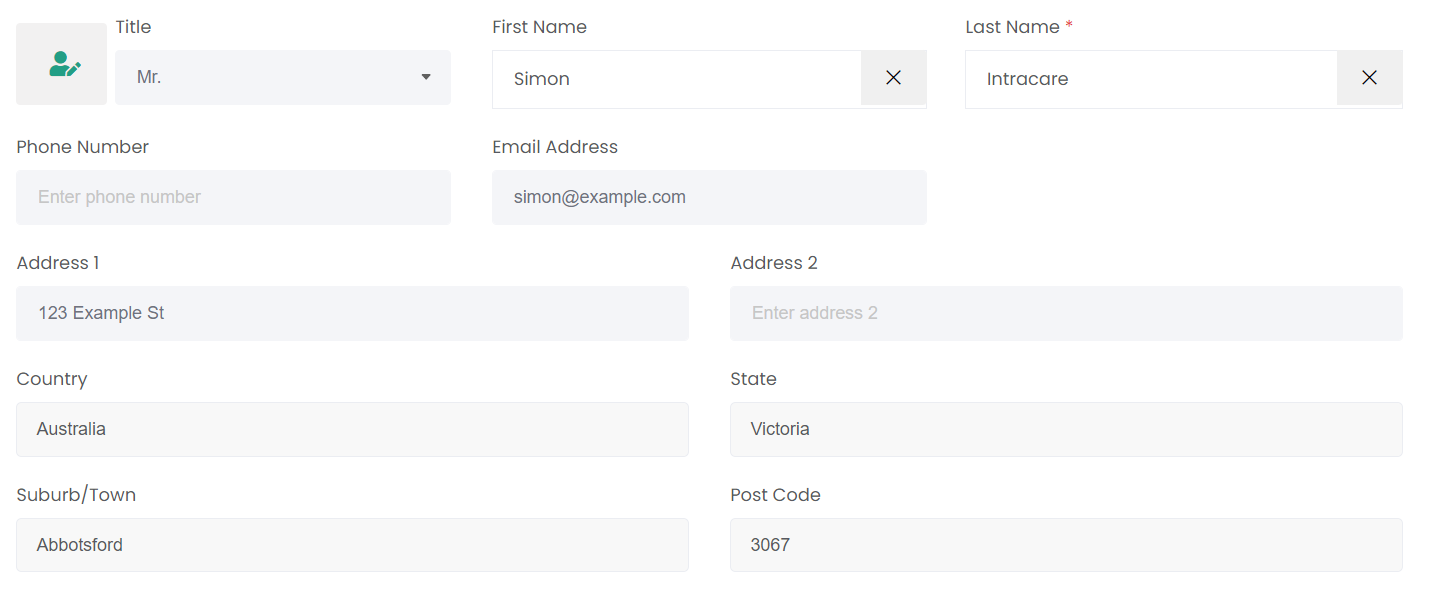
Selecting a person from the list will automatically fill out the contact and address details from their record:
If the intended rights holder doesn't already have a Person record created, we'll need to create that record now.
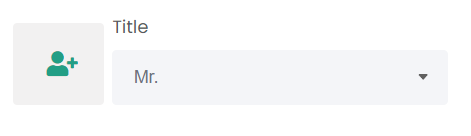
Click on the profile image with the plus symbol to the left of the Title field:
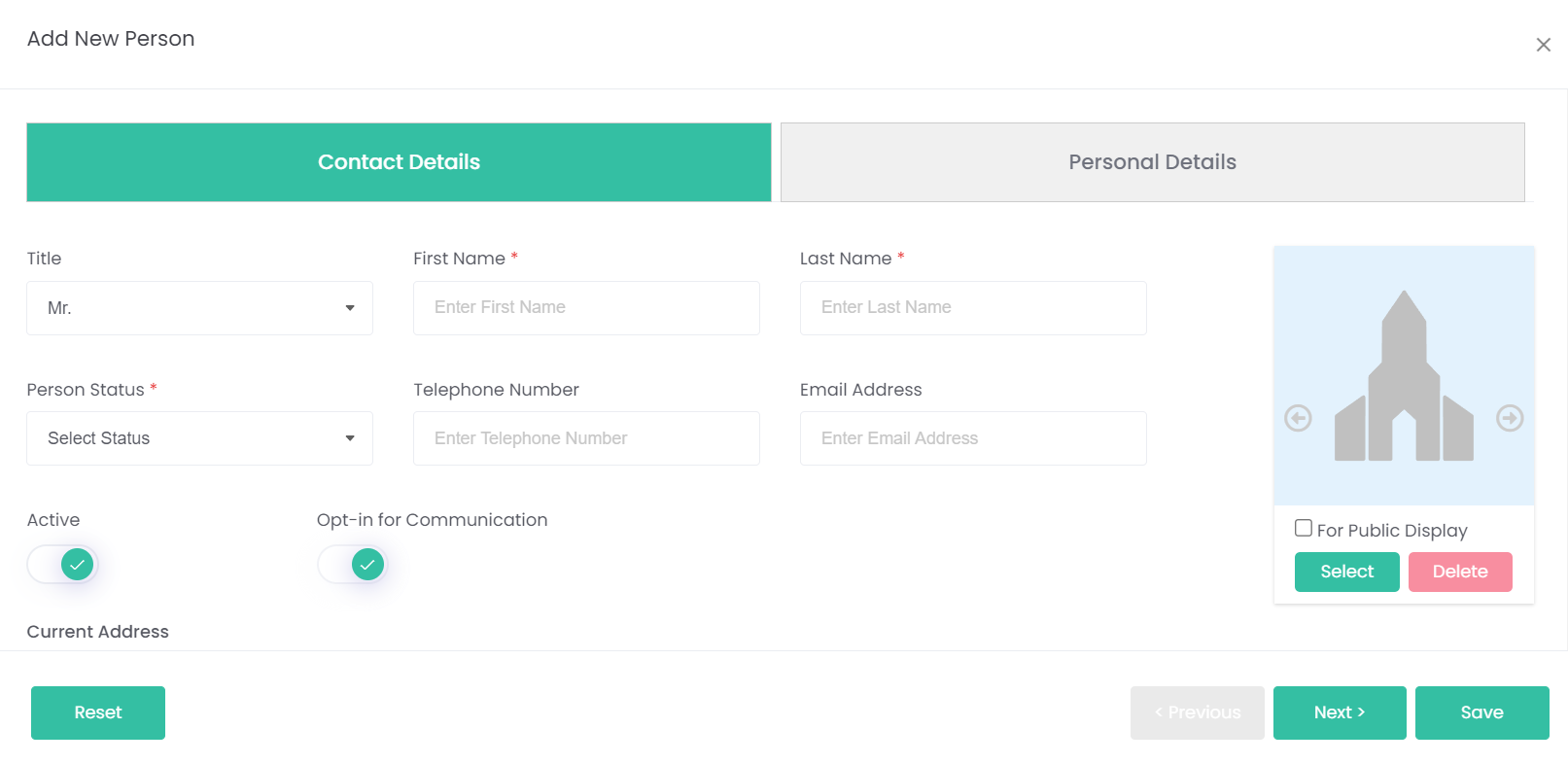
This opens the Add New Person pop-up. Refer to the Persons module for guidance on completing this process.
Once the new person's details are entered and you've hit Save, their details will be entered into the Add New Rights Holder page.
Scroll down to see more fields to complete.
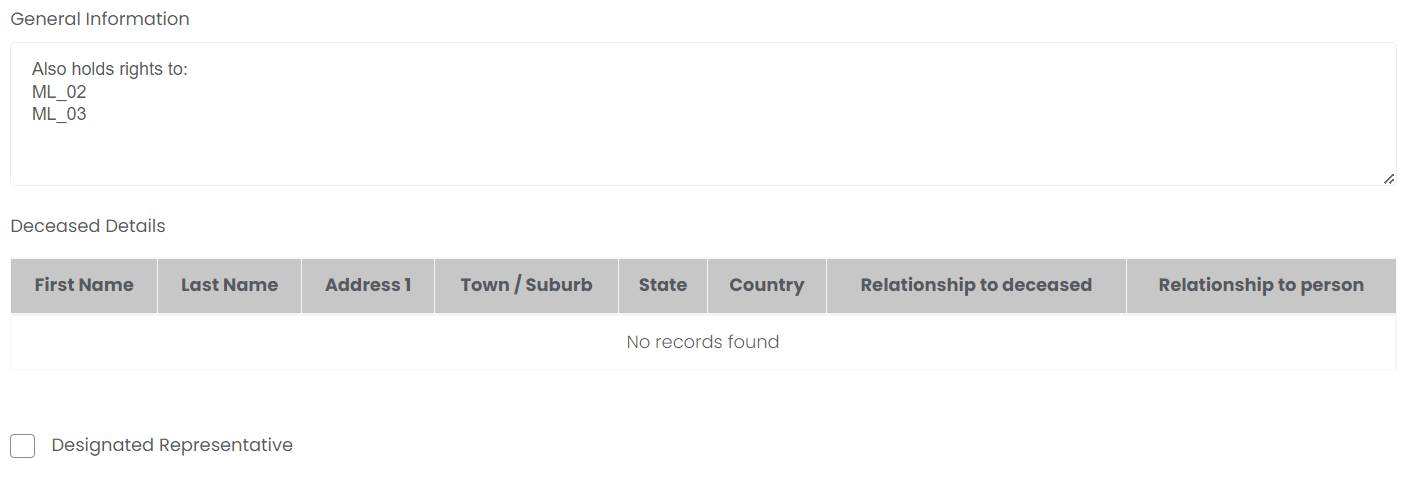
The General Information field allows free-text notes to be entered about the rights holder. This can be used for any purpose you want.
Deceased Details will fill up with the details of the deceased person/s interred in the location. They are blank here because the deceased record hasn't been created yet, but see below this image for another completed example.
Designated Representative marks this record as the rights holder that should be contacted for matters regarding this location, as opposed to one of the Joint or Secondary rights holders. Joint rights holders are explained in the next topic, Other Rights Holders tab.
Deceased Details example below: