(c) Copyright by OpusXenta Pty Ltd. All rights reserved.
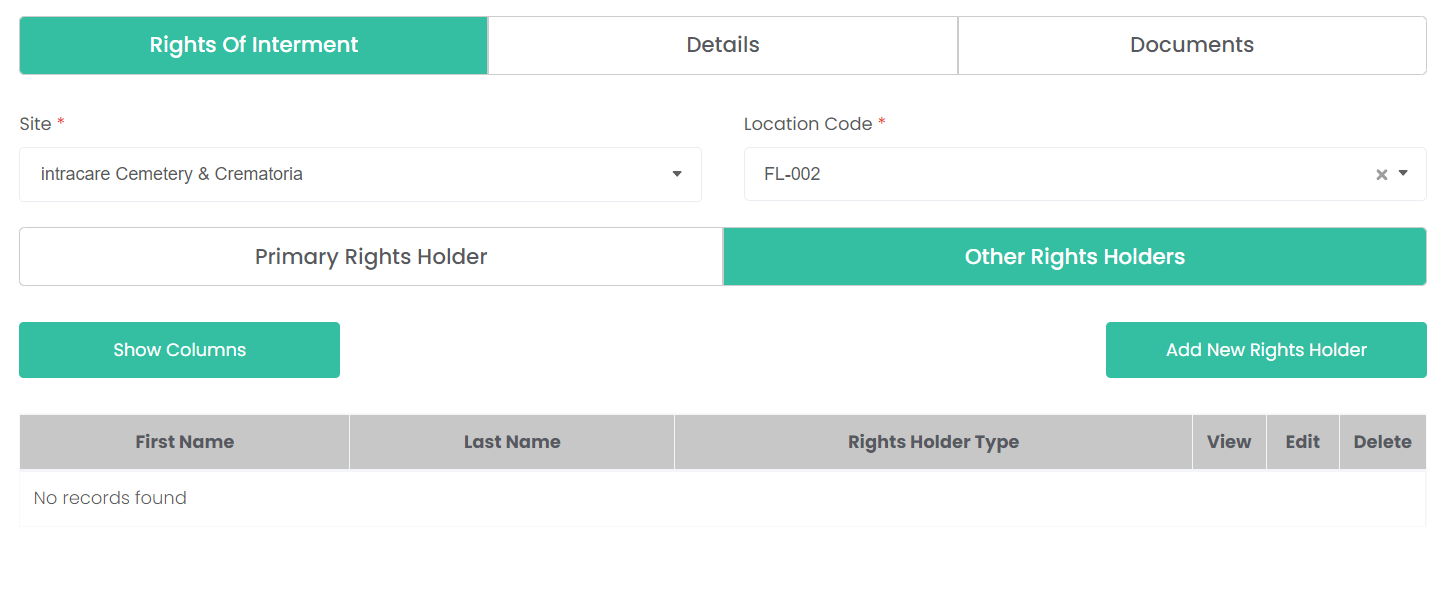
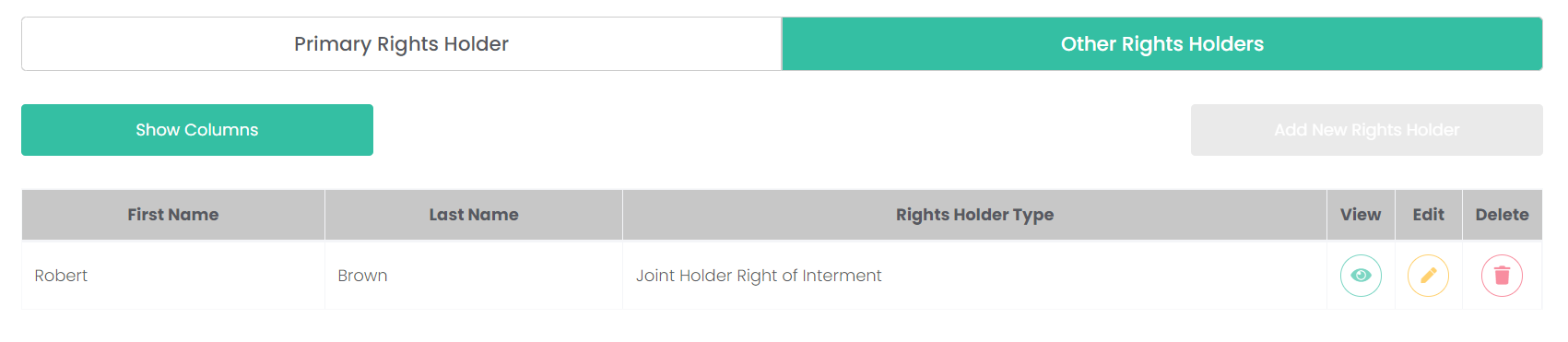
Other Rights Holders tab
The Other Rights Holder tab can be found on the Rights of Interment tab. It allows multiple rights holders to be added to the same location, in cases where the rights are held jointly by two or more family members.
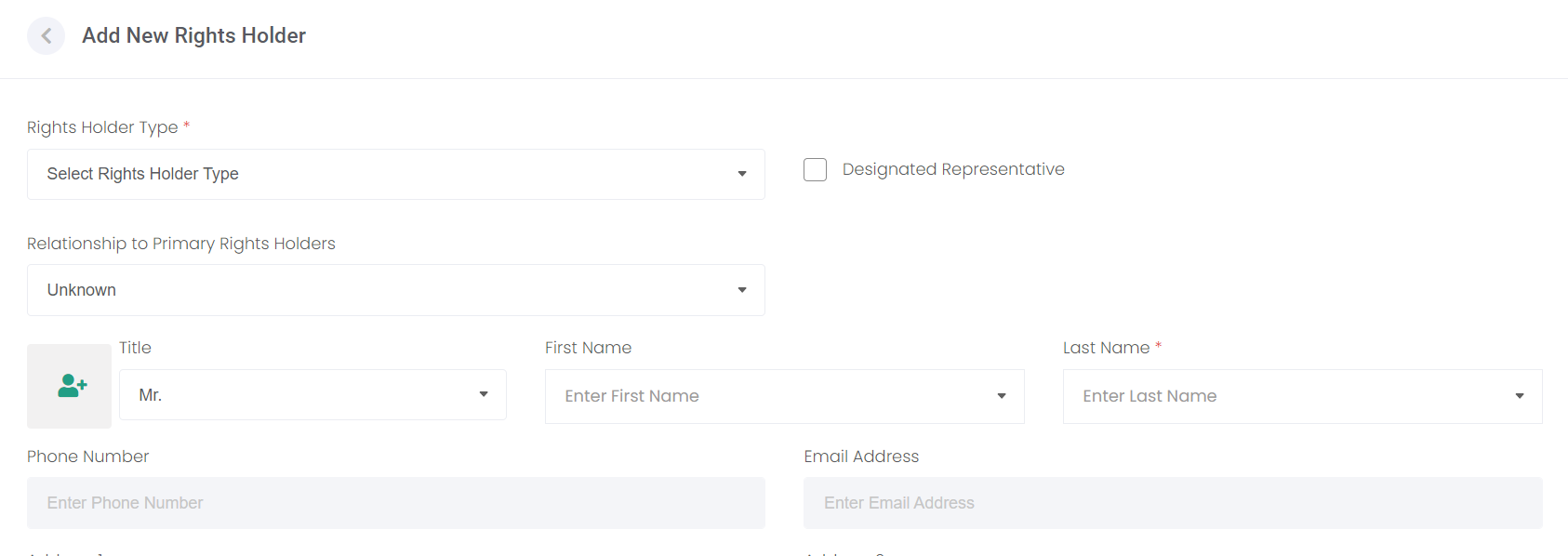
To add records to this tab, click the Add New Rights Holder button. This will open the new rights holder screen, but with a couple of differences.
The Person record can be added the same two ways from the previous page, but now there are two new fields to complete.
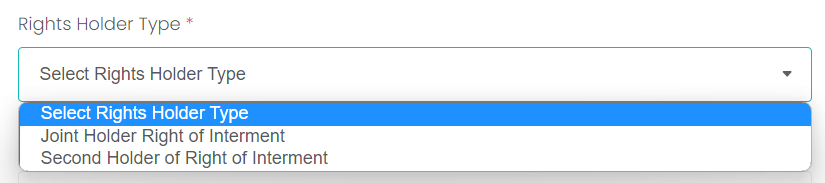
The Rights Holder Type determines if this is a Joint or a SecondHolder of Right of Interment.
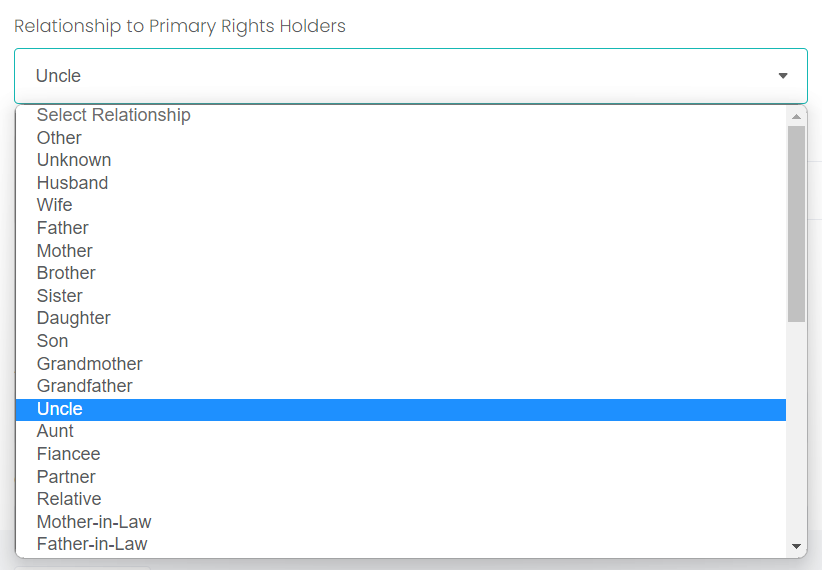
You can also enter the Relationship to the Primary Rights Holder here.
Click Add to save the new rights holder, then see them displayed in the list back on the Other Rights Holder tab.