(c) Copyright by OpusXenta Pty Ltd. All rights reserved.
Review and Monitor Activities
In byondpro, the operations team or nominated staff may want to monitor activities, particularly on bigger sites where quality checks are put in place as the work is performed along with the associated paperwork.
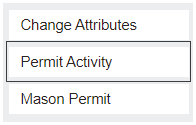
To track when and why the mason came on site, open the permit and select the Permit Activity button on the right-hand side of the screen.
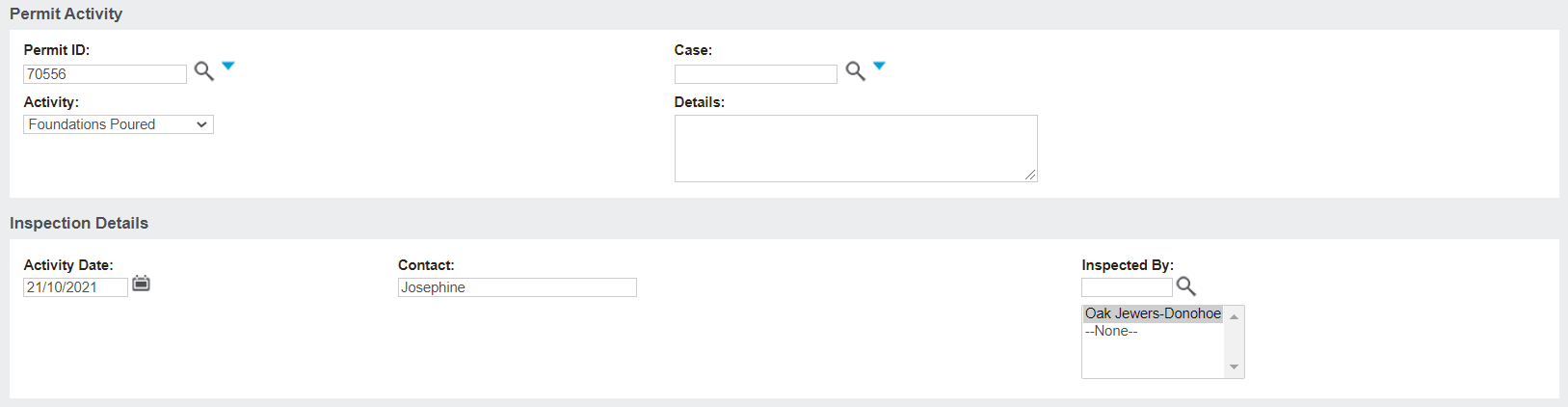
On the Permit Activity page, the activity undertaken, details of the activity, the activity date, the contact name of the person undertaking the activity, and the inspecting cemetery staff member, can all be all captured.
Once the activity details are entered, click Save.
The new activity will be added to the Permit Actions tab, where all permit activities undertaken can be entered and tracked.
Capturing Permit activities ensures the processes around monitoring and maintaining safety standards has occurred, that the appropriate checks were in place and processes were followed.