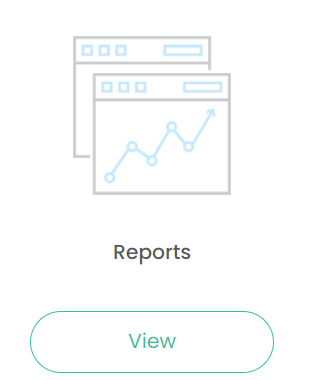
To access Reports, click on View under the Reports icon.
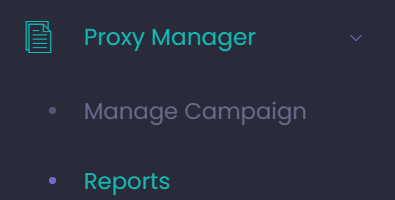
Alternatively, by clicking on the arrow next to Proxy Manager on the side bar / tool bar, click on Reports from the selection list.
The Reports section displays two selection lists:
-
One to choose the AGM Year / Campaign
-
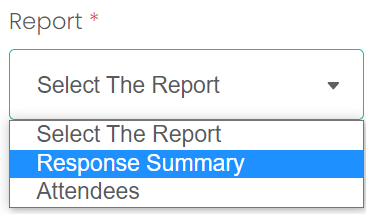
There are two reports to view:
Choose the AGM Year and the Report of your choosing from their selections lists, then click Display.
To reset the search criteria, click the Reset button.