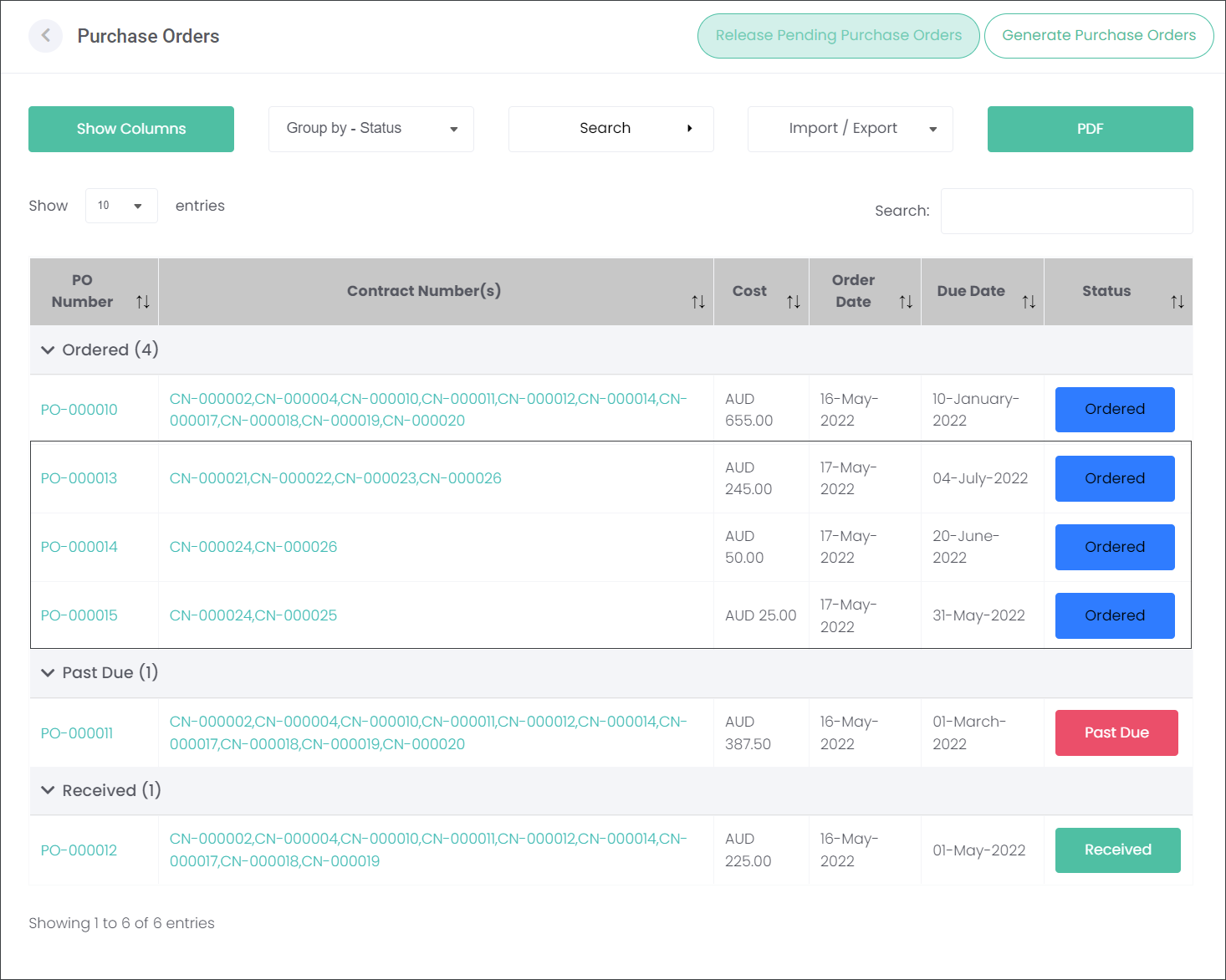
Release Pending Purchase Orders
Depending on the cemetery customers' processes, the users have an option to generate Purchase Orders but not send them to the Suppliers. In such situation the user can:
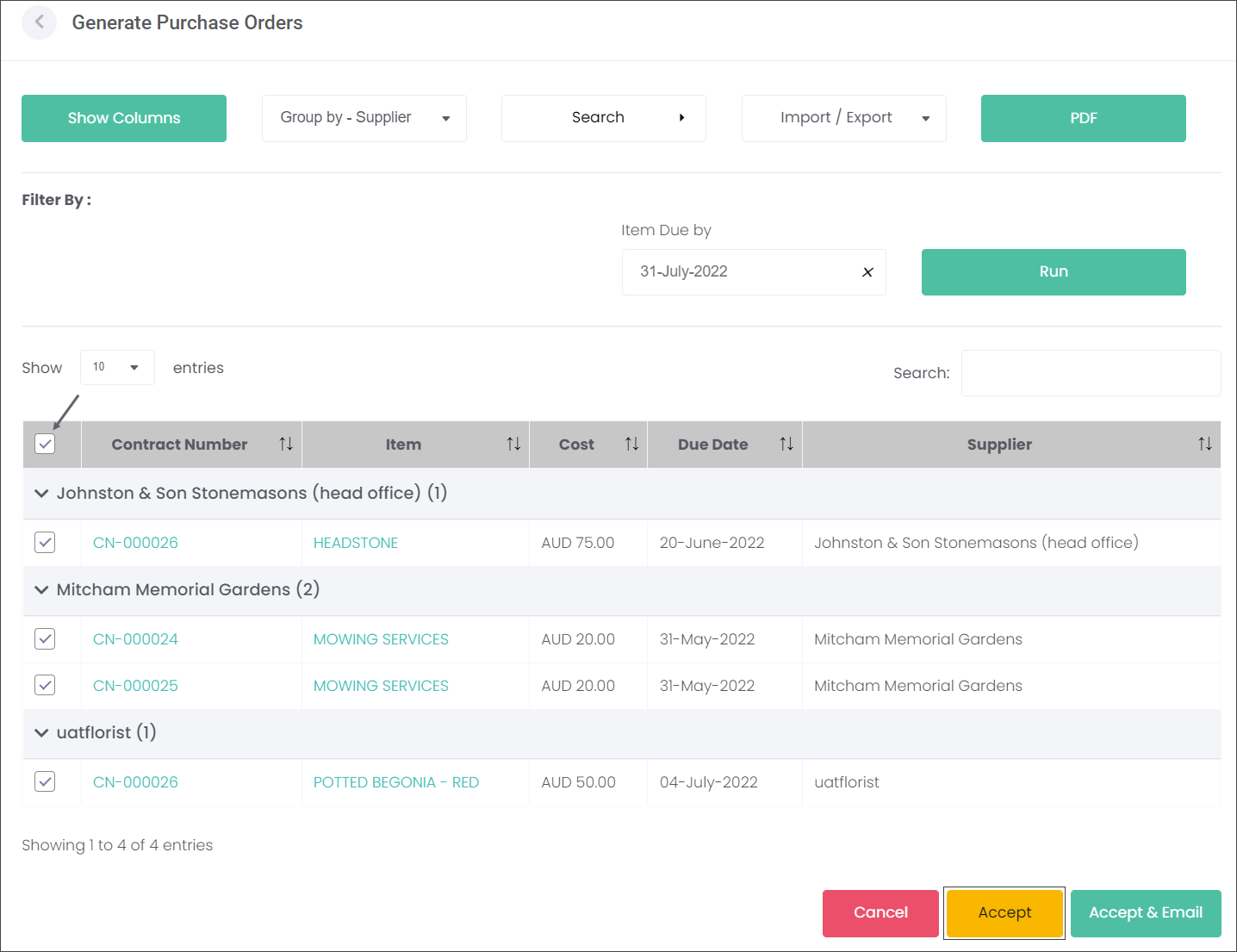
1. Generate the Purchase Orders as outlined in the Generate Purchase Orders section
2. Select the Purchase Orders ready for sending to the suppliers and press the Accept button.
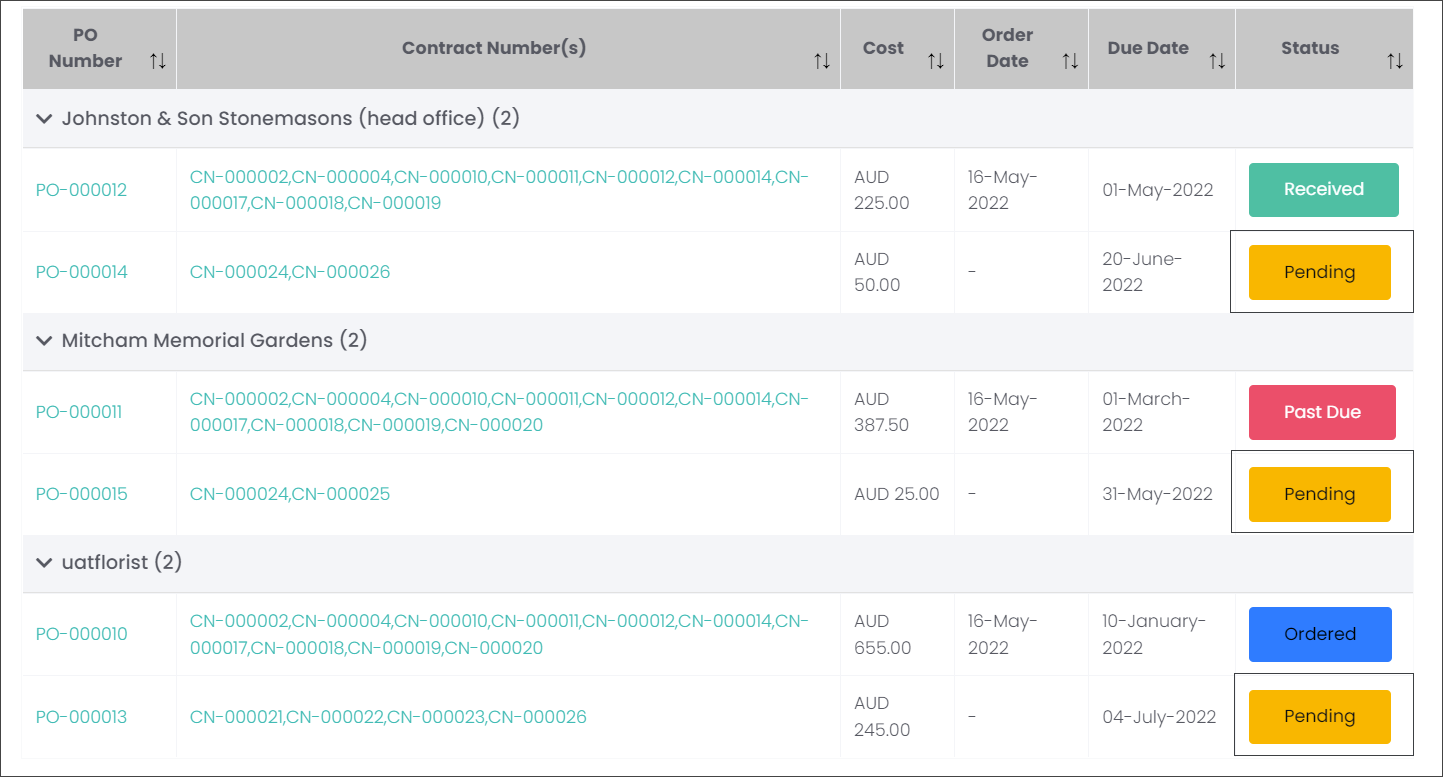
These Purchase Orders appear on the Purchase Orders page with their Status as Pending.
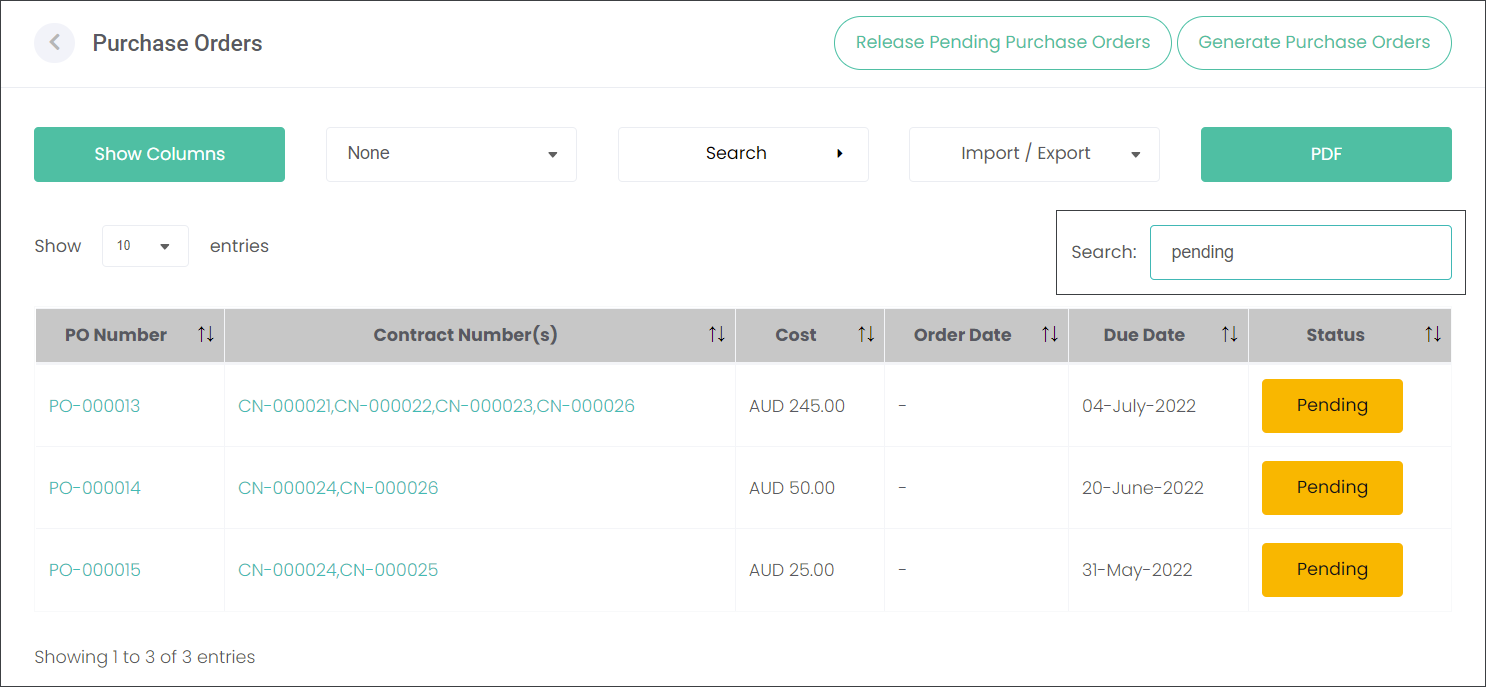
Let's use the filtering options to view only the Pending Purchase Orders:
1. Type in pending in the quick Search field, or
2. Select Group by - Status
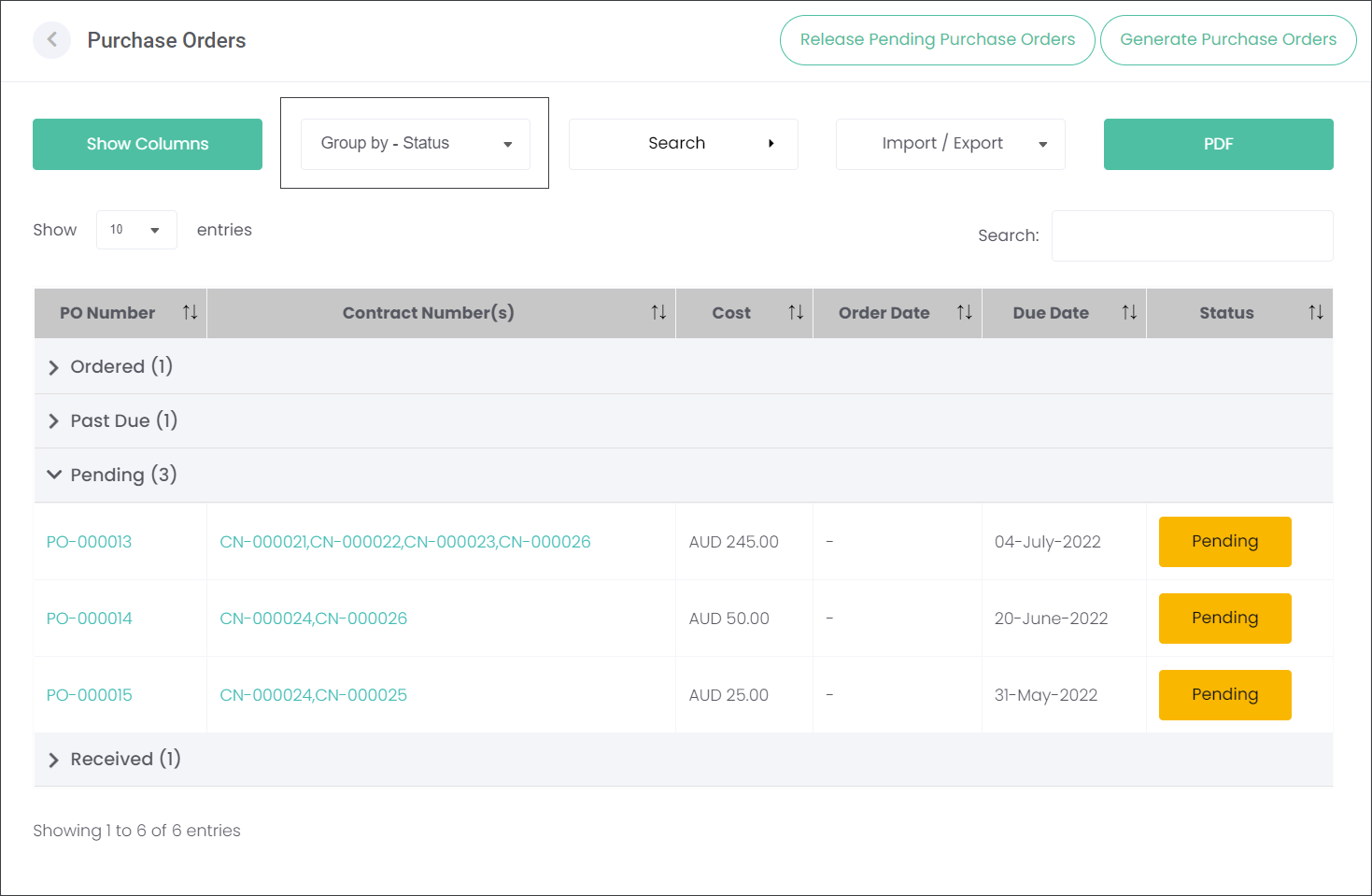
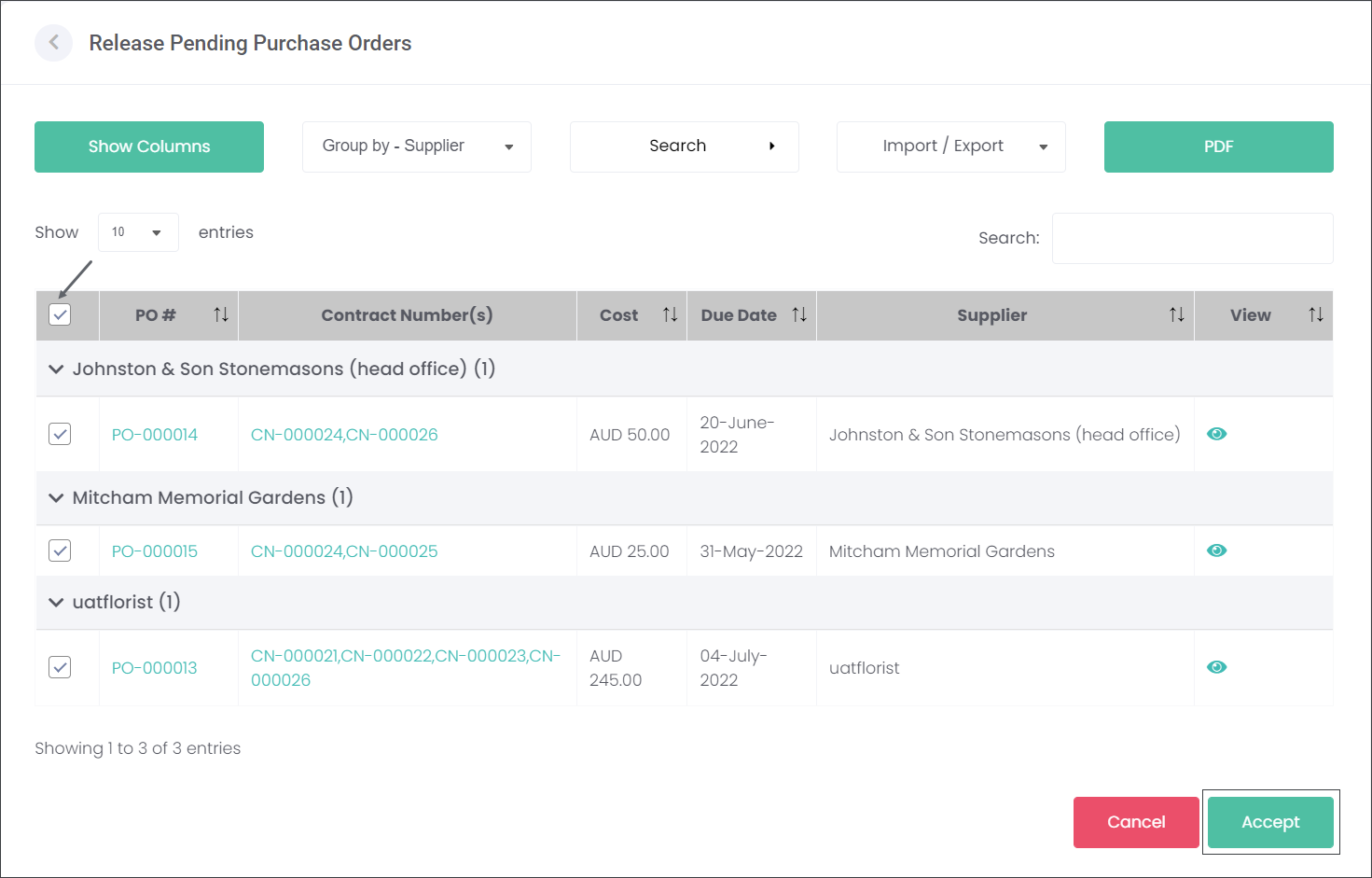
Use the Release Pending Purchase Orders button to send the orders to the Suppliers.

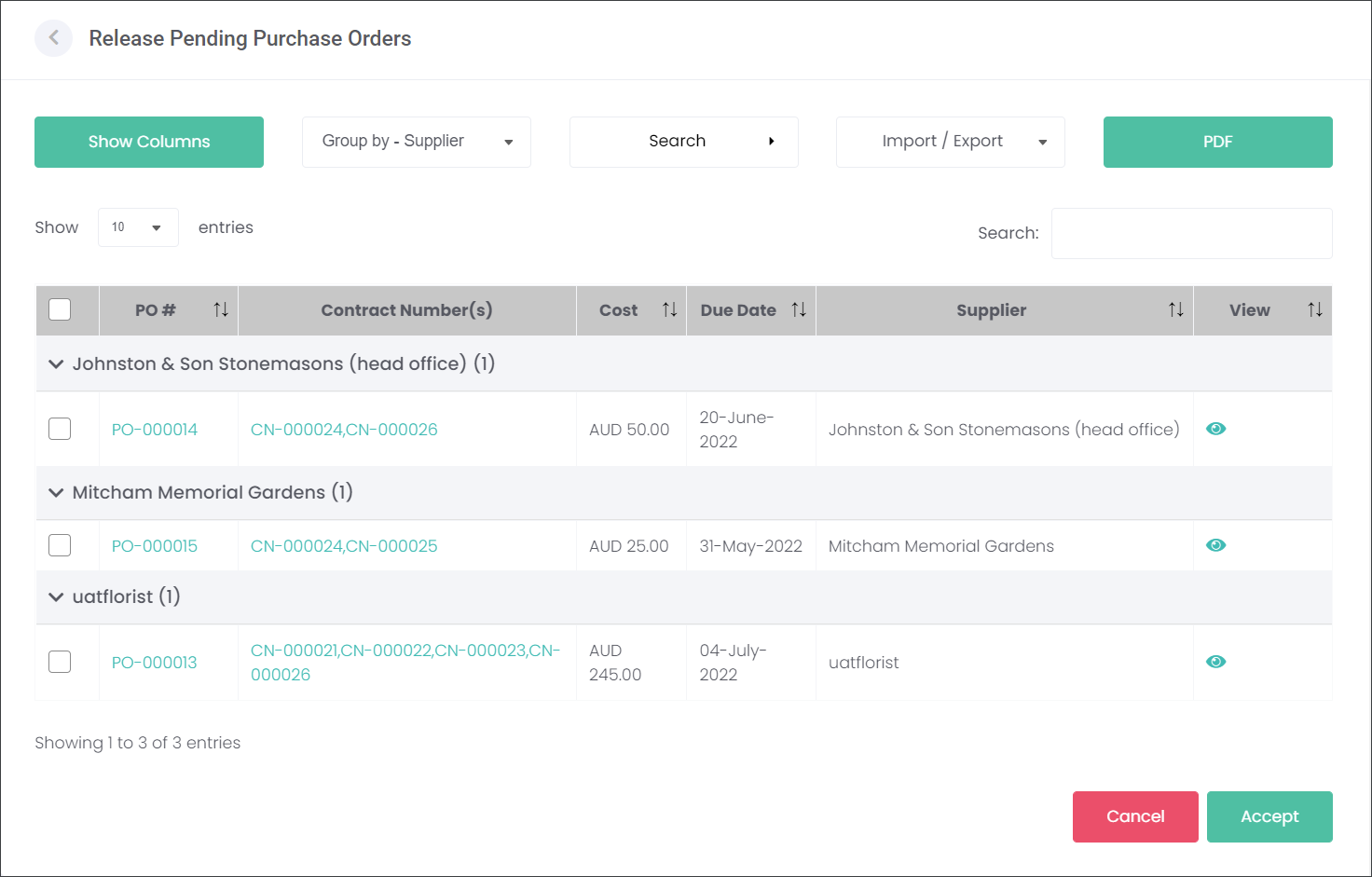
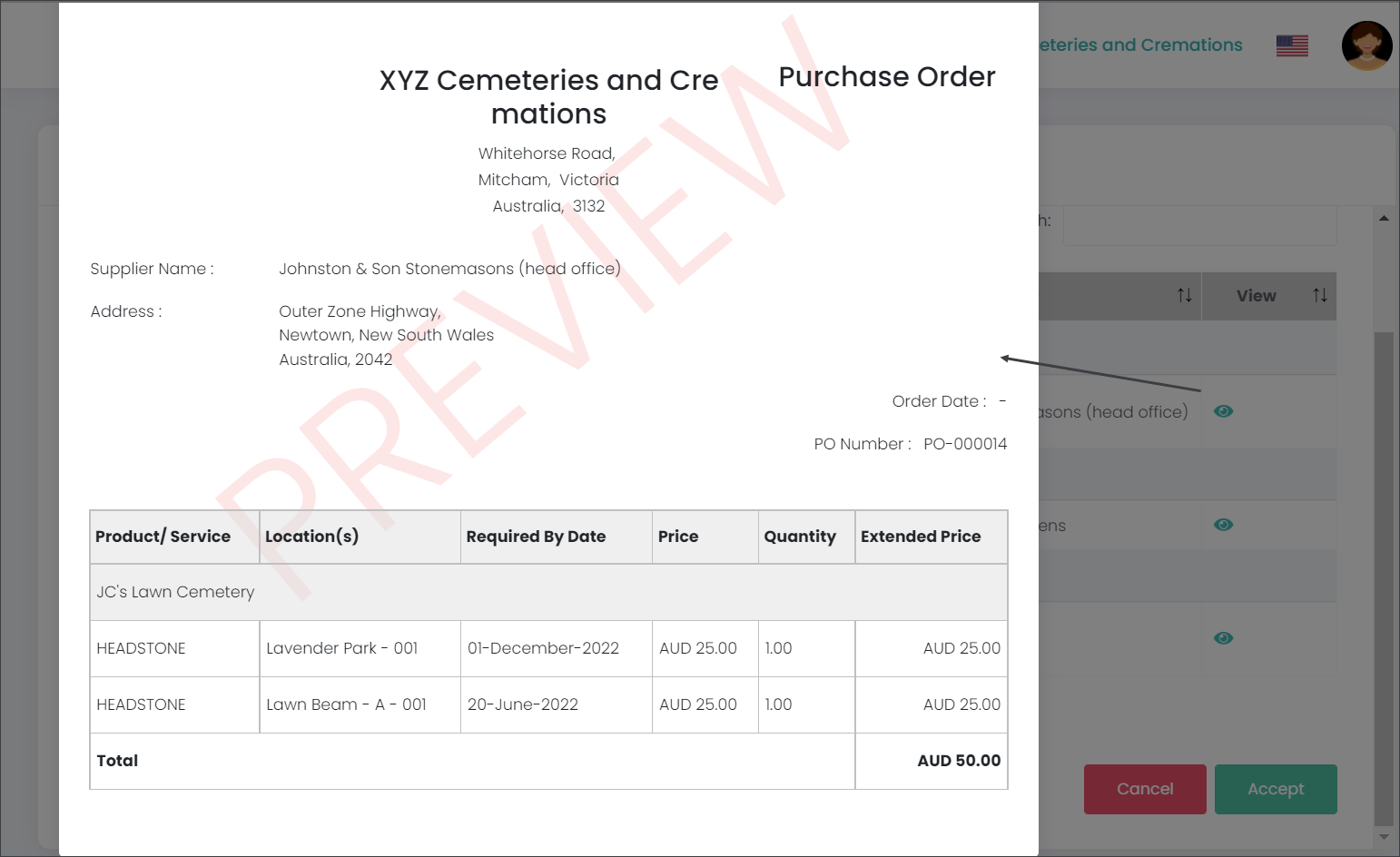
Note: On this page the users can view the Purchase Orders before sending them to the Suppliers.
Select the Purchase Orders, you want to send to the Suppliers, by using the tick boxes on the far left and press Accept.
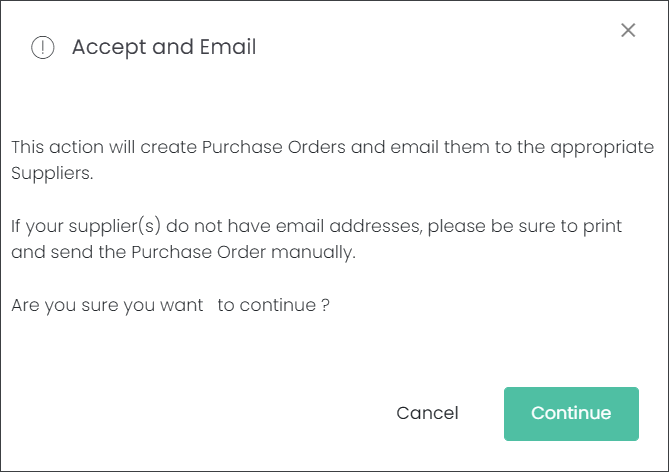
The Purchase Orders have been generated and sent to the Suppliers. In byondcloud their status has changed from Pending to Ordered.