Orders
The Orders page stores all customers' orders from Floral Programs campaigns. The Orders are generated as a result of customers purchasing Items through an online shopping cart or by placing orders over the phone or in person via the Internal Checkout page.
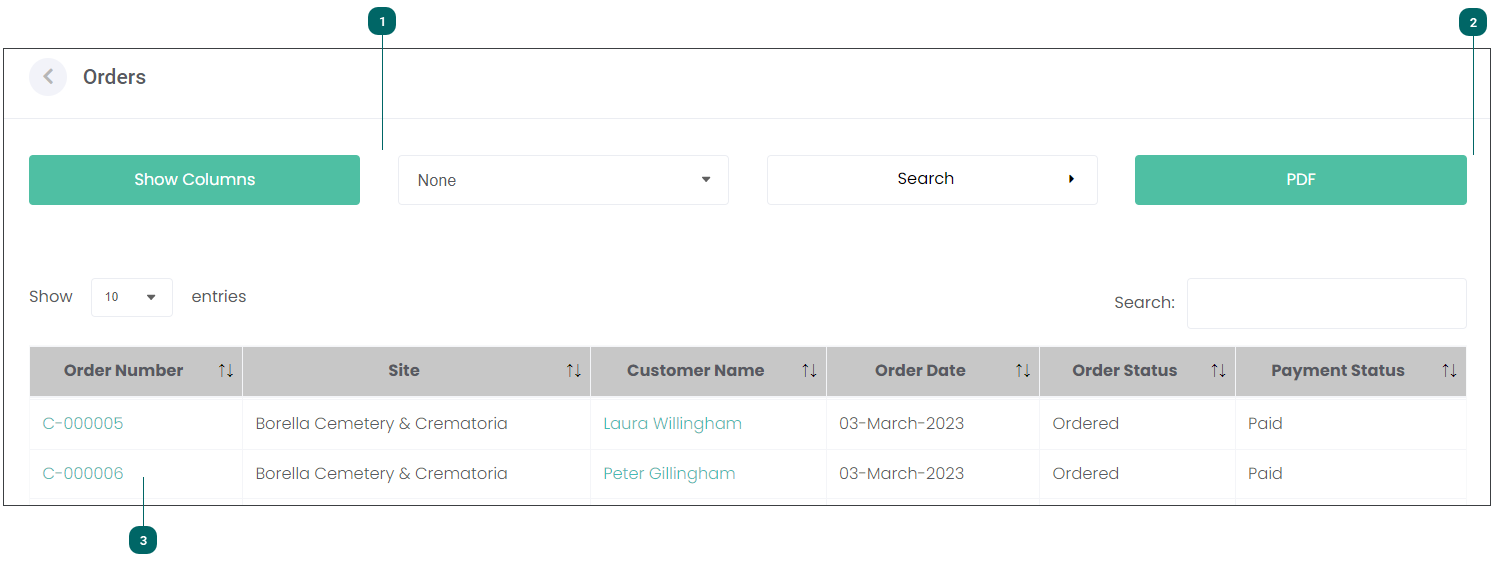


Click on the Order Number hyperlink to view the Order's details or to cancel it.
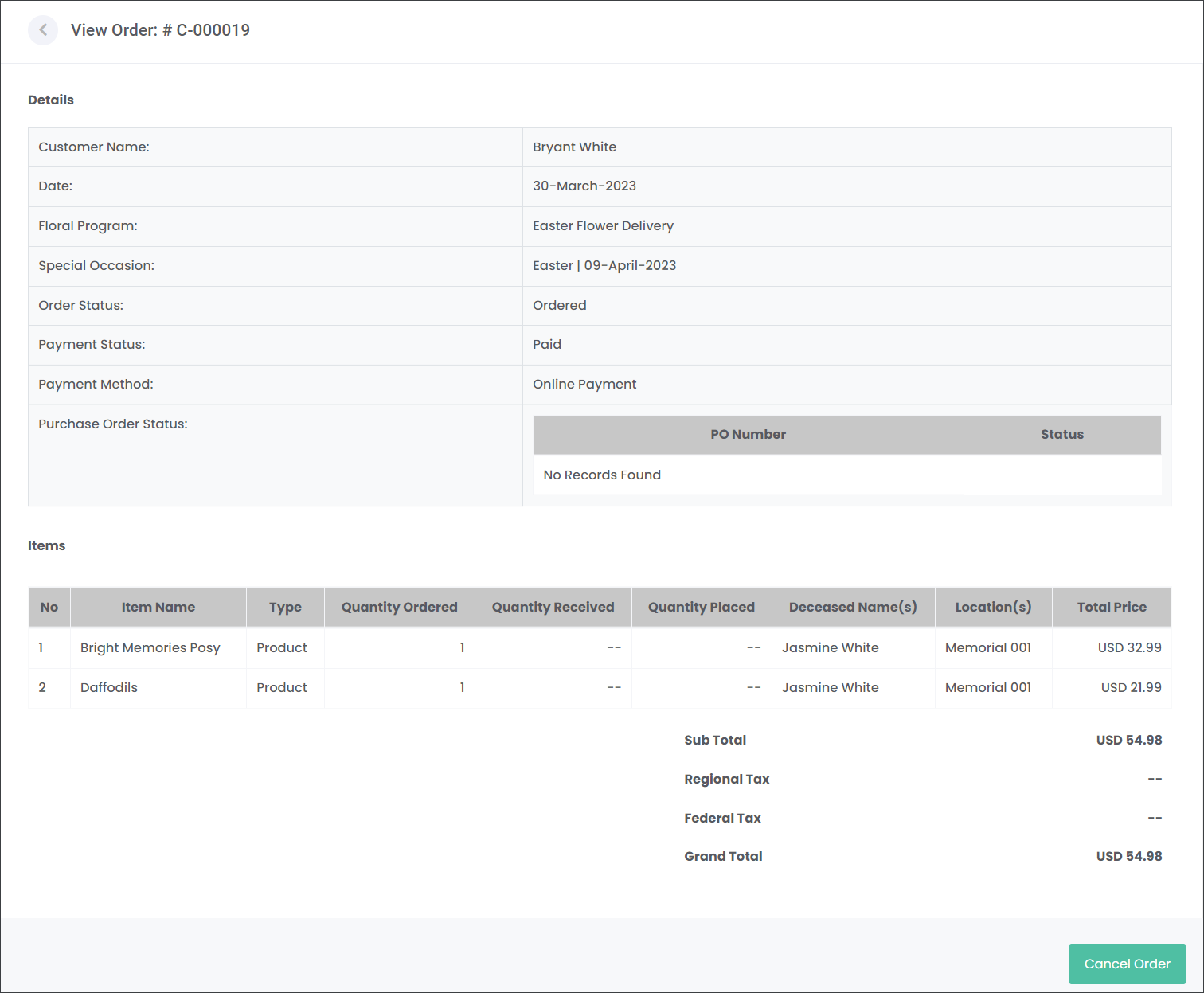
The Details section outlines all basic information about the individual order, for example who the customer is, when it was ordered, which Floral Program it relates to and more.
The Items section provides details about the purchased products like the Item Name and Type, Quantity Orders, whether the Items were received from the Supplier and placed on a designated location and more.
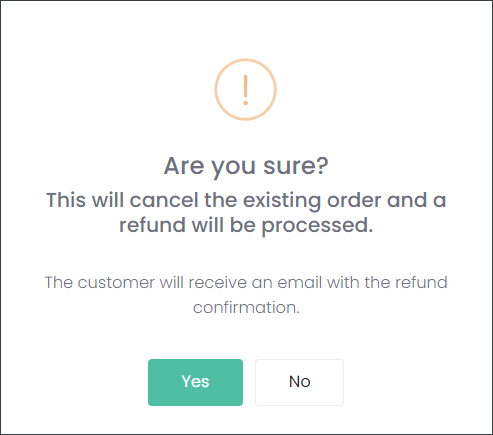
If the customer would like to cancel the order, press the Cancel Order button. The action will generate the below notification, press Yes if you would like to cancel the Order.
The Order will disappear from the Orders page.
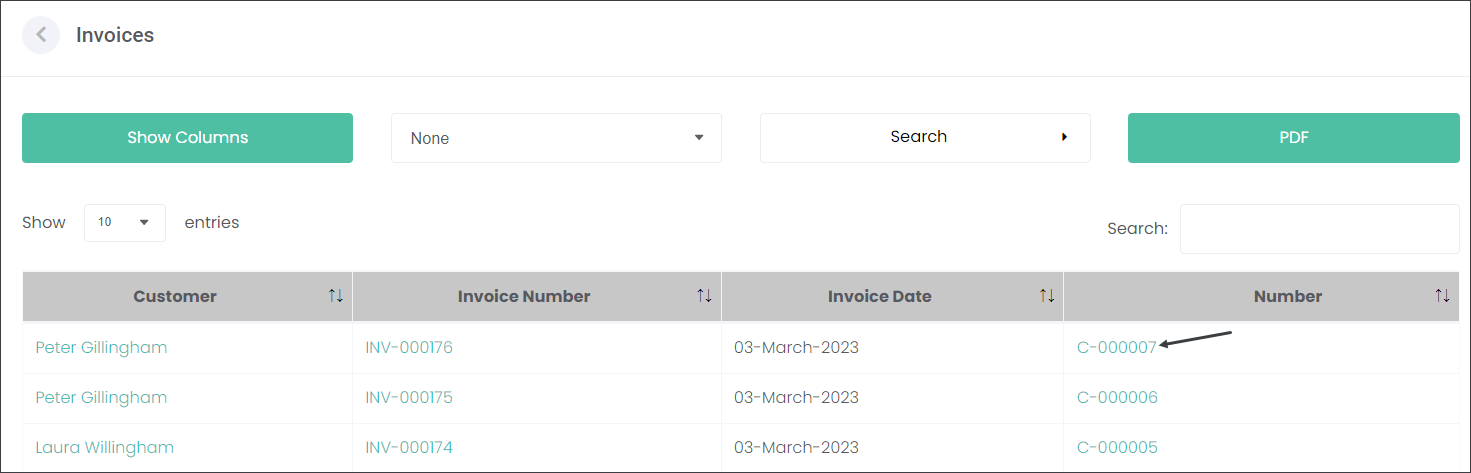
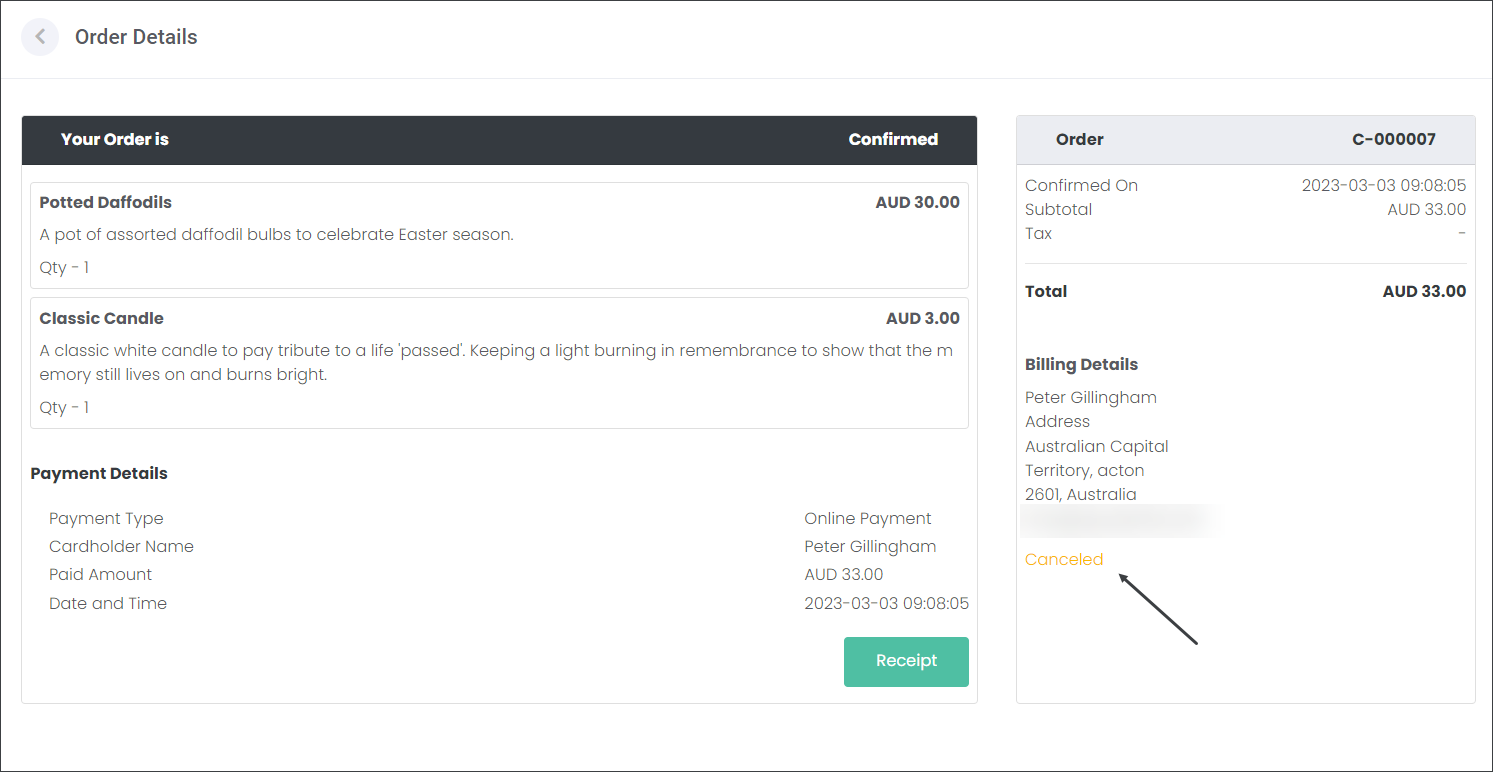
When you navigate to the Invoices page and click on the canceled Order Number, you will also see that it has been canceled.
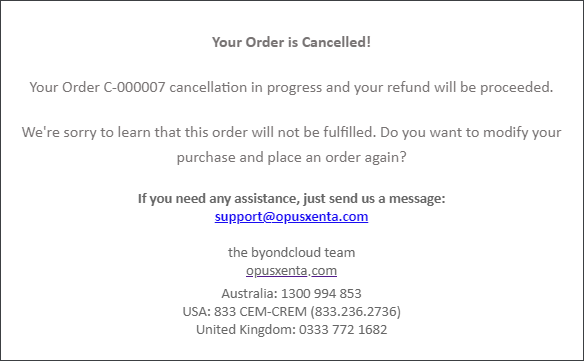
The customer will receive an email notifying them about the cancellation.