(c) Copyright by OpusXenta Pty Ltd. All rights reserved.
Manage Rights Transfers
RecordKeepr also has the ability to manage rights transfers, which can be used when a family member wishes to transfer interment rights to another family member, for example.
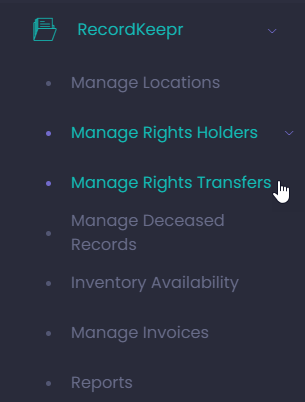
This function can only be accessed from the side menu (not the Dashboard) as pictured below.
Click on Manage Rights Transfers (under Manage Rights Holders) from the side menu.
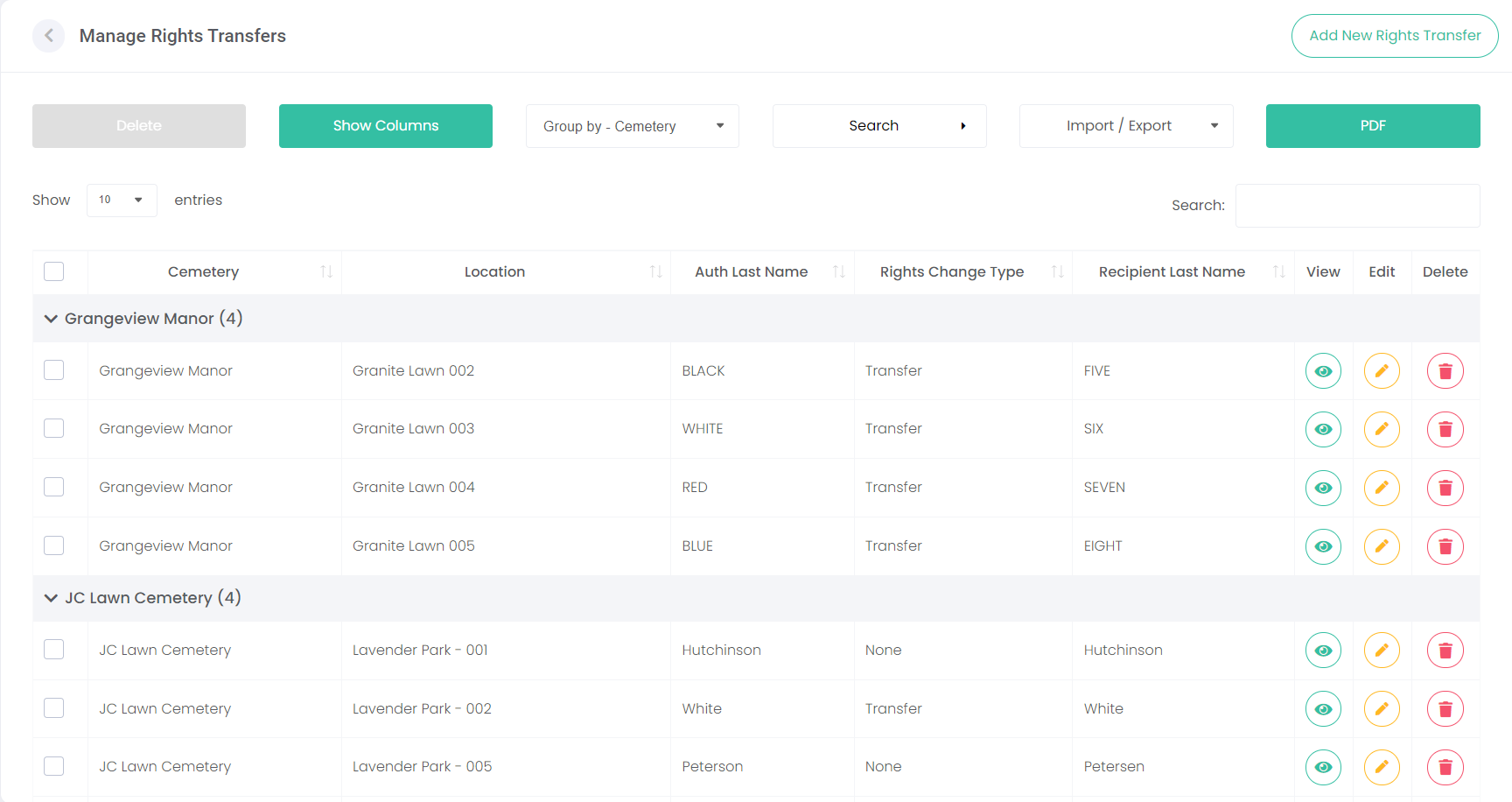
The following screen displays, which has similar features as the previous screens we have looked at, such as Show Columns, Group and a Search function.
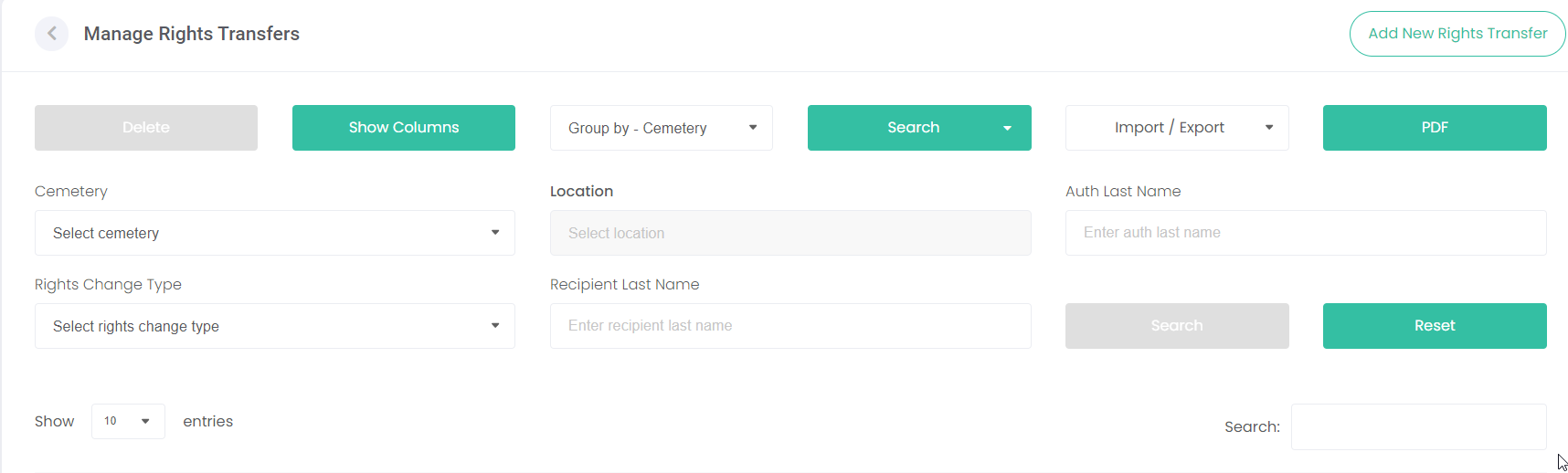
Note: When you click on the Search button on this screen, you can search by additional fields including Authoriser, Rights Change Type and Recipient.
Alternatively, you can use the Quick Search field: