(c) Copyright by OpusXenta Pty Ltd. All rights reserved.
Manage Campaign
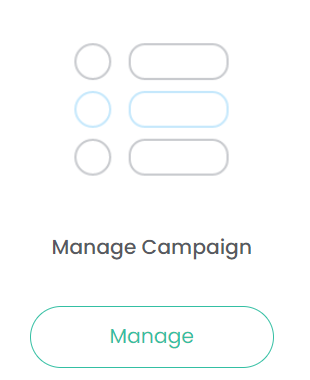
To access Manage Campaign, click on Manage under the Manage Campaign icon.
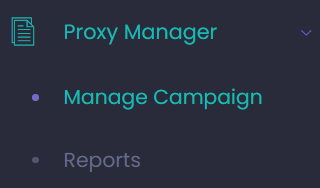
Alternatively, by clicking on the arrow next to Proxy Manager on the side bar / tool bar, click on Manage Campaign from the selection list.
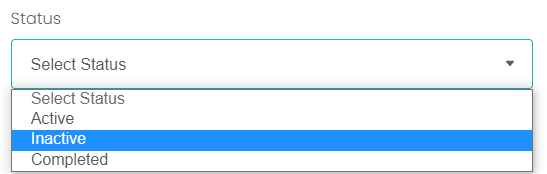
Should a user want to revisit a current or previous campaign, in the Manage Campaigns section, search filters allow users to narrow down the search on campaigns by the AGM Year and the Status.
The status will have selections of:
Active
Inactive
Completed
After entering in the search criteria, choose the Search button.
All results that meet the search criteria will display below.
To reset the search criteria, choose the Reset button.