Maintain Plans and Pricing
On the Maintain Plans and Pricing page users create a detailed catalog of products and services that their customers will see on the website. A Plan in marketmakr is a service or product your business offers to their customers. For example, at Highview Remembrance Park, the Lawn Grave product is considered a Plan. For a funeral home, it could be an end-to-end funeral service including organizing chapel and burial/cremation service, as well as a gathering for a family.
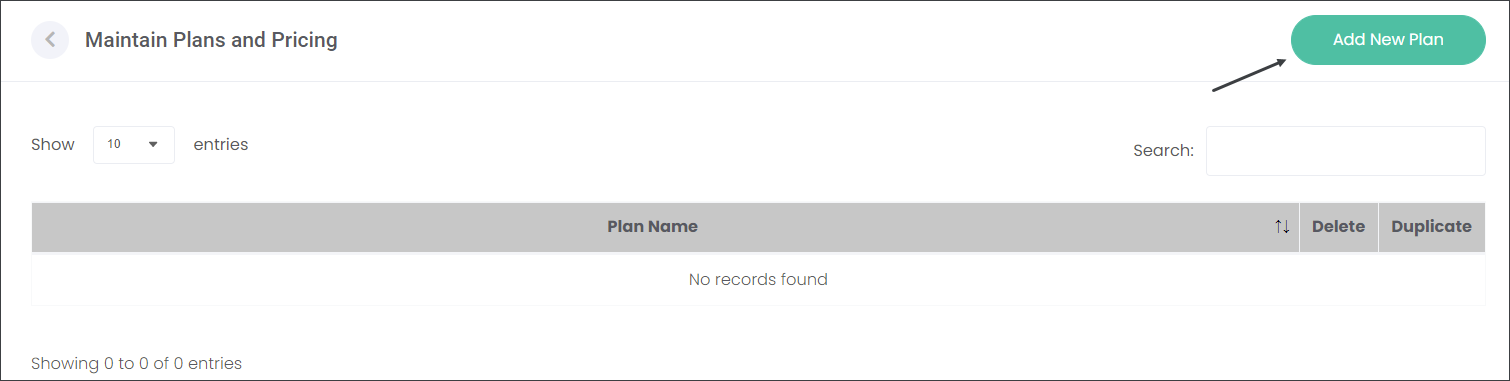
Begin by pressing the Add New Plan button.
Describe the Plan in the text fields at the top of the screen.
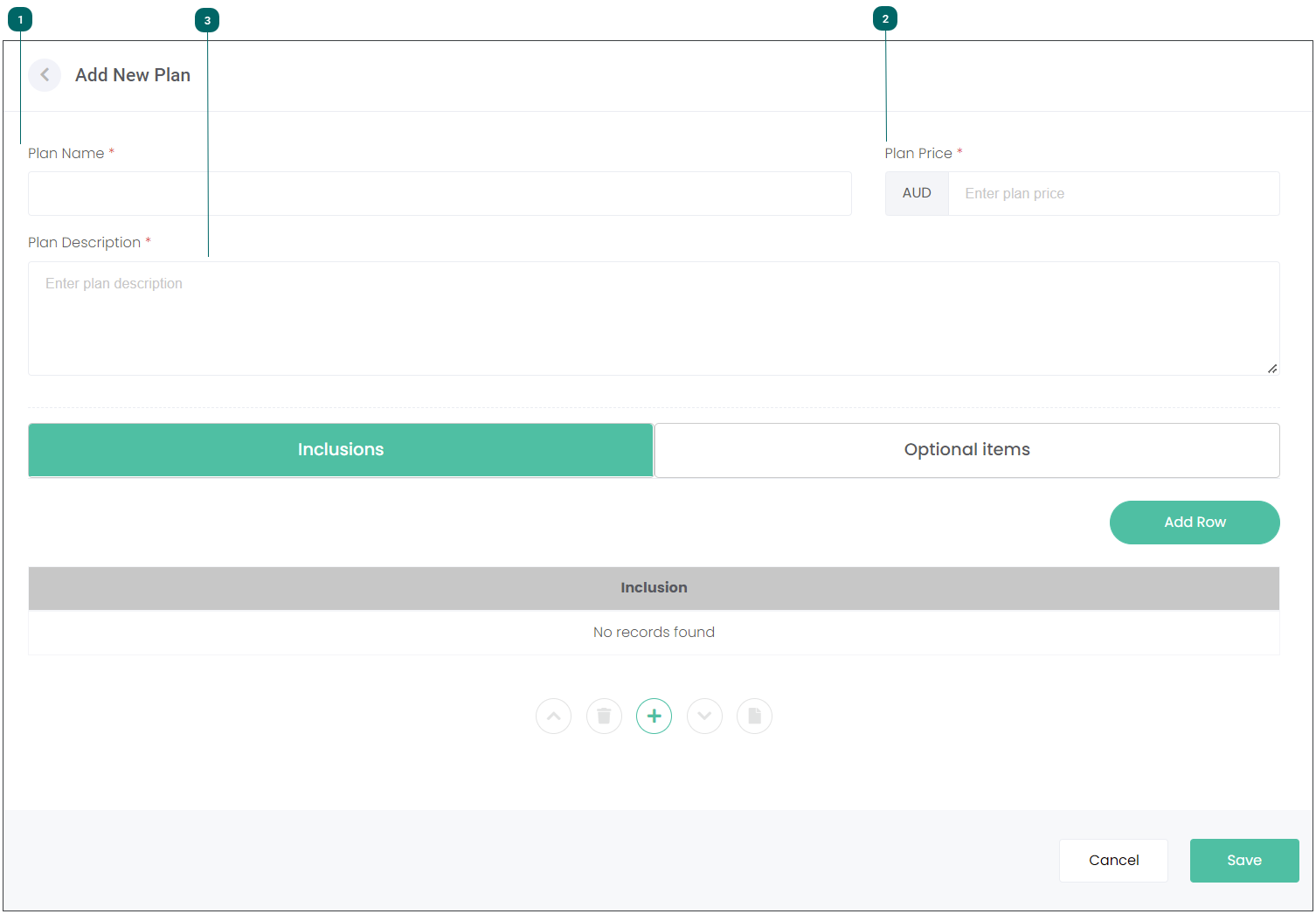






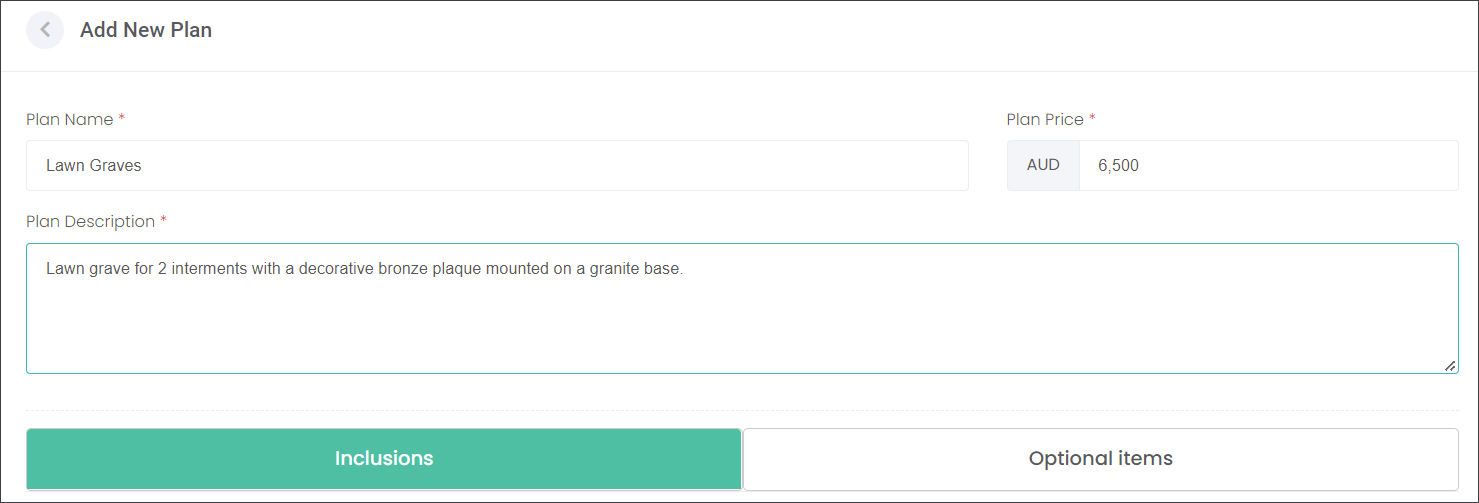
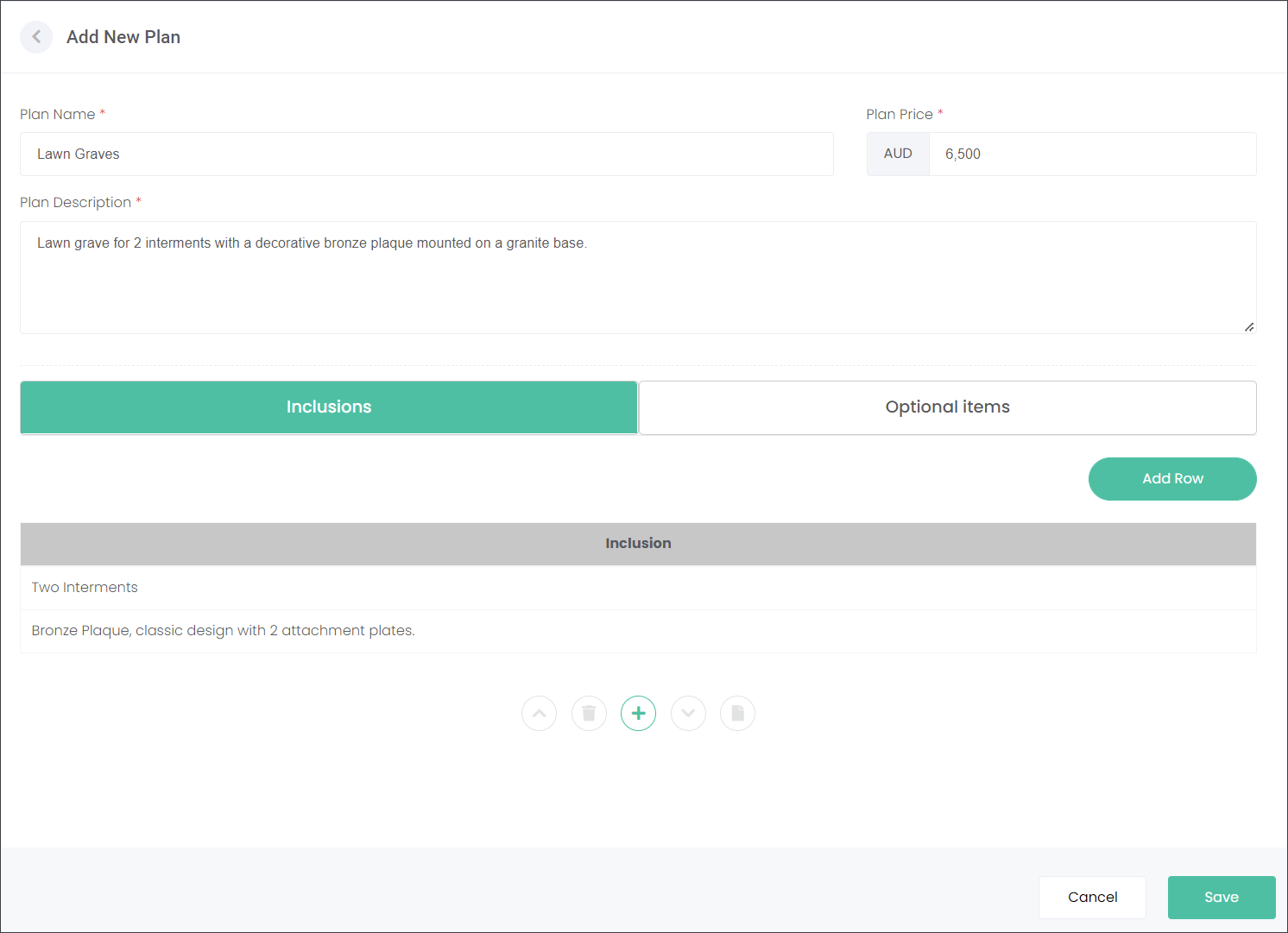
In the Inclusions tab, describe what is included in the Plan. For example, at Highview Remembrance Park customers who purchased a lawn grave will have space for two interments and a bronze plaque with two attachment plates.
Visit the Inclusions section of this guide to find out how to enter this information.
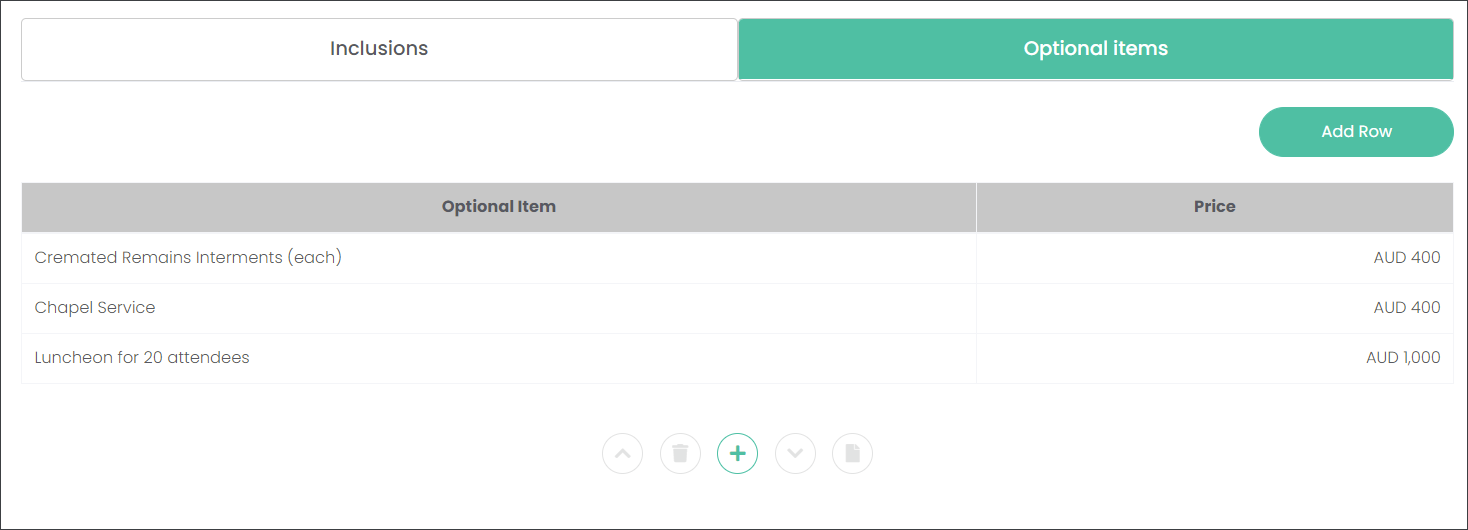
In the Optional Items tab, list what other additional items customers can purchase with the Plan. For example, at Highview Remembrance Park customers who purchased a lawn grave can additionally buy a cremated remains interment for $400, a chapel service for $400 and/or a luncheon for 20 attendees for $1000.
When you're satisfied with the description, Inclusions and Optional Items of your Plan, press Save on the bottom left corner.
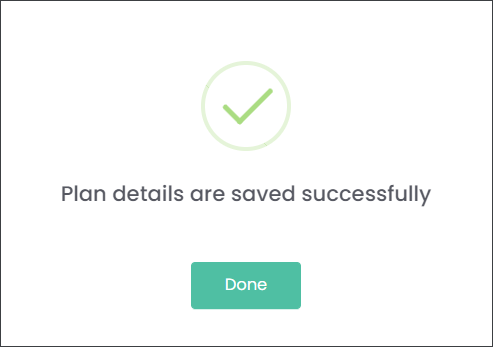
Your plan has been listed on the Maintain Plans and Pricing page.