(c) Copyright by OpusXenta Pty Ltd. All rights reserved.
Inclusions
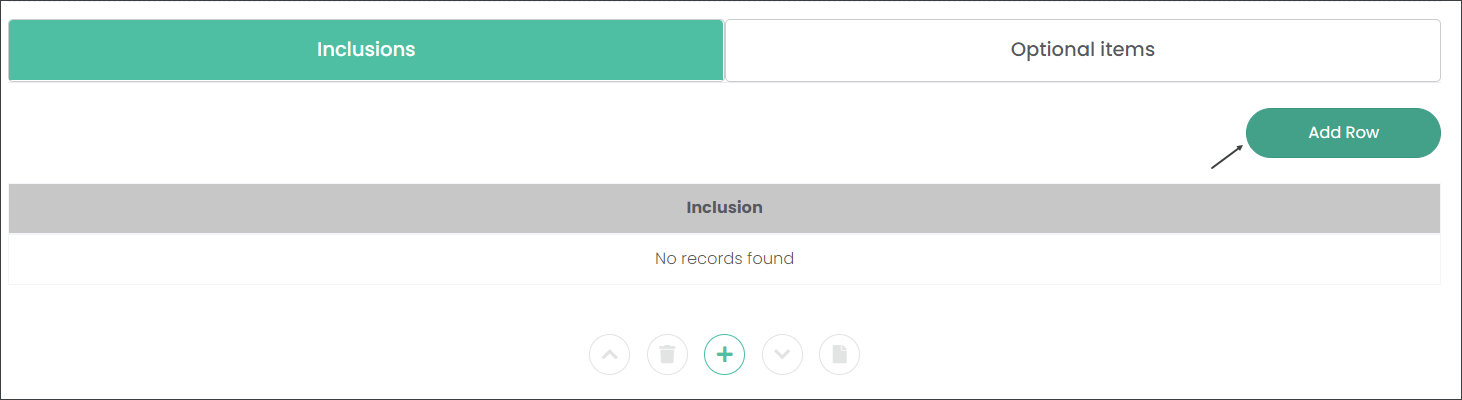
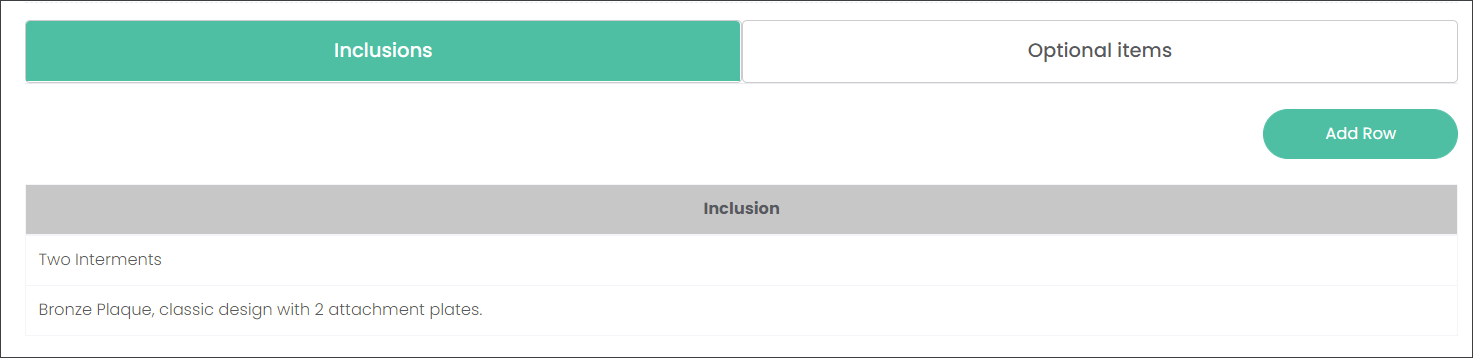
In the Inclusions tab, describe what is included in the Plan. For example, at Highview Remembrance Park customers who purchased the Lawn Grave Plan will have space for two interments and a bronze plaque with two attachment plates. Let's enter these in the Inclusions tab.
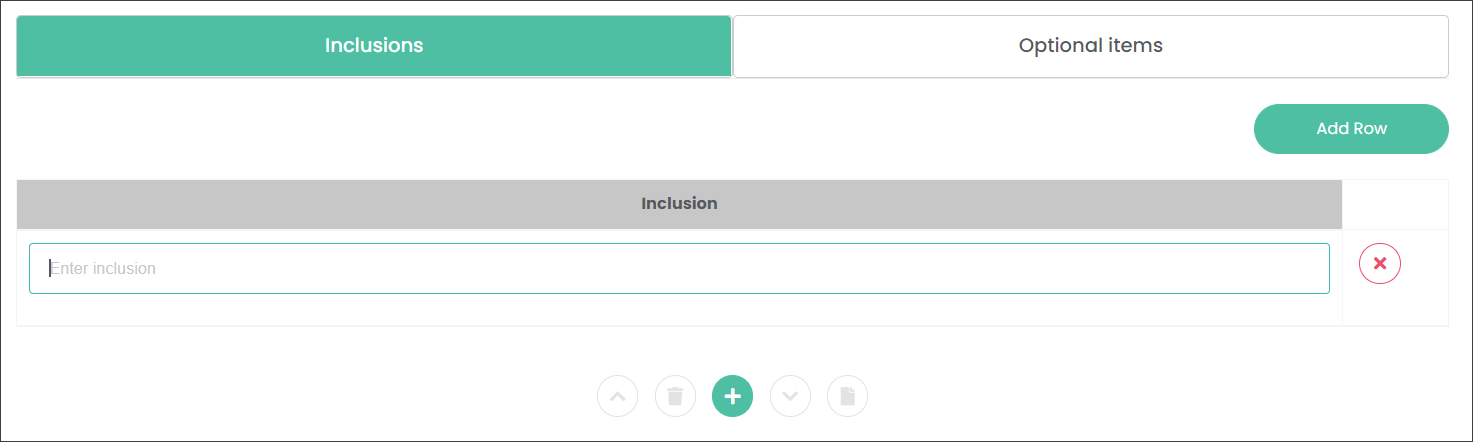
Begin by pressing the Add Row button.
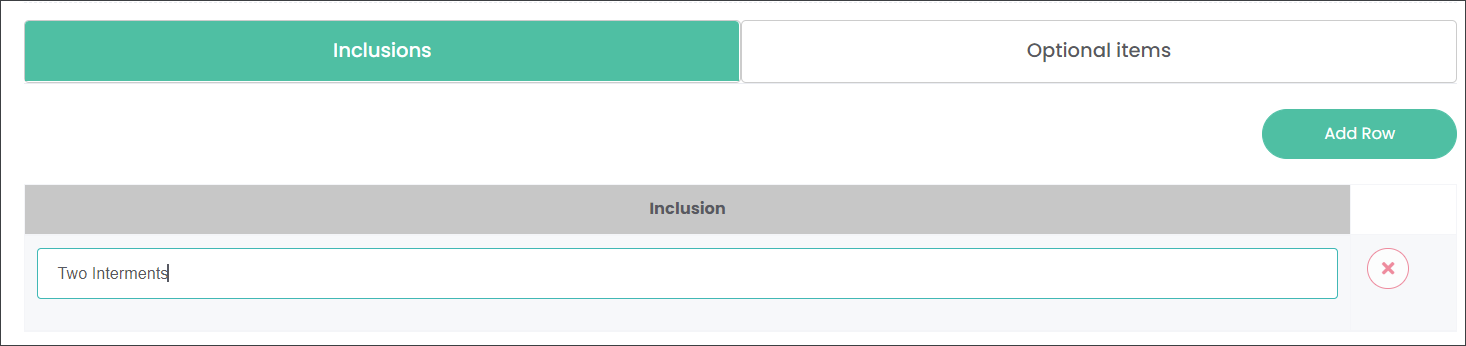
Type in the first Inclusion, for example 'Two interments'.
Then add other Inclusions by pressing the Add Row button or green '+' symbol below the rows.
Navigate to the Optional Itemstab to add any additional items that can be purchased with the Plan.
Alternatively, if there are no additional Items, press Save at the bottom left corner of the screen.