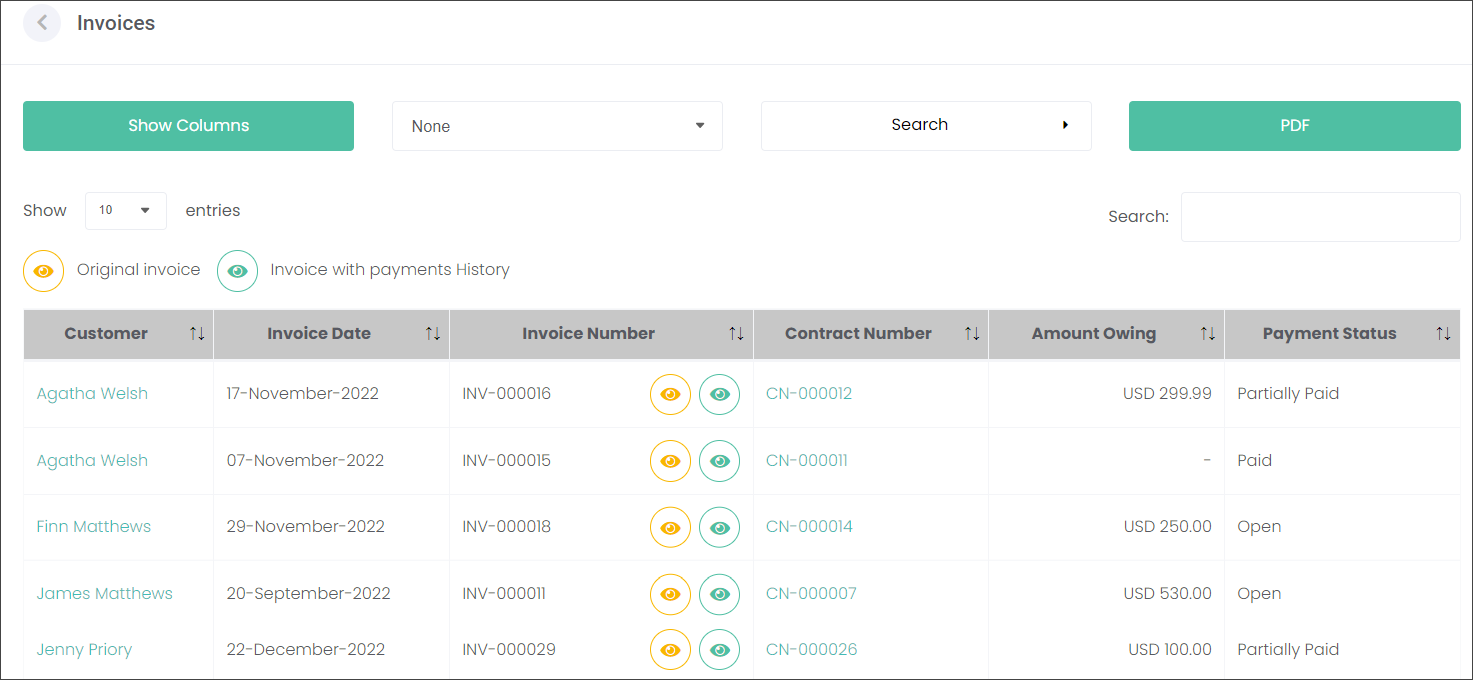
The Invoices section is a list of invoices issued as a result of the accepted Contracts.
The screen displays information against the Customer, Invoice Date and Number, Contract Number, Amount Owing and the Payment Status.
The users can choose what type of invoice they would like to view:
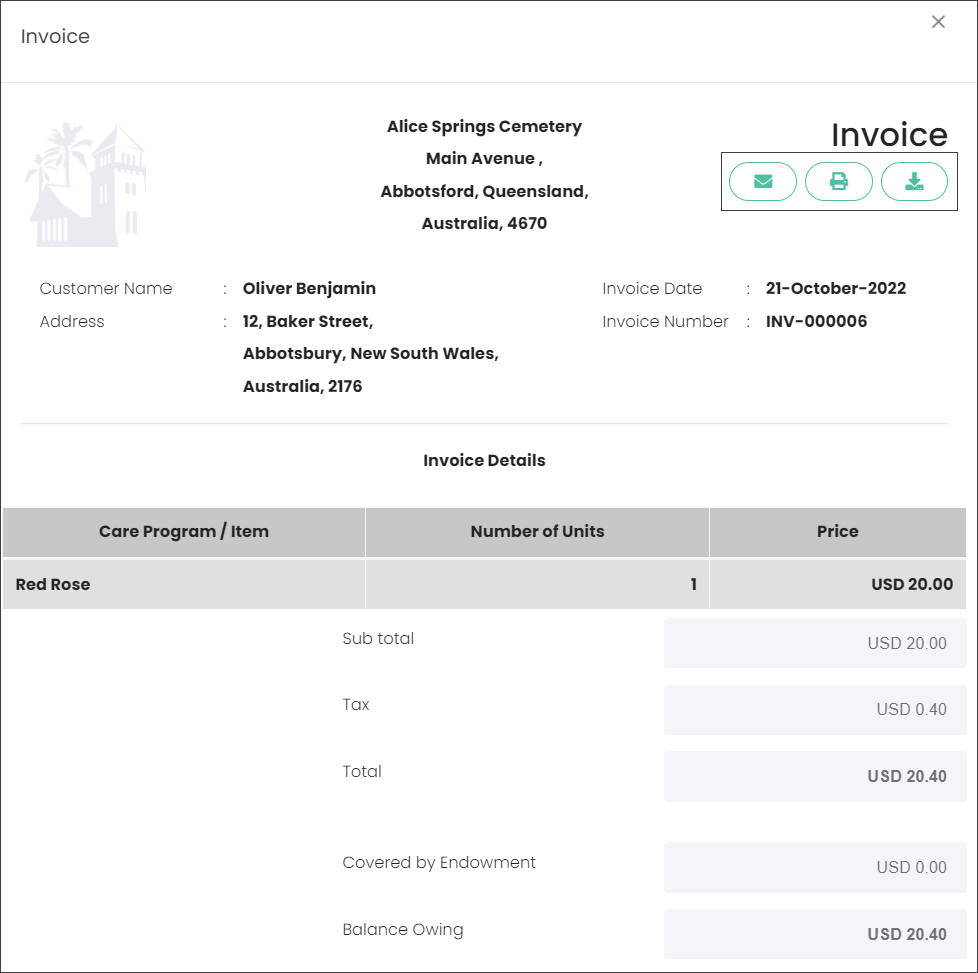
1. Original Invoice generated as a result of an accepted Contract, or
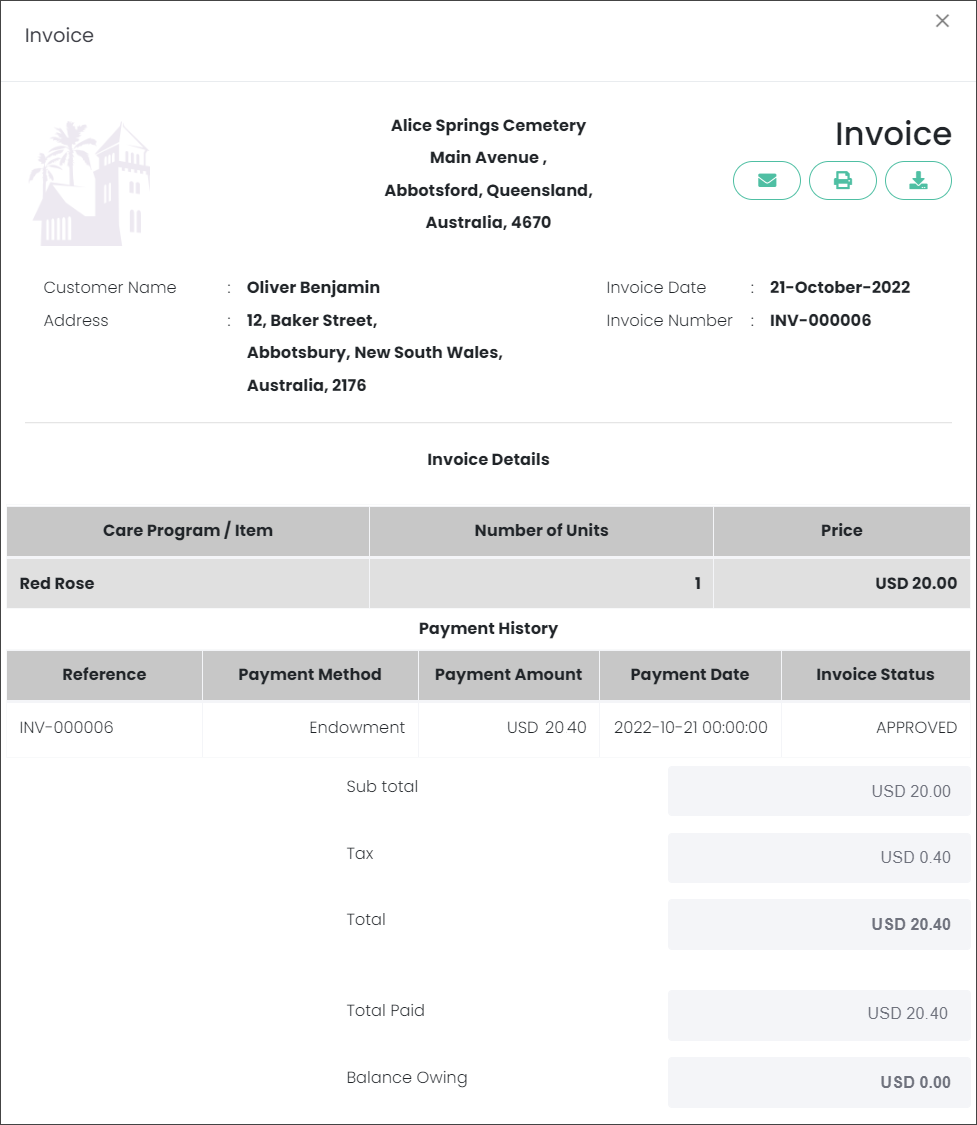
2. Invoice with payments History generated as a result of payments against the Contract.
Users can view an Original Invoice by pressing on the yellow icon.
From the PDF view of the Invoice you can:
You can also view Contracts corresponding to the selected Invoices by following the green hyperlink with the Contract number.
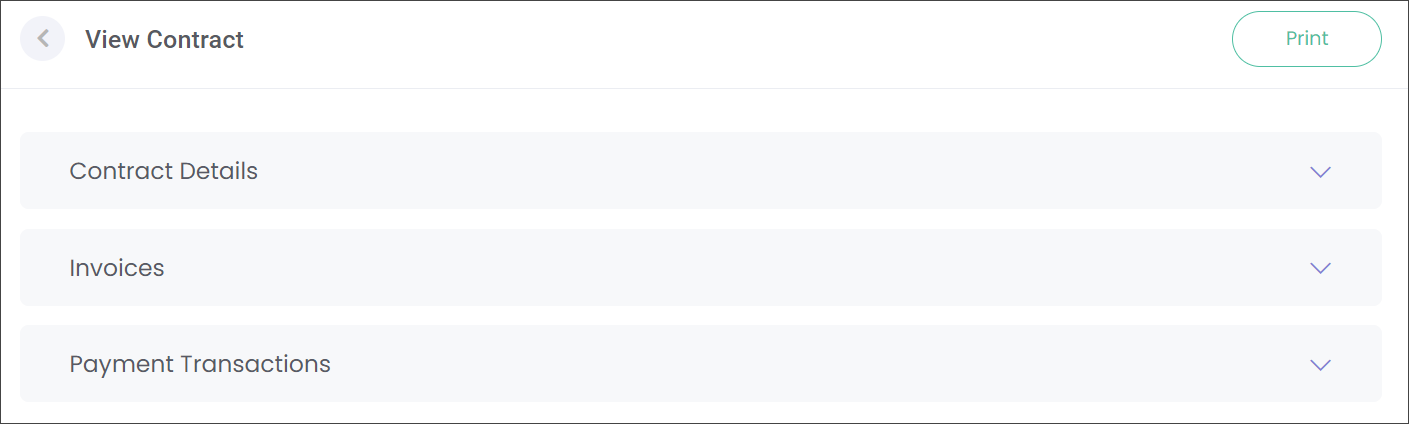
On the View Contract screen you can access the following information by pressing on the down arrows:
-
Contract Details such as the terms and included Items.
-
Invoices where you can Add Payments and view the Invoice with Payments History.
-
Payment Transactions with the transaction history.
Navigate to the
Contracts section of this guide to find out more about managing the Contracts.